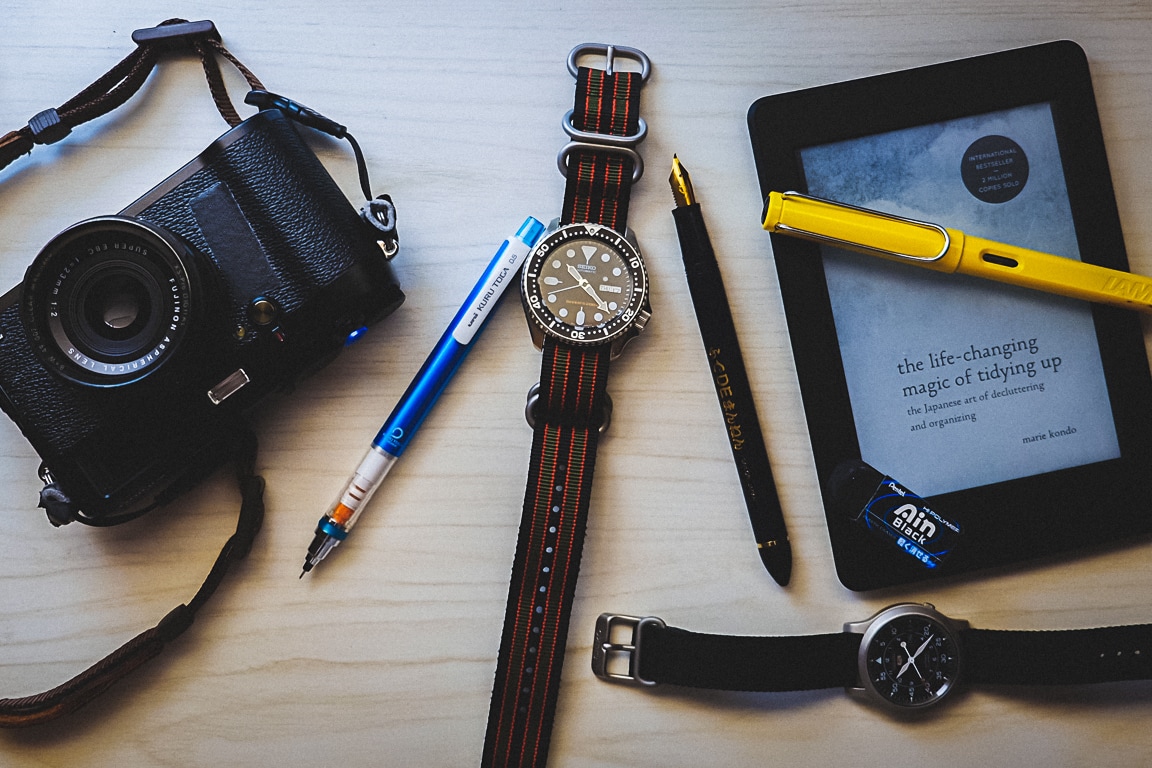
Photo info: FUJIFILM X-T10, 18mm, f/2.8, 1/60 sec, ISO400 “Things That Spark Joy” Cedar Park, 2019
こんばんは。How’s it going?
It seems that everyone is talking about Marie Kondo lately because of her show on Netflix. I’ve seen a couple episodes and read her book The Life-Changing Magic of Tidying Up, which I enjoyed, and like a lot of other people, I’ve been re-examining the things that I buy and keep. I’ve put together a list of items that not only “spark joy”, but also are things that I use often and if I lost the item, I’d buy it again.
Instead of listing them here, I created a page so I can update as needed. If you have a few minutes free, why don’t you check out my list? (And if you buy anything via the links, I’ll get a small kick-back from Amazon 🤗)
Photo info: FUJIFILM X100T, 23mm, f/4, 1/340 sec, ISO200 “Blue Sky Coming” Cedar Park, 2018
こんばんは。How’s it going?
For the past few years, I’ve been simplifying my life in many different areas, both large and small, for instance, my camera gear, decluttering my closet, book collection, and tidying up my home workspace. But another area that I enjoy simplifying is my digital life. There are many areas of our digital lives that have gotten so cluttered and complicated, and I’m going to write about the ones I’ve identified and worked on. For tonight I’ll start with bookmarks.
I’ve been online since the early 90s, and I’ve been saving, organizing, and filing away bookmarks ever since I started using NCSA Mosaic. That’s a couple decades worth of bookmarks! Of course, I don’t keep everything, but I’d say that my collection of bookmarks has hovered at around 3 year’s worth, growing and shrinking as I find time to delete obsolete ones.
But just this past week or so I’ve been going through them and ruthlessly decluttering. First, if I look at a link and don’t know what it is by name alone, I’ll delete it. It’s obviously not important enough to keep if I don’t even know what its name is referring to. I won’t even check to see if the link is active.
For the second pass, I spend a few moments thinking about if I’ve clicked on the link within the past few months. If not, I delete. This clears out a ton of links to old hobbies that I am no longer interested in, DIY repair links to things that I’ve already fixed, shopping research for things I’ve already bought, etc.
After that, my bookmarks collection is really streamlined!
But what is the benefit of having a stripped-down collection of bookmarks since keeping them doesn’t cost anything? Well, I believe that even if a bookmark is in a hidden away in a folder, it still occupies a bit of space in my brain. But by consciously deleting the link, it frees up that space and gives a bit of closure – I know that the bookmarks folders don’t have anything obsolete or useless in them. No loose ends!
I also think that when I know I’ve streamlined the bookmarks, I’ve simplified my life and jettisoned those things that aren’t essential to me. It’s sort of a digital representation of letting go of real things that are not useful to me any longer. When I look at the folders that are lined across my bookmarks toolbar, I can see right away what’s important to me, and it kind of keeps my priorities in line. For instance, my folders are Blogging, Music, 日本語, Work, Art, Fun, Photo, Kids, Wellness, and Finances. And some subfolders are Travel, Reading, and Motorbike.
And a little technical bonus: because Chrome bookmarks sync across my entire account, when I clean up on one browser, the rest of my devices get cleaned up too. It’s like magic. Cloud magic! 😄
******************
Today’s photo is of the clouds breaking up to reveal clear evening skies.
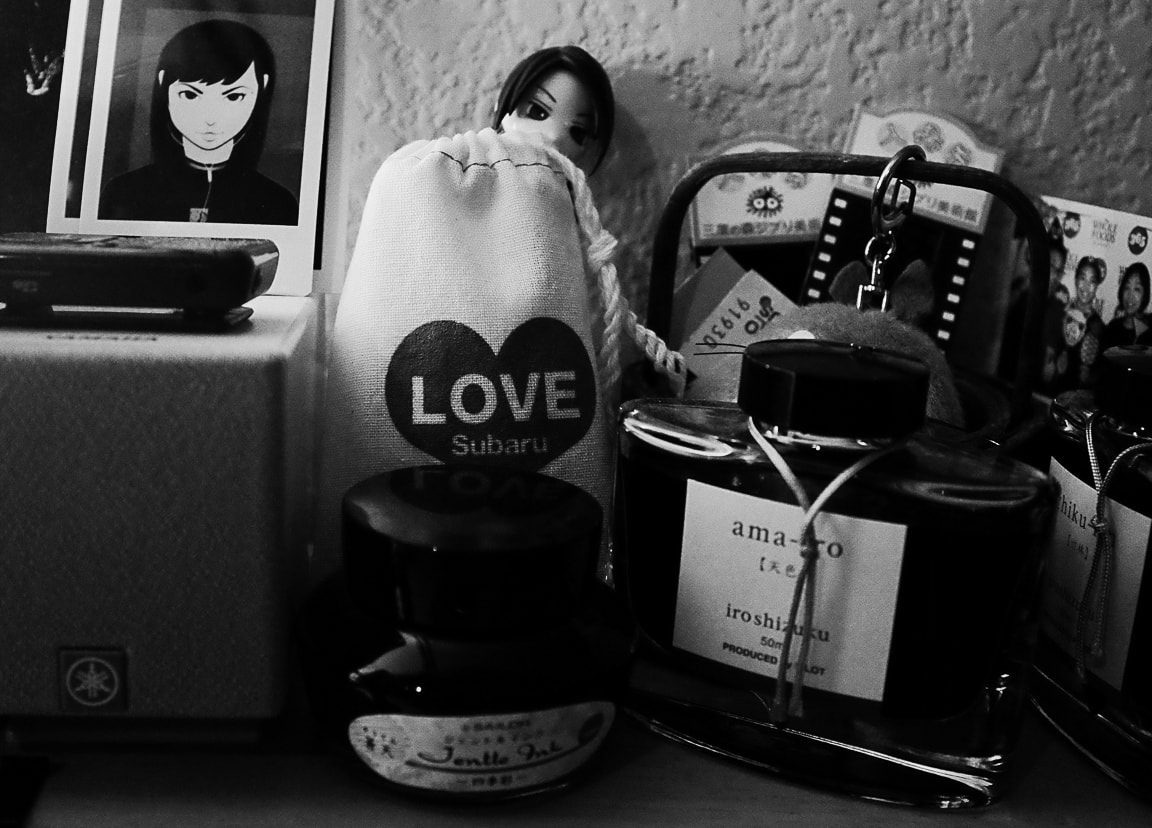
Photo info: FUJIFILM X100T, 23mm, f/4.5, 1/125 sec, ISO5000 “Stuff” Cedar Park, 2018
こんばんは。How’s it going?
Minimalists say to only keep things that are useful or bring joy. I guess the small shelf I have on my home office desk is 90% there. You can’t see them in the photo, but the only things I have which don’t fit those criteria are some old audio CDs that I don’t listen to. They were gifts which I could probably toss now that the music has been ripped and added to my digital collection. The other thing that is useful, but doesn’t get used, is a Sansa MP3 player. I should probably donate that one, right?
But other than those two things, I think I am doing good with the decluttering in that small section of the house. 😄
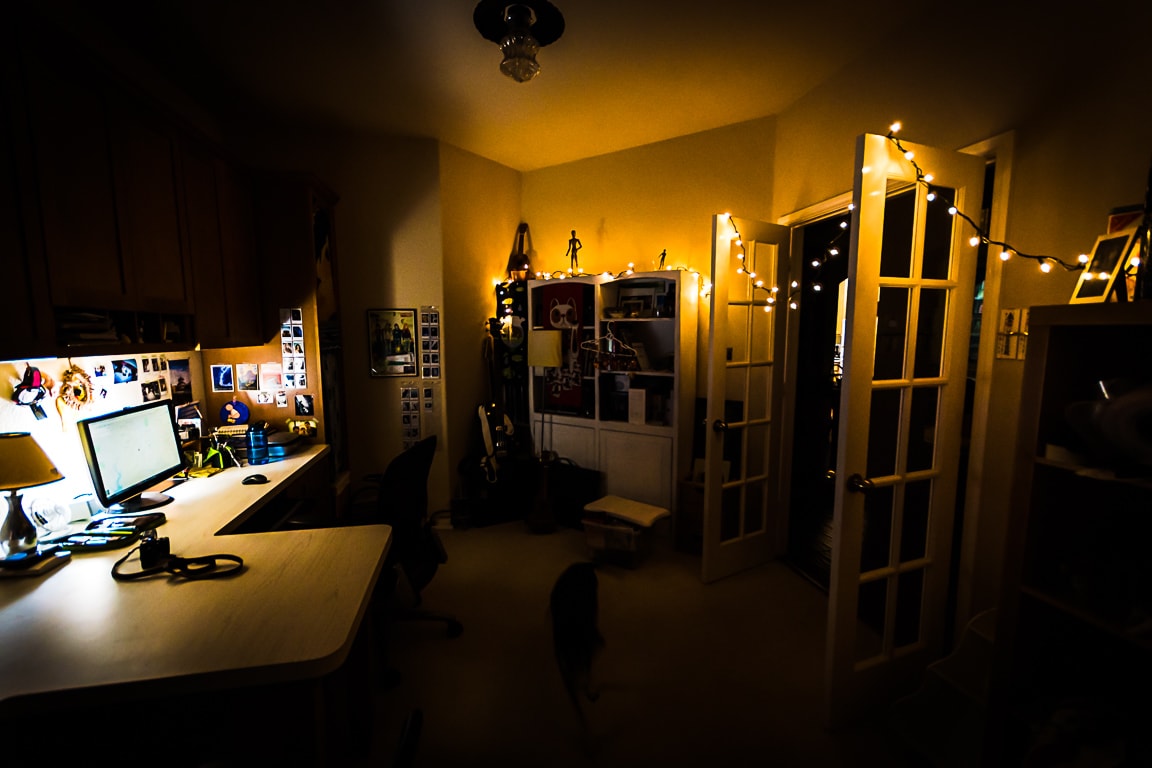
Photo info: FUJIFILM X-T10, 18mm, f/2.8, 1/60 sec, ISO640 “Tidy” Cedar Park, 2018
こんばんは。Today I woke up pretty early (for a Sunday) and watched a few TED videos about decluttering. As usual, I got inspired to throw out a lot of things that I don’t use or need. Consequently, my desk at home is getting really tidy! It’s a much nicer environment to work, blog, play games, or just hang out. 😀 And while cleaning up, I found a string of lights so I decided to string them up to celebrate. I think it makes the room even more fun.
Photo info: SONY SLT-A77V, 10mm, f/4, 1/20 sec, ISO320 “Mood Lighting” Cedar Park, 2018
Besides the office, I went to my closet to see what clothes I can get rid of, but when I looked at my stuff, I realized I got rid of most everything already. Or so I thought… I have a hanging drawer set where I keep my shorts, pajamas, and workout clothes, and I haven’t gone through those yet. That drawer set had 10 sections, which were all occupied, but after declutering, there are only 5 slots with items in it. I basically got rid of old swimming trunks, workout shirts, and pajamas whose elastic bands had worn out. It’s amazing that I found so many running shirts! Even after throwing out so many, I still kept 4. Anyways, now my closet seems more airy and clean. I love it!
Simplifying my life is such a worthwhile thing to do. Now I am ready to tackle my books again. 😀
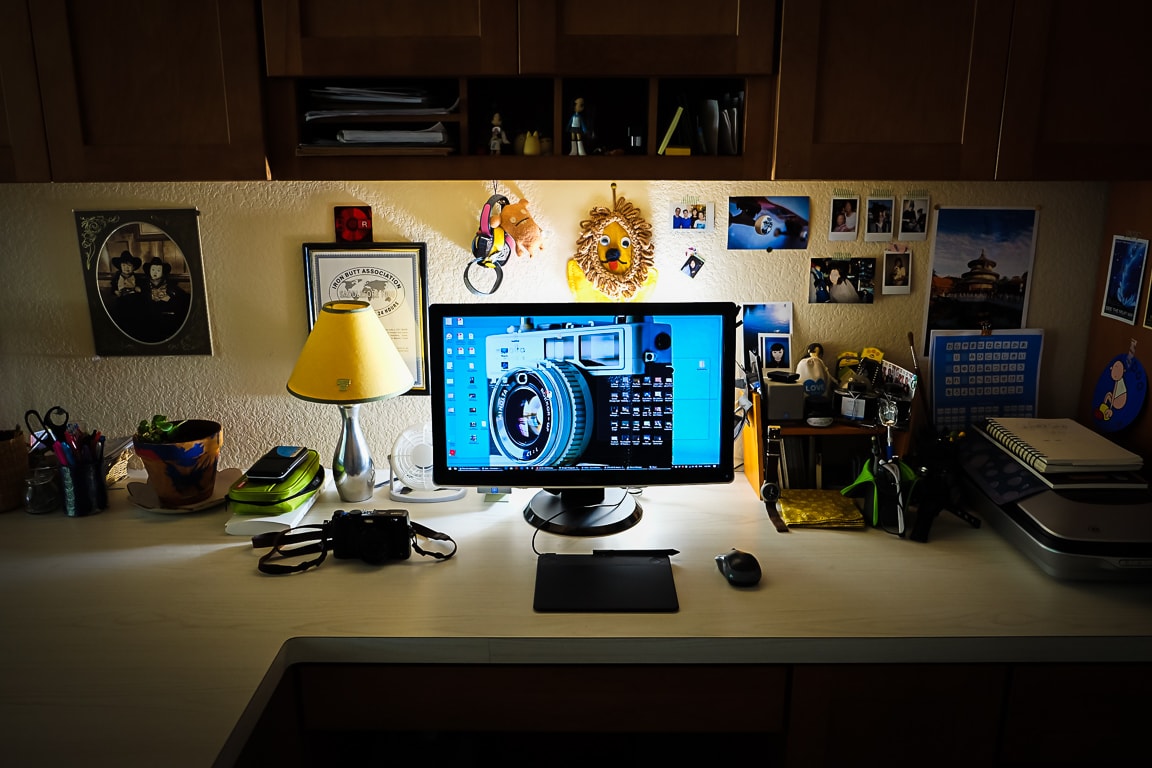
Photo info: FUJIFILM X100T, 23mm, f/4, 1/80 sec, ISO3200 “Home Setup” Cedar Park, 2016
こんばんは!How’s it going?
Today was a “work-at-home”, or WAH, day for me. (I love that… WAHHH!! 😭) I bring my work laptop 💻 home and usually just use that do work on, but if I have to use any Adobe products, I’ll move stuff over via Dropbox and work on my home desktop computer 🖥 so I can take advantage of the big monitor.
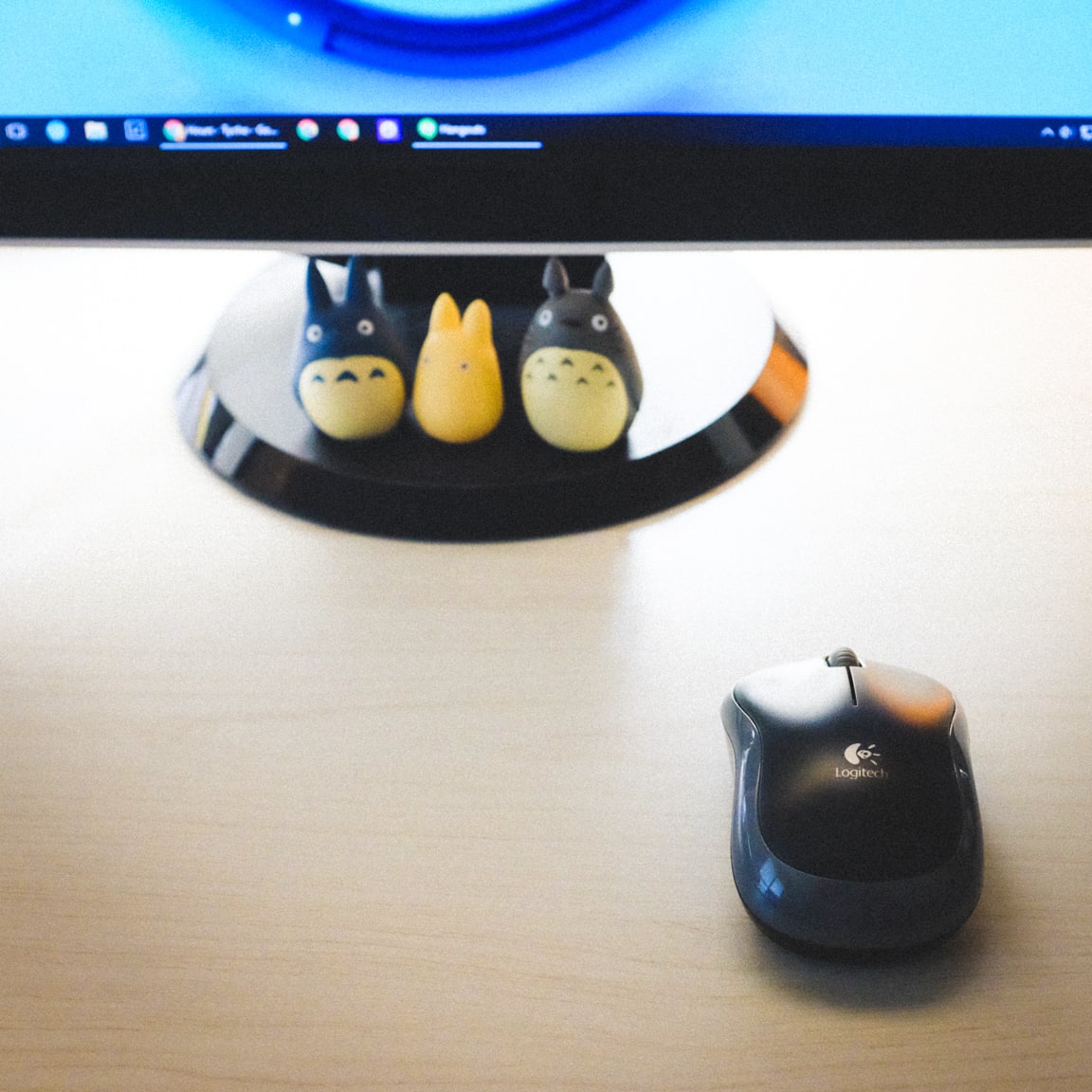
For a few months now, I’ve been using a wireless mouse 🖱 from Logitech and it is wonderful! I resisted switching from wired to wireless for a long time because I thought I would be changing batteries all the time and the wireless signal would be glitchy. But that is not the case at all.
I LOVE the fact that without the wire, I can pretty much position the mouse anywhere on the table with ease. This helps out a lot when the cats decide to sit in front of the monitor, where the mouse usually lives. Cat.. mouse.. funny huh? 😺 🐭
Anyways, the other benefit of the wireless mouse is that it reduces the clutter on my desk. I don’t have to look at that ugly black wire against the clean white desktop. It’s so tidy now!! 😀
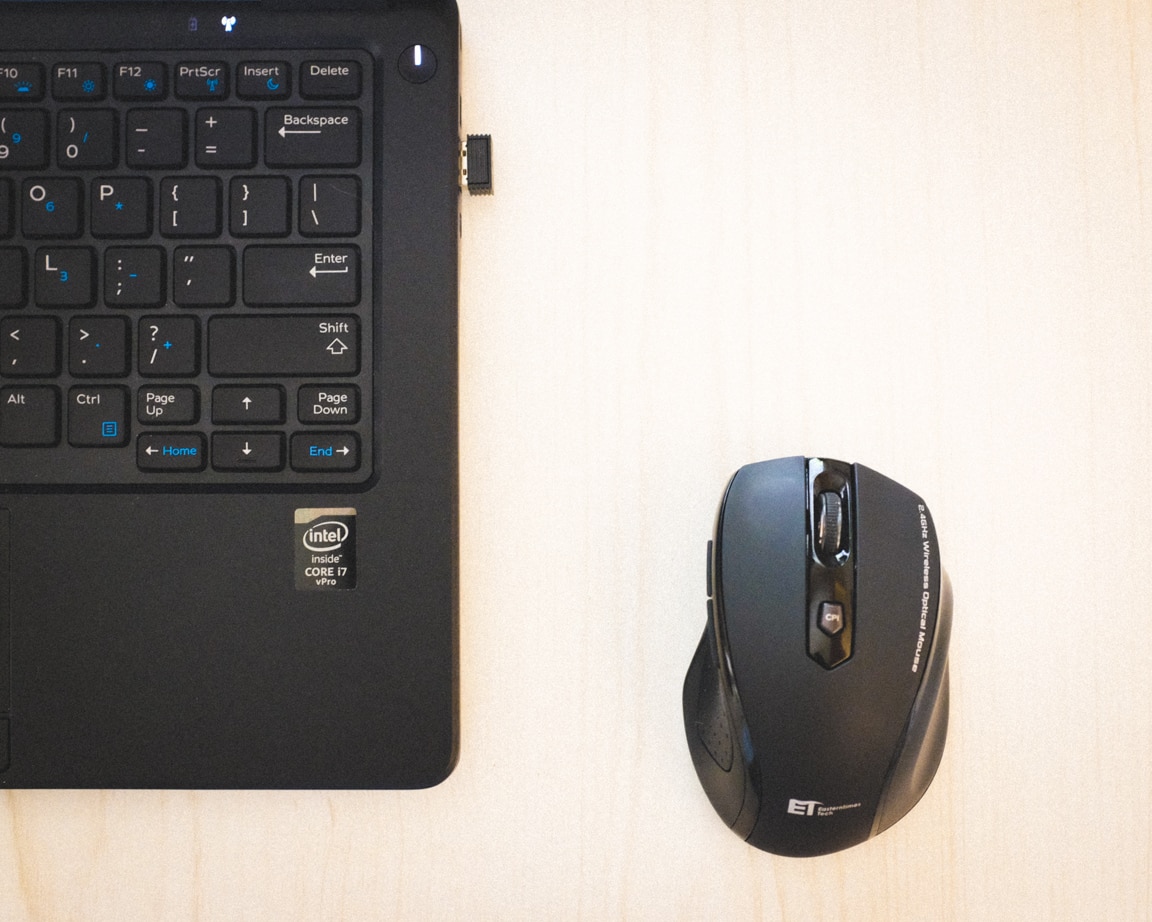
Just last week I decided to get a wireless mouse for my work computer as well, so I ordered a cheap mouse from Amazon. It was only $10, but the reviews were very good so I didn’t hesitate in purchasing it. I’m completely satisfied with this mouse and am wondering why I didn’t do it earlier. It’s just one of those questions that will never be answered I guess. 😂
Photo info: FUJIFILM X100T, 23mm, f/4, 1/20 sec, ISO3200 “Work Setup” Cedar Park, 2016
I hope you had a nice Wednesday!
おやすみなさい!
– B
Like this:
LikeLoading...
My camera & photos
I use a Fujifilm X-series camera for most of the photos on this site and my Instagram. Why not pick one up for yourself?