Tooth Removal

Photo info: Apple iPhone 15 Pro, 6.7649998656528mm, f/1.8, 1/1500 sec, ISO80
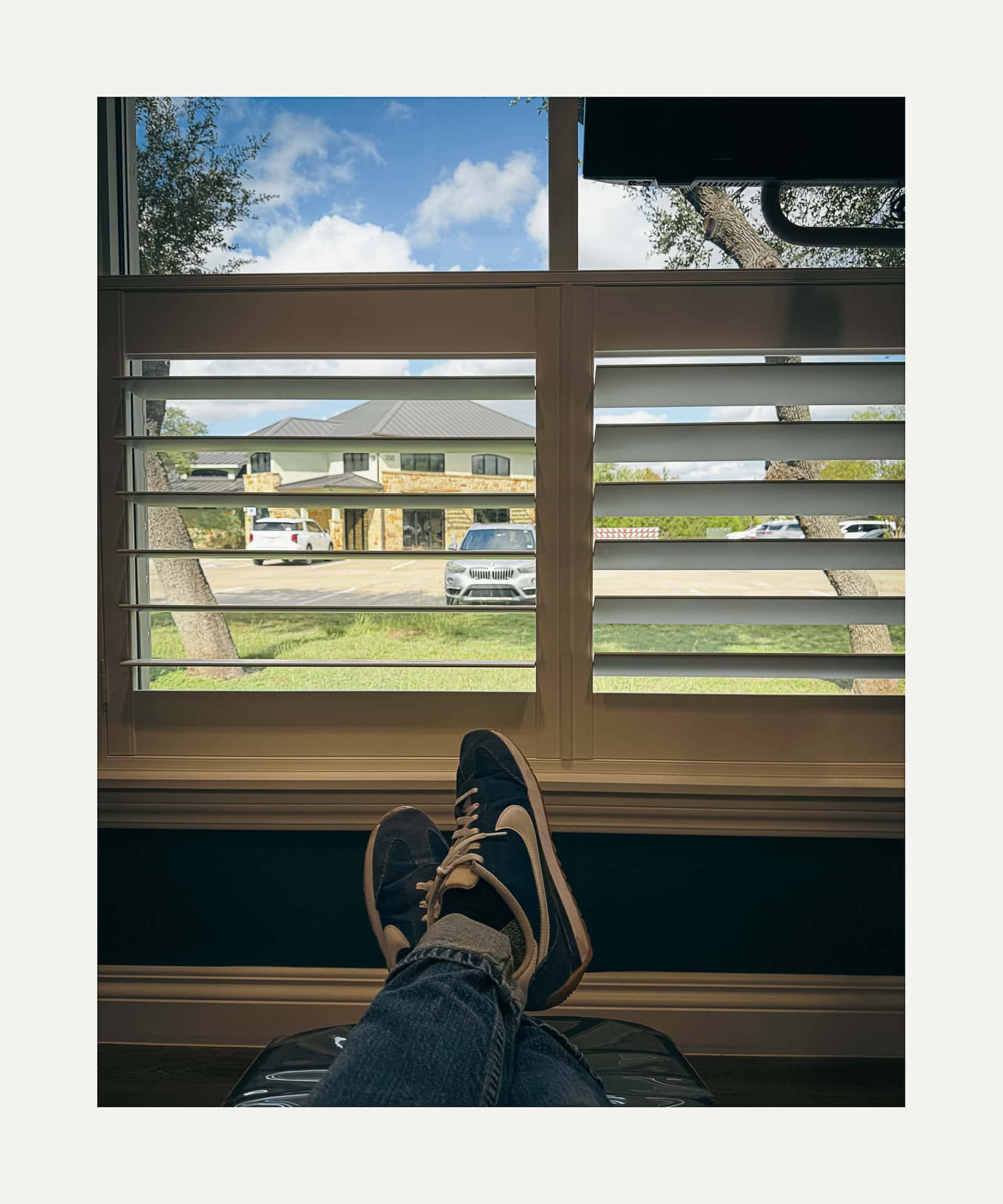
“Periodontist Chair View” Cedar Park, 2026

I went to the periodontist today to get a tooth extracted – the furthest back one on the bottom-left, which recently cracked all the way down to the bone. I had the choice between getting an implant or removing it entirely and filling the space up to gum-level with filler material. According to the periodontist, that tooth doesn’t contribute too much to chewing anyway, so I opted to just have it removed.

The procedure was over in under an hour, and with the anesthetic, I felt no pain beyond the initial needle, which really wasn’t too bad.

Full recovery will take a few weeks, and I’ll head back in 6 weeks for a follow-up. Hoping the healing goes smoothly going forward, but so far so good! 😊🦷
TENS Machine

Photo info: FUJIFILM X-E5, 27mm, f/2.8, 1/100 sec, ISO640
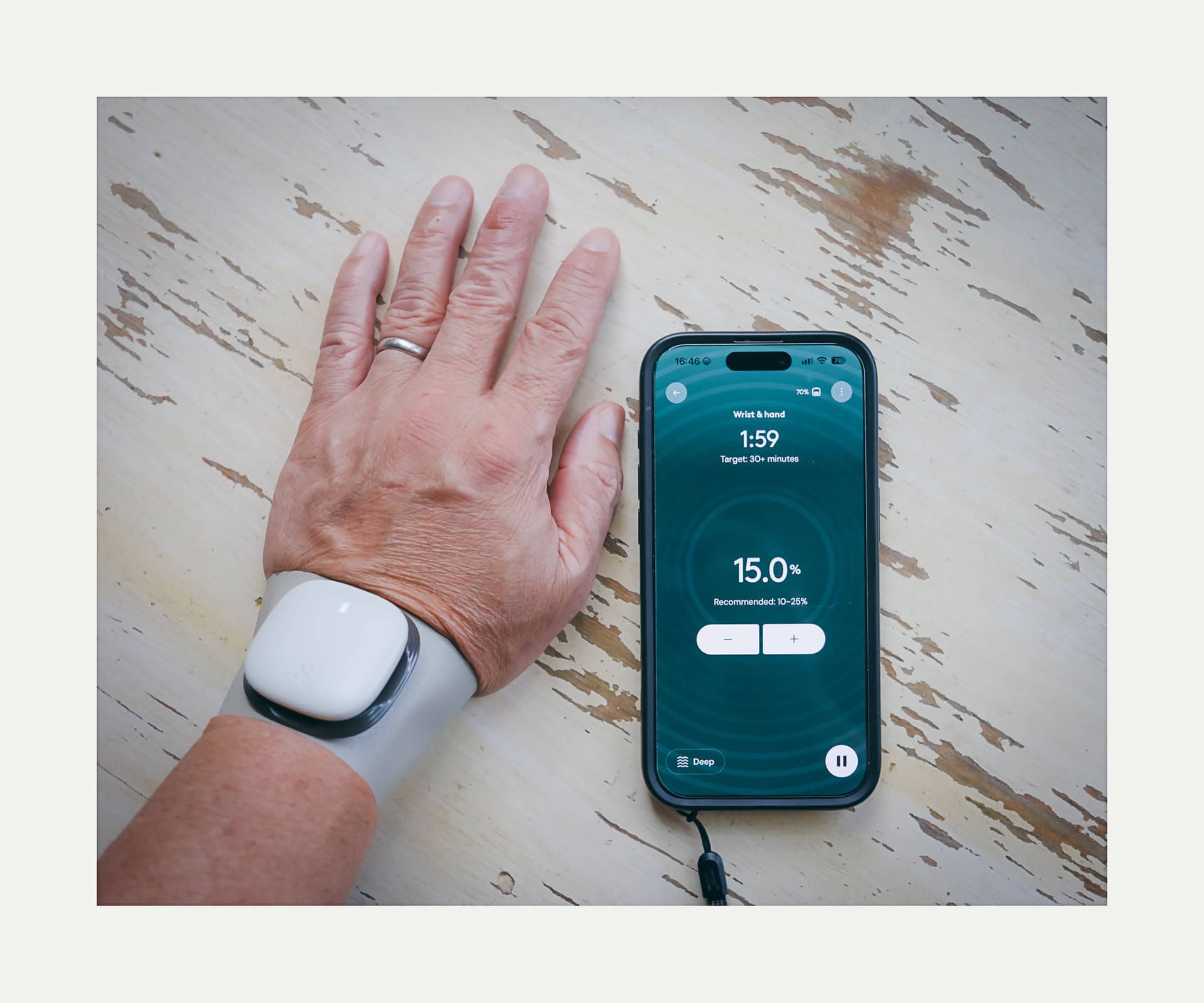
“TENS Machine” Cedar Park, 2026

My health insurance provided a TENS machine that arrived in the mail today. It uses electrical impulses to help relieve muscle pain, so I tested it out on my wrist, which usually hurts when I try to move it too far. I’m not sure if it will do much for my wrist, but I’ll definitely be reaching for it the next time my lower back gets sore. ⚡💪

My A6 to A5 Techo Upgrade

Photo info: FUJIFILM X-E5, 27mm, f/2.8, 1/20 sec, ISO800
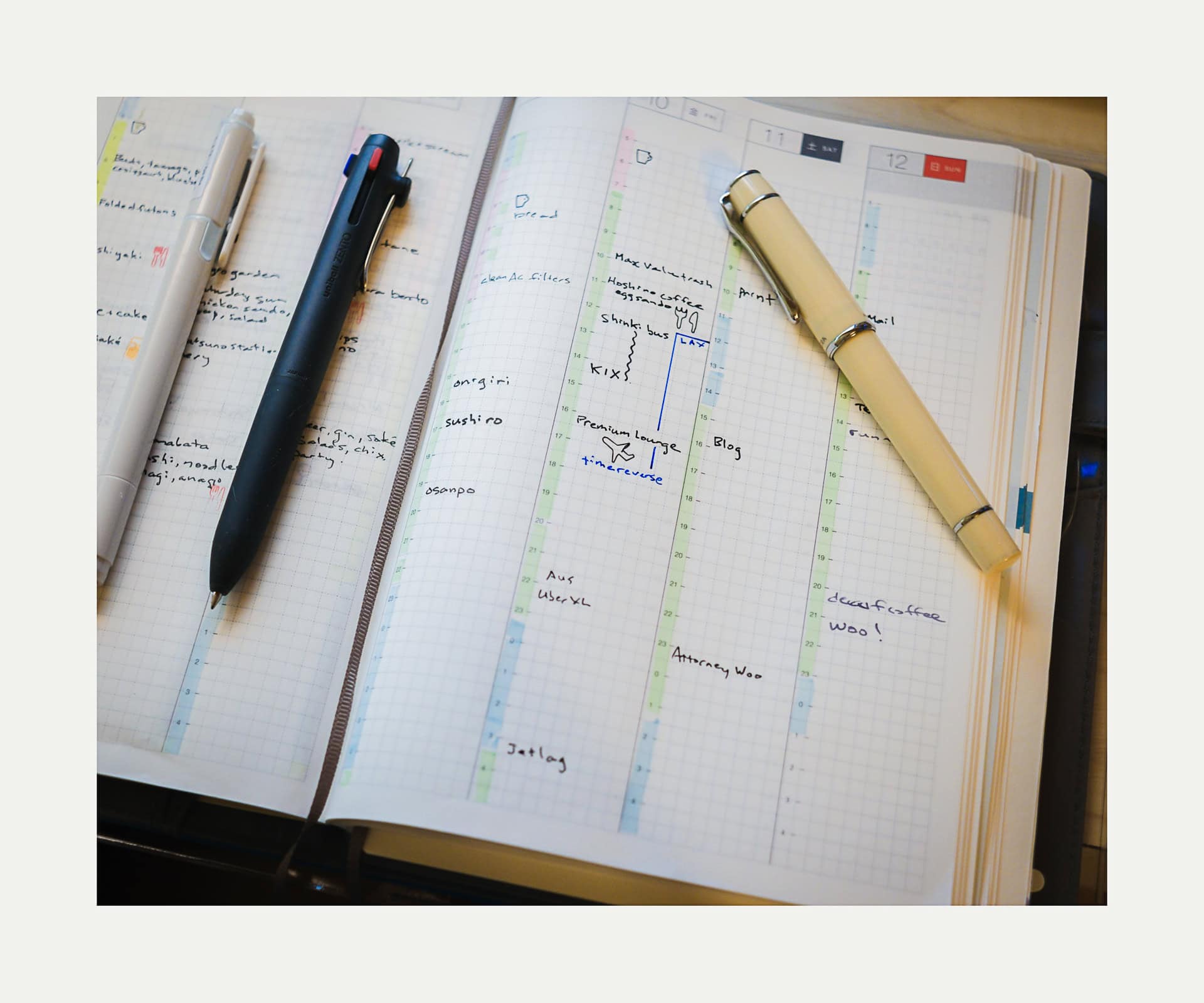
“Daily Timeline” Cedar Park, 2026

I’ve been using the Hobonichi Cousin Avec for a couple of weeks now, and I’m really enjoying the bigger size. My little A6 techo is compact and cute, but the A5 is just a better writing experience overall. The pages lie flatter, so I can use my Clampy, and I get to write at my normal size instead of concentrating on keeping my letters tiny. There are still spots where small writing is a must, like the daily timeline in the photo, but even there I’ve got twice the space to work with. And on the free-writing pages, I can just write without worrying about size at all. As a bonus, I’ve got more room to print bigger photos too. Overall, I’m happy with the mid-year switch to the Avec ✏️

Small Victories: Another Notebook Down

Photo info: FUJIFILM X-T10, 27mm, f/3.6, 1/50 sec, ISO3200
“Finished Notebook” Cedar Park, 2026

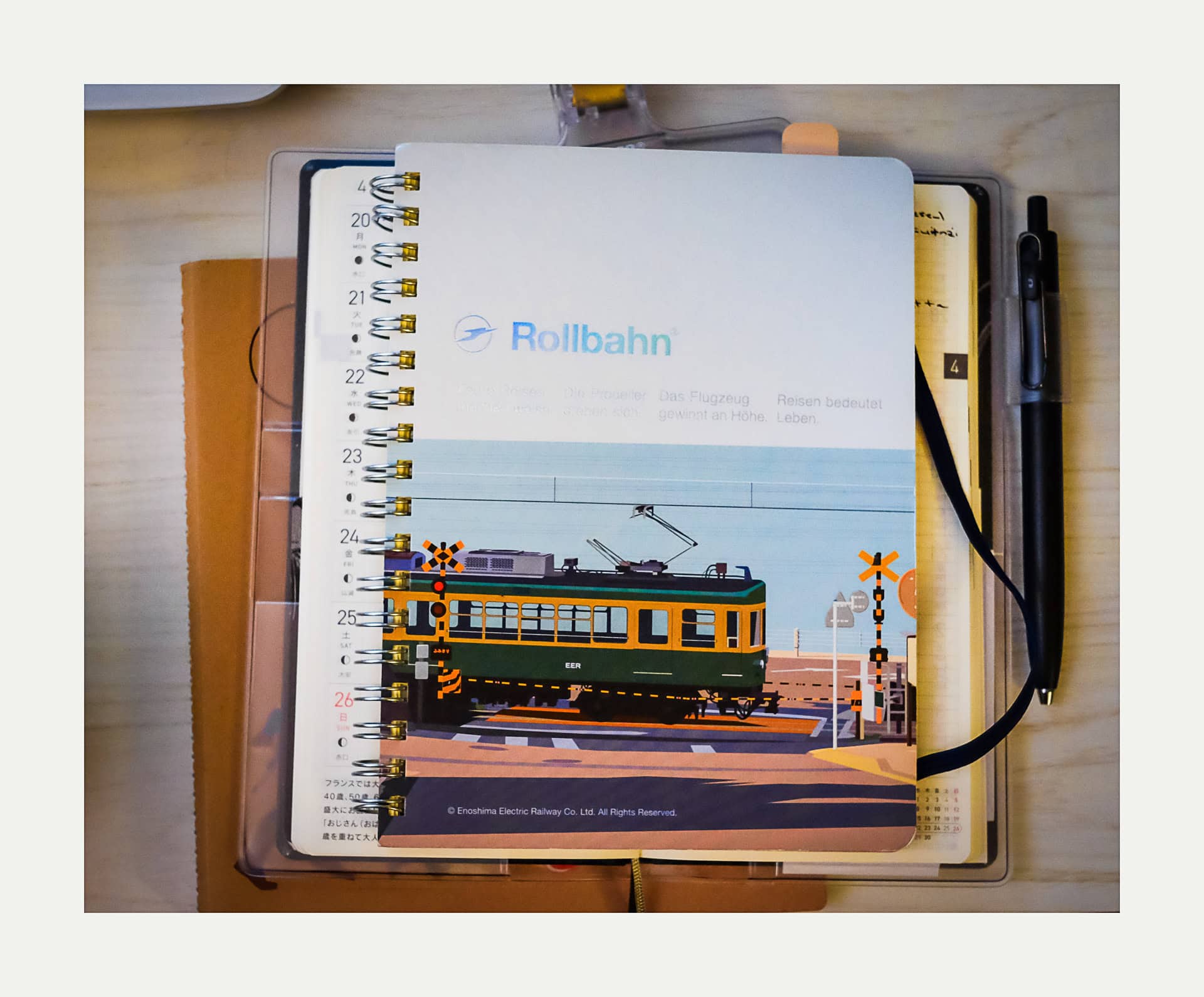
I finished another Morning Pages notebook, and honestly, it feels like a small victory!

One of my long-term goals is to actually use the notebooks I’ve collected over the years. If you’re a stationery lover, you know the struggle. Beautiful notebooks everywhere, and somehow they just accumulate. My daily morning journaling practice has been the perfect way to work through them, one page at a time. It’s actually fun to see how many blank pages are left (and see the amount getting smaller).

This particular Rollbahn notebook was a good one. It served me well through a lot of mornings, and I’m saving the cover as a keepsake. Do you do that? Save little artifacts from journals you’ve finished? I love looking back at them. This notebook is special because Mariko bought it for me when she was in Japan.

Now I’m moving right into the next one, and wouldn’t you know it, it’s another Rollbahn that Mariko gifted to me!

Let’s keep the streak alive. 🤙

What notebook are you currently writing in? I’d love to know.

Hobonichi Pages

Photo info: Apple iPhone 15 Pro, 2.2200000286119mm, f/2.2, 1/60 sec, ISO500
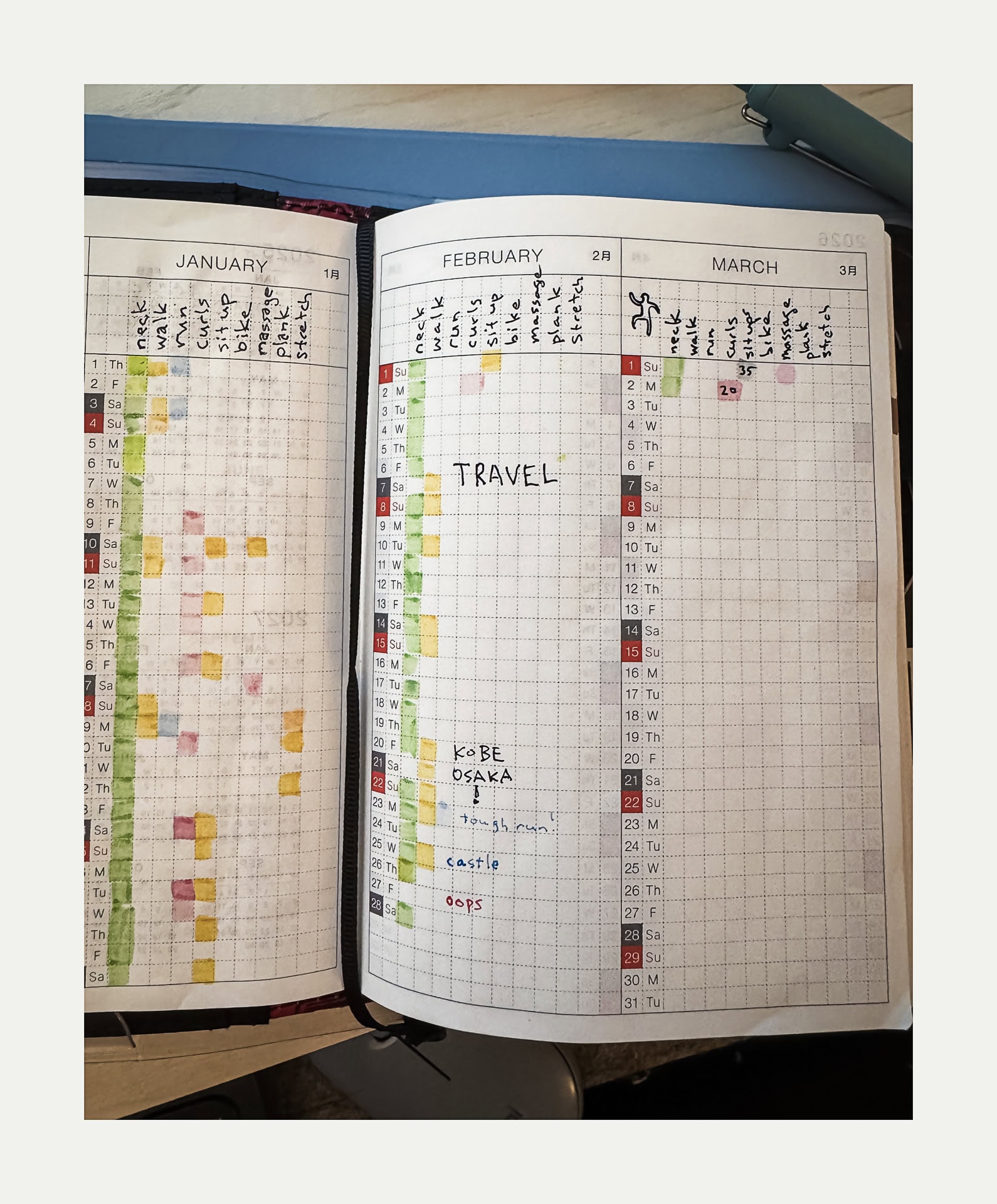
“Exercise Log” Cedar Park, 2026

Three months into my Hobonichi Techo A6 and still really enjoying it. 📓

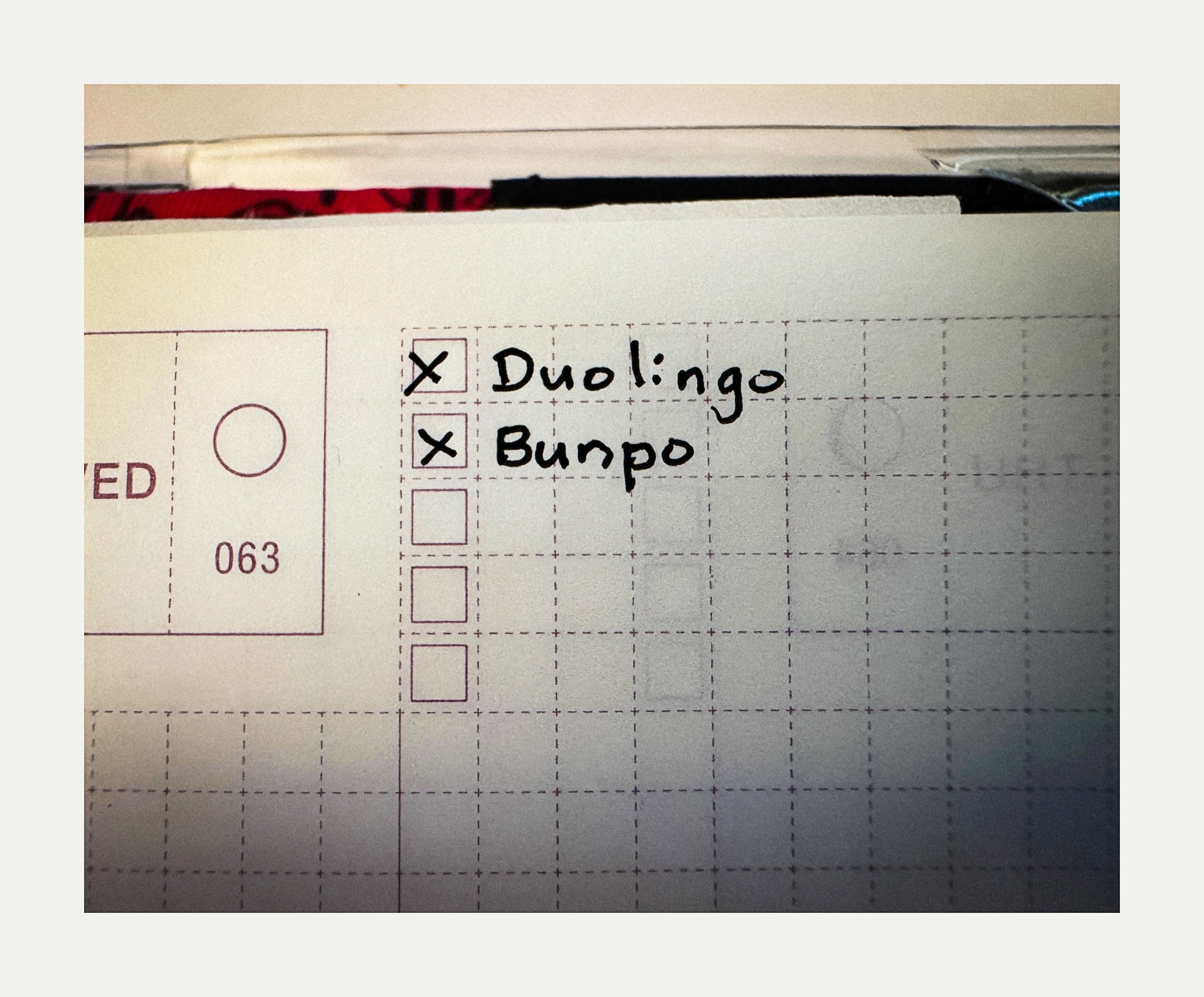
Writing small has been a challenge, but I’ve slowed down and started paying more attention to how I form my letters. It’s a different kind of writing than my morning pages, which stay big and loose since that’s all about getting thoughts down fast.

The slow, deliberate approach has been a nice surprise. Turns out I like it a lot.

Photo info: Apple iPhone 15 Pro, 2.2200000286119mm, f/2.2, 1/45 sec, ISO800
“Small Writing” Cedar Park, 2026

Day 1 in the Hobonichi

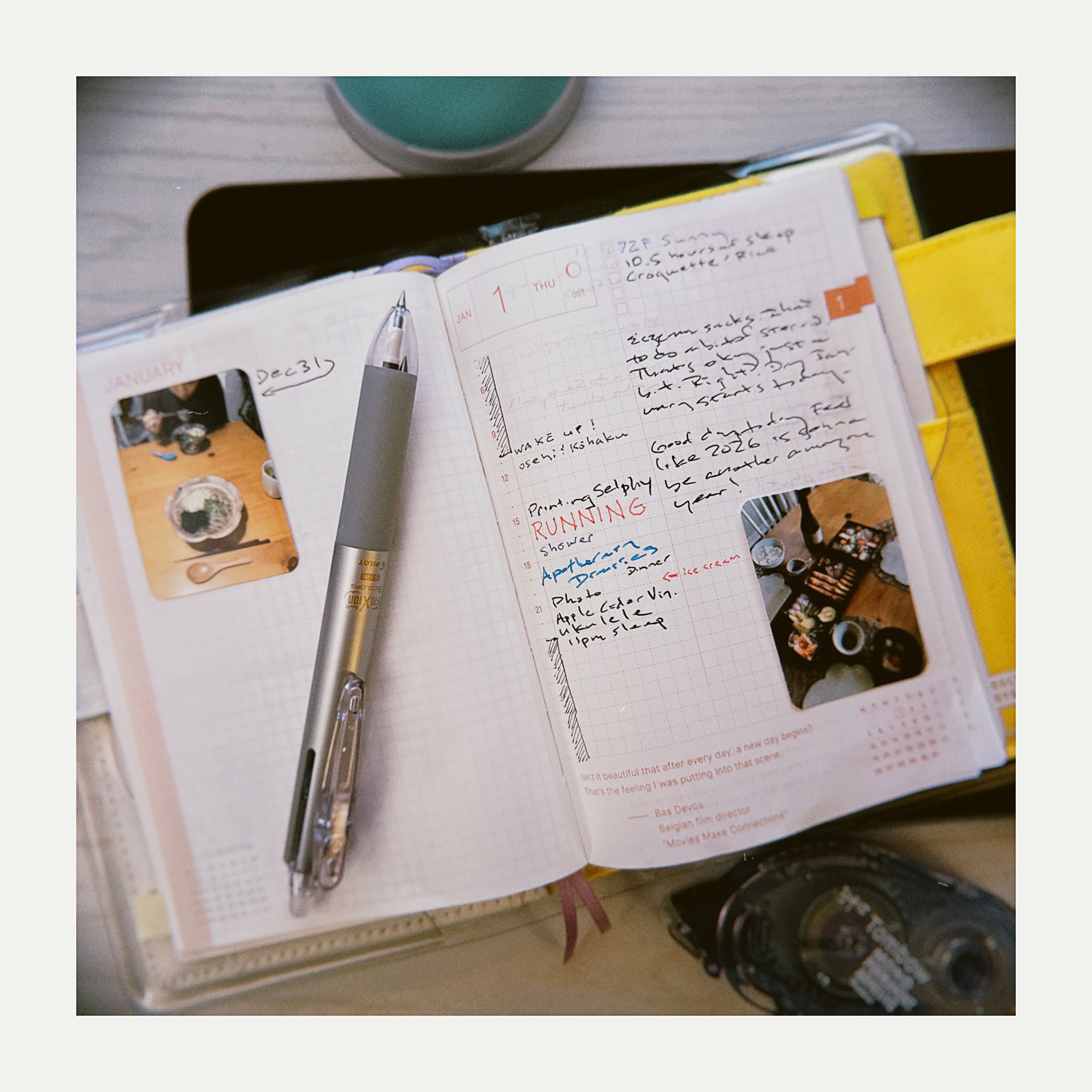
Photo info: Apple iPhone 15 Pro, 6.7649998656528mm, f/1.8, 1/60 sec, ISO320
“Day 1” Cedar Park, 2026

January finally started so I have officially begun my first Hobonichi Techo. As you may know, I went with the original A6 size because it is so compact. But maybe I should have gone with the A5 cousin since I naturally write kind of large. Oh well. I’ll give the smaller format a go!

I also bought a Canon SEPLHY CP1500 printer, which is really fun to use. I’m looking forward to see how my journal turns out.

Sheet Music on the iPad

Photo info: FUJIFILM X-T10, 35mm, f/5.6, 1/60 sec, ISO2500
“Sheet Music” Cedar Park, 2025

I’ve started using my iPad for reading sheet music, and it has cleared so much clutter off my desk. It feels great to have fewer loose papers sitting around. When I am learning a brand-new song, I still like having a paper copy because it is easier to mark things up and see everything at a glance. But when I want to revisit an older song and refresh my memory on a section, the iPad is perfect.

I keep all my sheet music as PDFs in a OneDrive folder, and I can open them from any of my devices. I manage everything from my MacBook, and it works really well. It would be even nicer if I could create a direct shortcut to my Sheet Music folder in OneDrive, but for now the setup is still very convenient.