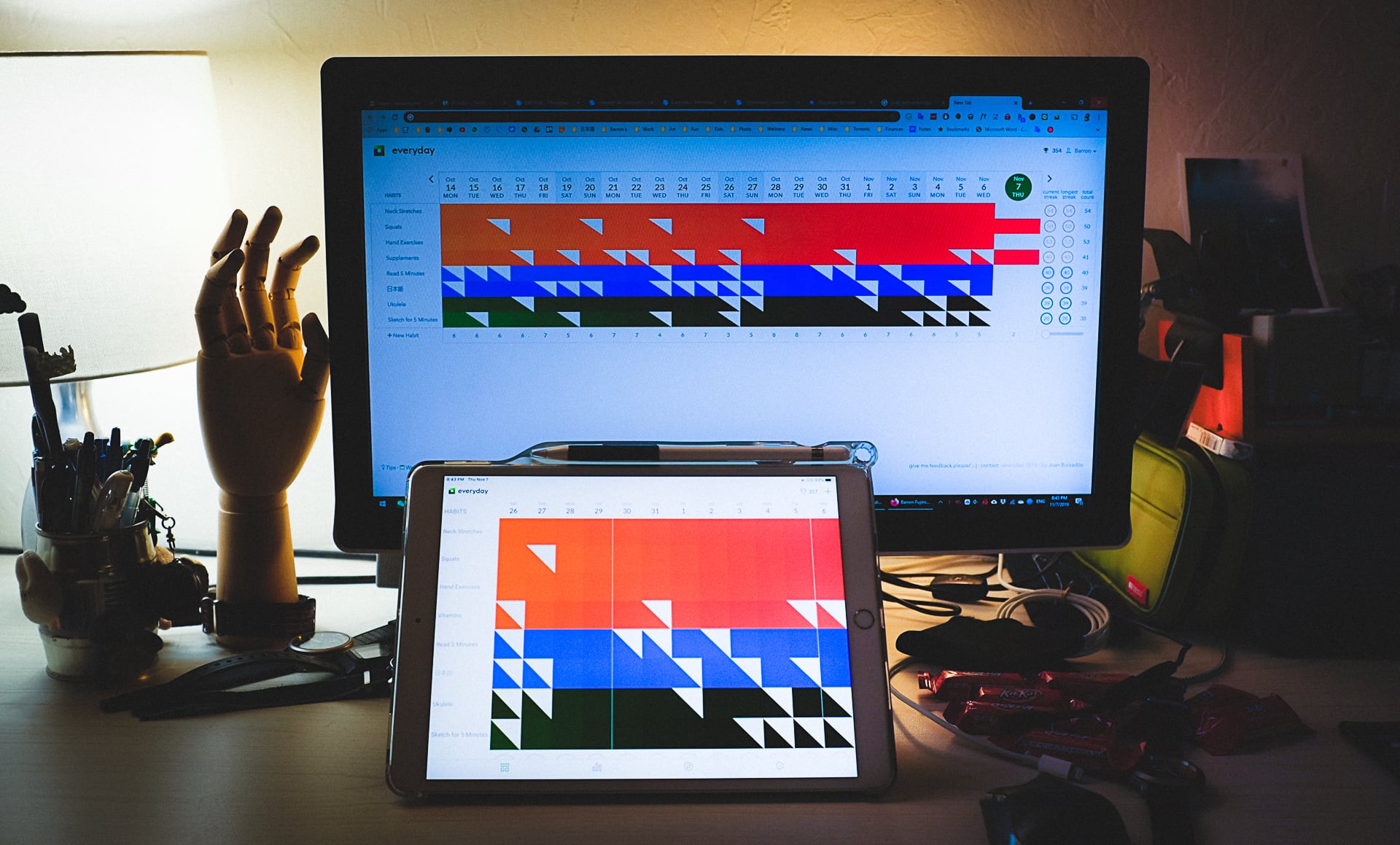
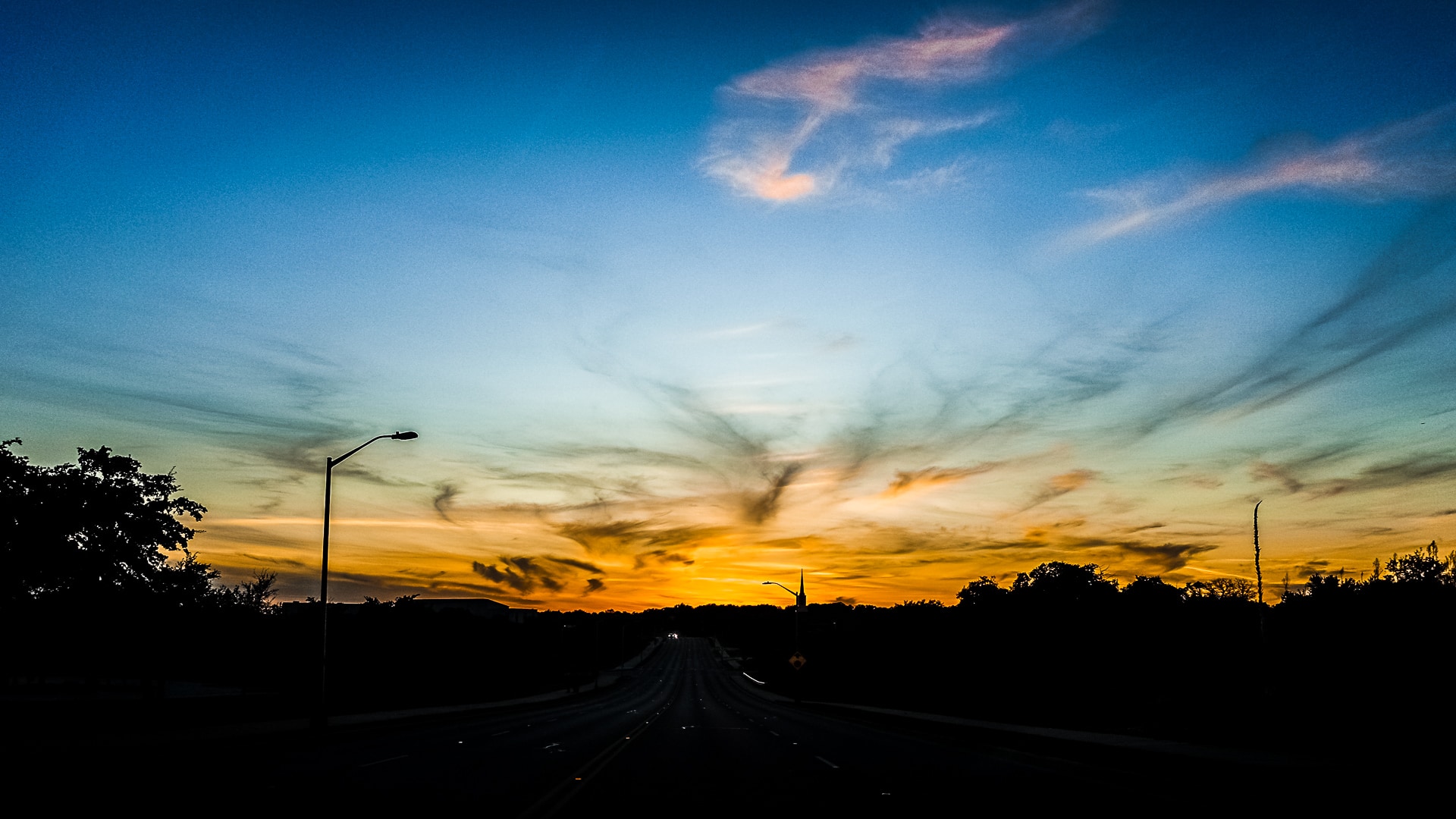
Photo info: FUJIFILM X100T, 19mm, f/3.6, 1/100 sec, ISO250 “Everyday” Cedar Park, 2019
I’ve been using a habit-tracker for the past month or so to log some daily activities. It’s kind of a combination reminder app and tracking app, but the intention is for you to create new habits. For instance, I added my daily sketching, simple stretching and exercises, and Japanese studying. I’d say it’s effective in that now I automatically do my hand exercises, neck stretches, and squats without having to give it much thought, and opening Anki to study Japanese is automatic too. Overall I’m happy with it.
There are a number of different habit trackers and the one I chose is called “Everyday”. I like the fact that I can use the same app on my iPad, my Motorola phone, and in Chrome. It’s super convenient! Not only can you access it via app or webpage, but you can add a Chrome extension so that when you open a new tab, it defaults to the Everyday screen. How easy is that for a reminder!
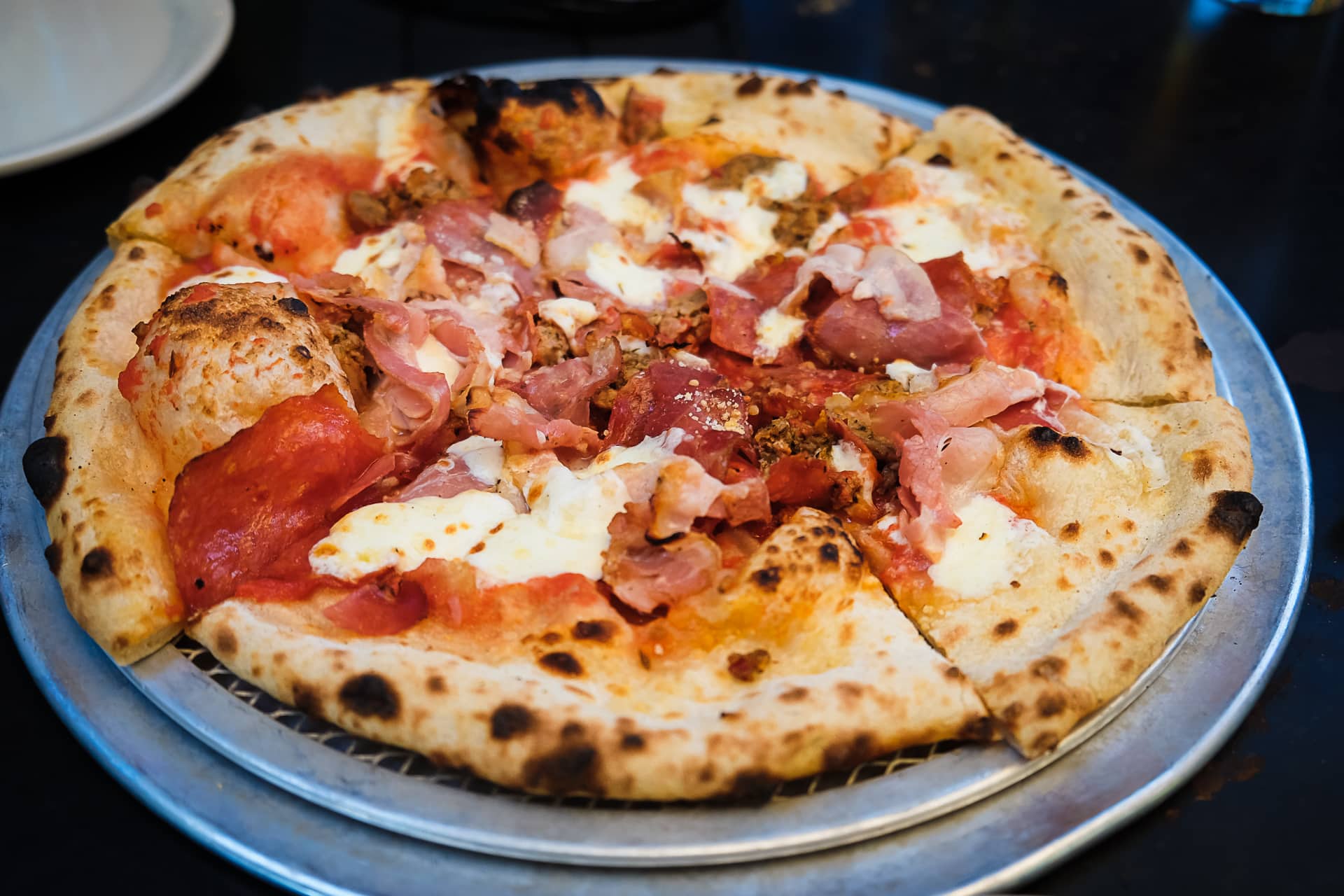
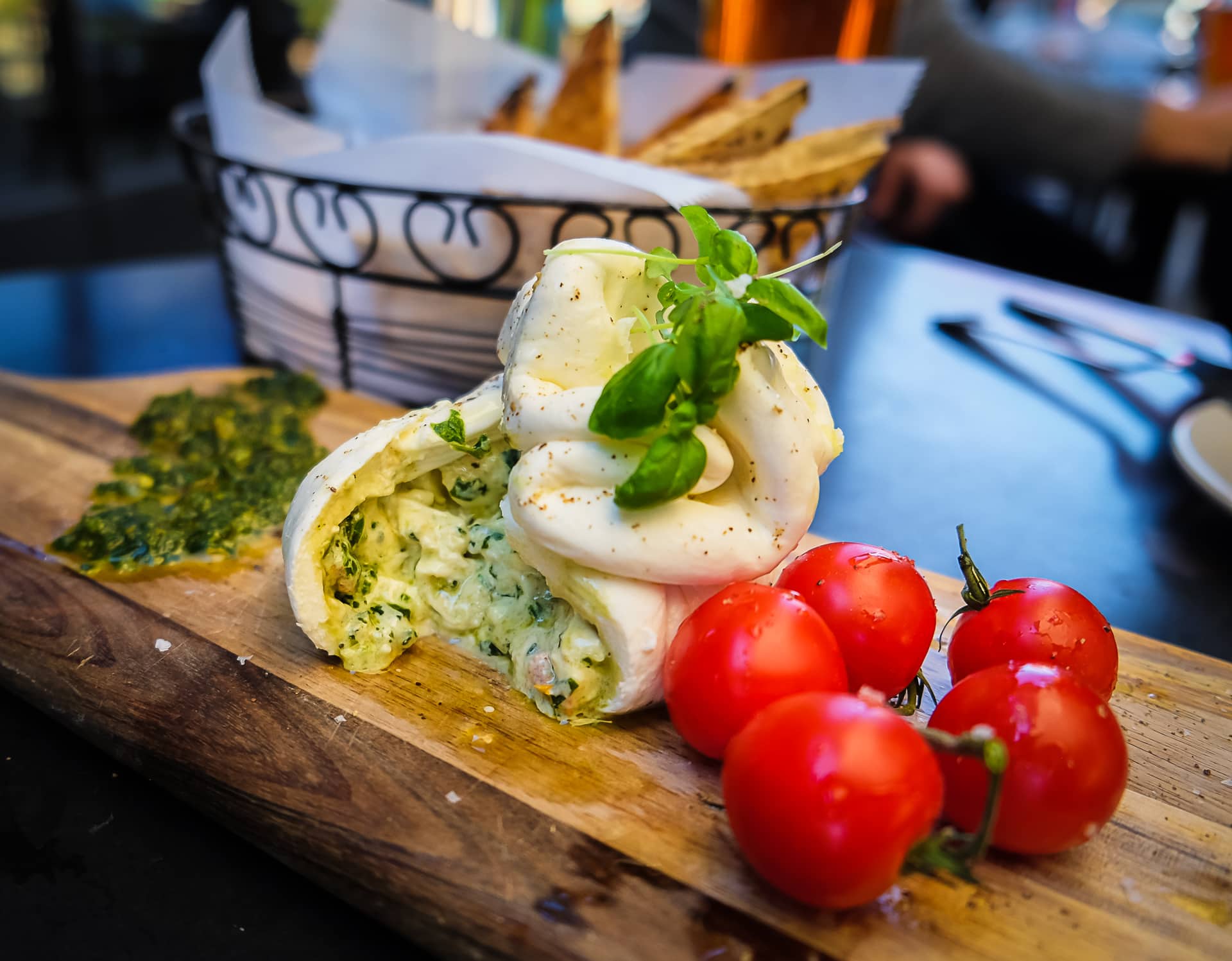
While in San Antonio this past weekend, we went to have an early dinner at Dough Pizzeria Napoletana. I’ve eaten at a different location of Dough before but not at the one close to the Alamodome. This one had a nice patio and the weather was perfect for a meal outside (and the photos turned out much better because of the natural light). We ordered the Buratta Tre Colore and the Signature “Pork Love” pizza. Both were delicious! Of course since the name of the restaurant is Dough, they better have a good one, and it is in fact an excellent dough. A little chewy, but crispy and bubble as well. Just as I like it. 😊
If you’re looking for a great pizza in San Antonio, I definitely recommend a visit to Dough!
Photo info: FUJIFILM X-T10, 18mm, f/2.8, 1/250 sec, ISO400 “Burrata Tre Colore” San Antonio, 2019
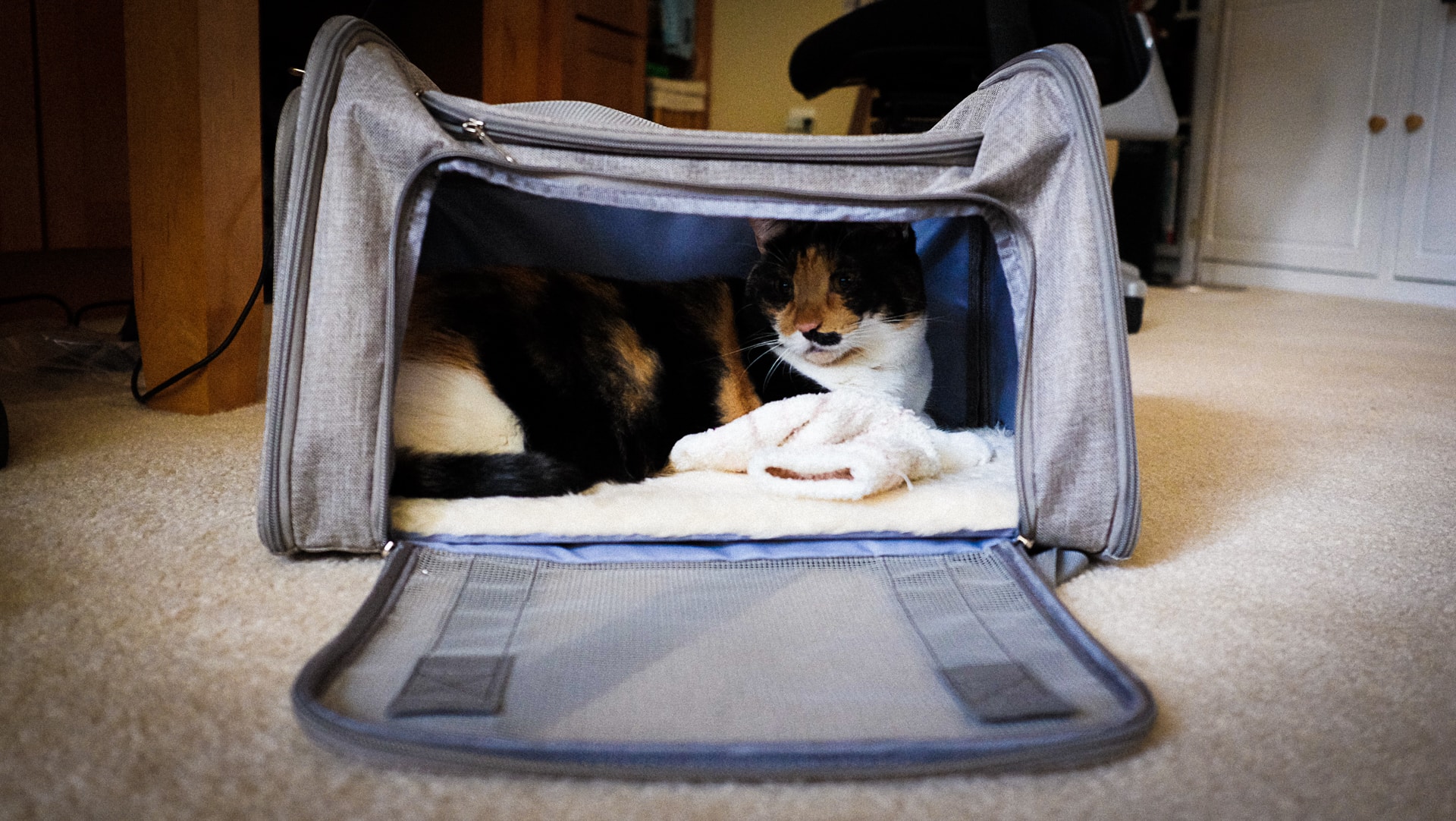
Photo info: FUJIFILM X100T, 19mm, f/2.8, 1/100 sec, ISO2500 “Car Carrier” Cedar Park, 2019
We recently bought a cat carrier to replace our old one, and Yuzu immediately made it her new house. She even picked out a fluffy sock from the hamper to make it official!
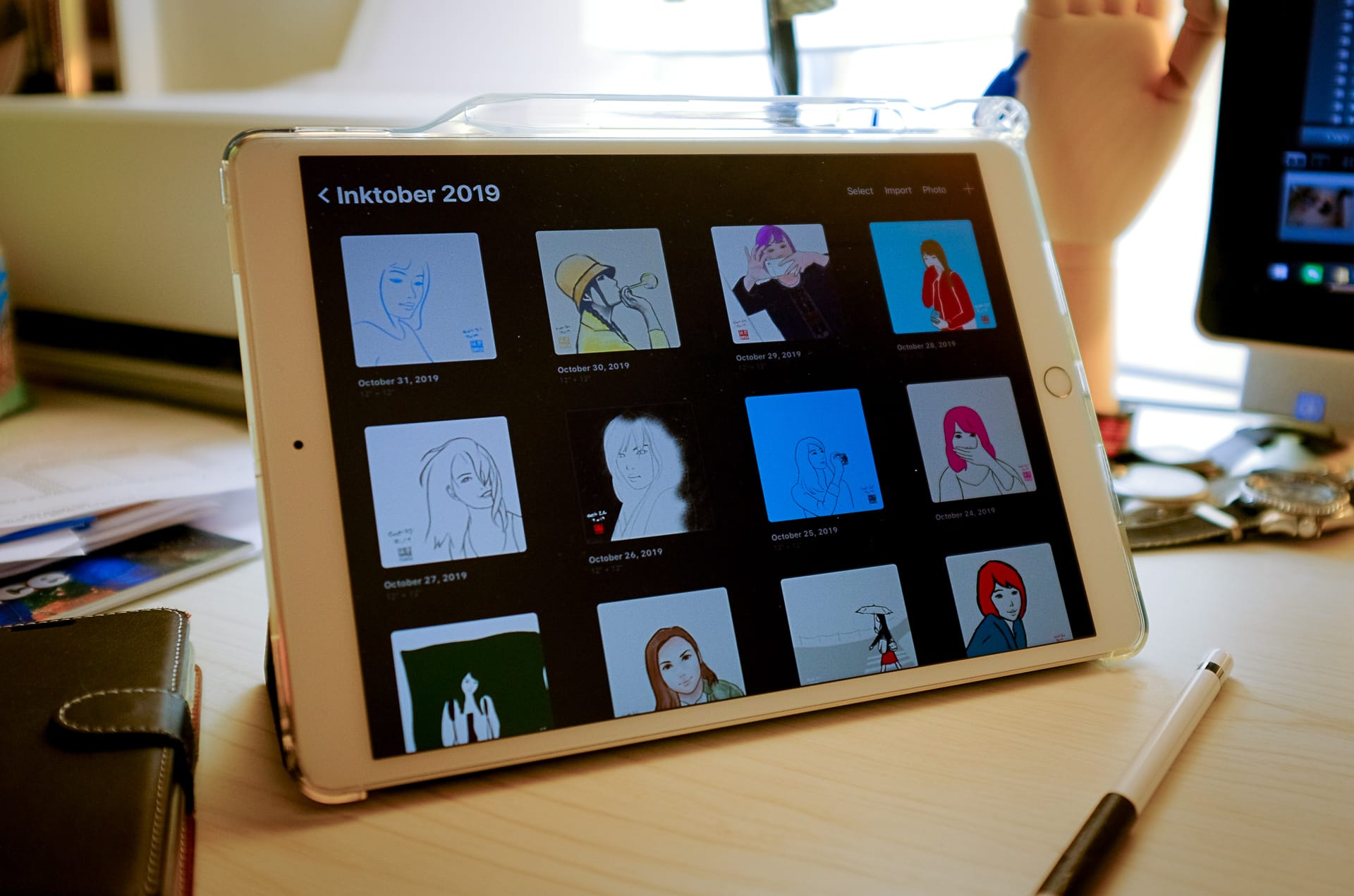
Photo info: FUJIFILM X100T, 19mm, f/2, 1/80 sec, ISO200 “Inktober Stack” Cedar Park, 2019
こんばんは。How’s it going?
Well, I’m a few days late to post this, but I did finish my first Inktober! I completed it a day late but I’m happy that I was able to finish 31 drawings on the iPad. I have to say that Inktober was beneficial to my drawing process in a few ways, but I’m not really organized in my thoughts about it so forgive me if I just ramble on a bit.
First, I learned how to draw from reference photos much better. Just getting used to using the “Split View” on the iPad took a bit of effort but once I mastered that, drawing while referencing a photo was a pleasure!
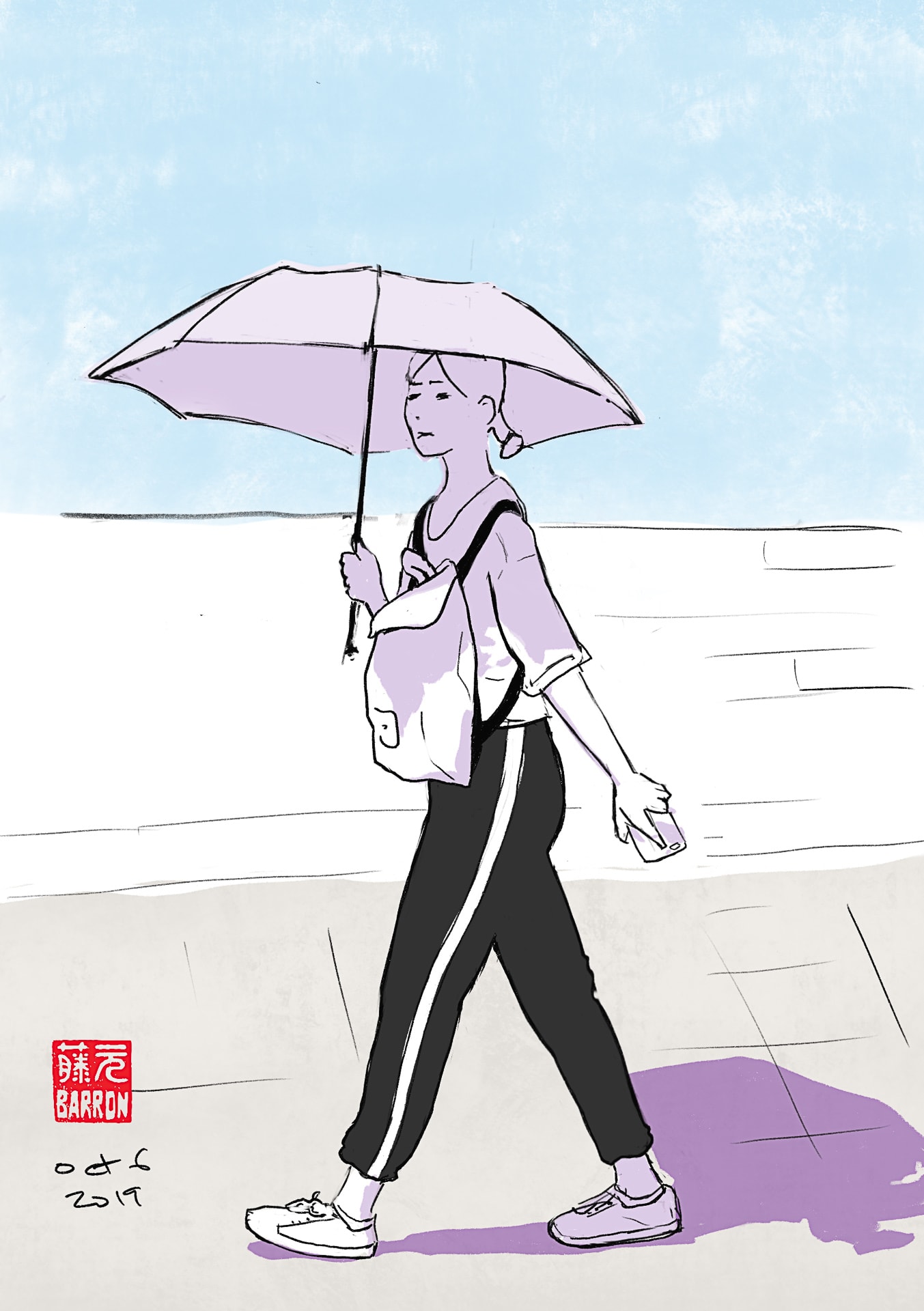
I mainly focused on portraits, but I also did a few full-body poses. These were a lot of fun and I found myself focusing on proportion, angles, lines, and shapes. It was almost like magic how you could just draw shapes, and try to get the sizes and positions correct, and then you “step back” and look at the drawing as a whole and it would look like a real person! I am especially pleased with how this drawing turned out:
“October 6, 2019 Sketch”
Another thing that Inktober taught me about myself is that I will be fine with my drawing as long as I just get started and then work things through. Too many times in the past, I would not even start on a drawing because I had the thought already in my mind that the finished piece wouldn’t be good. Talk about a negative way of thinking! But Inktober forced me to just get started each day, with the expectation that I just needed to commit to 10 minutes. Of course, I would get into the process so much that I’d spend way longer than 10 minutes, and after a few days of Inktober, I broke free of my negativity on starting a new drawing. I hope this major victory of mine endures.
One other thing I’ve found is that if a drawing doesn’t seem right to me, I can just keep working it, and eventually it will get better. I just need to put in the work and effort. Not once did a drawing get worse… and I can credit a lot of that to the digital drawing experience. If I was working with ink on paper, I’d get frustrated with the wasted materials, or erasing so much and leaving so many errors on the paper. On the iPad, I realize that I don’t have that problem, and enjoy working through several revisions and trying different things since erasing or undo-ing is painless. I love it!
Anyways, I’m sure there are a few more things I learned about my creative process during this Inktober, but I’ll just end this post now. But I’m excited to continue drawing on the iPad and see where the process takes me!
If you’d like to see all my Inktober 2019 sketches (many with a Procreate timelapse movie), you can check out my barron.sketches Instagram account. Click here to see Day 1.
またね~
p.s. I have to mention that I no longer fear drawing hands! I can actually make them look decent, and not like claws. Yay! 😄