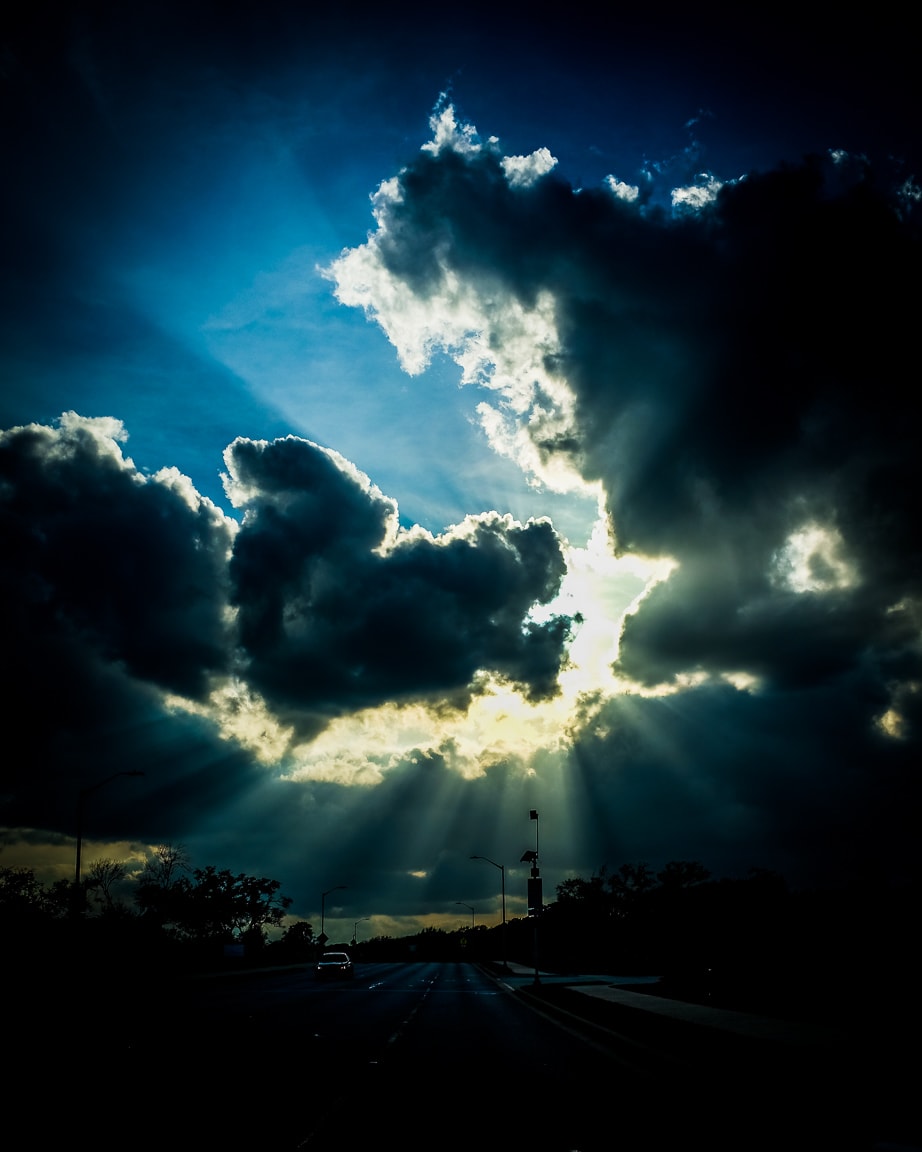
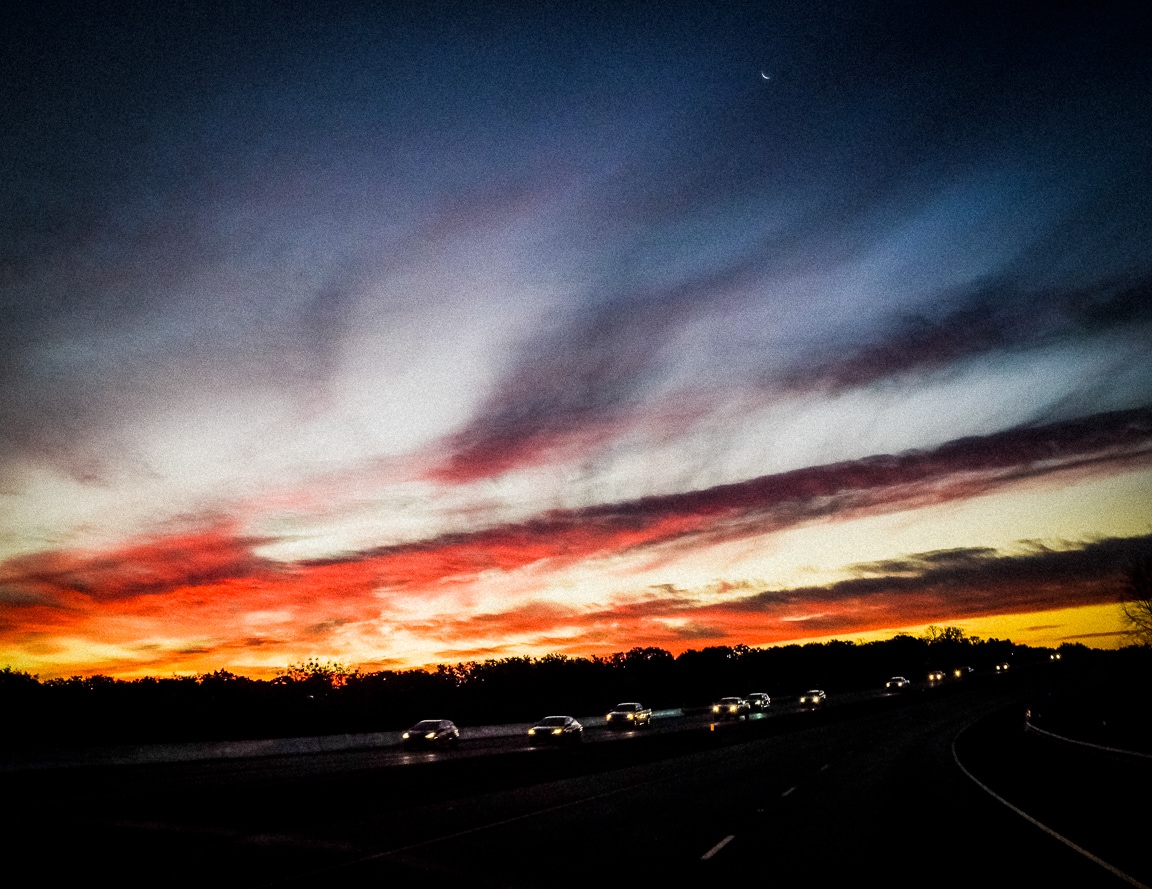
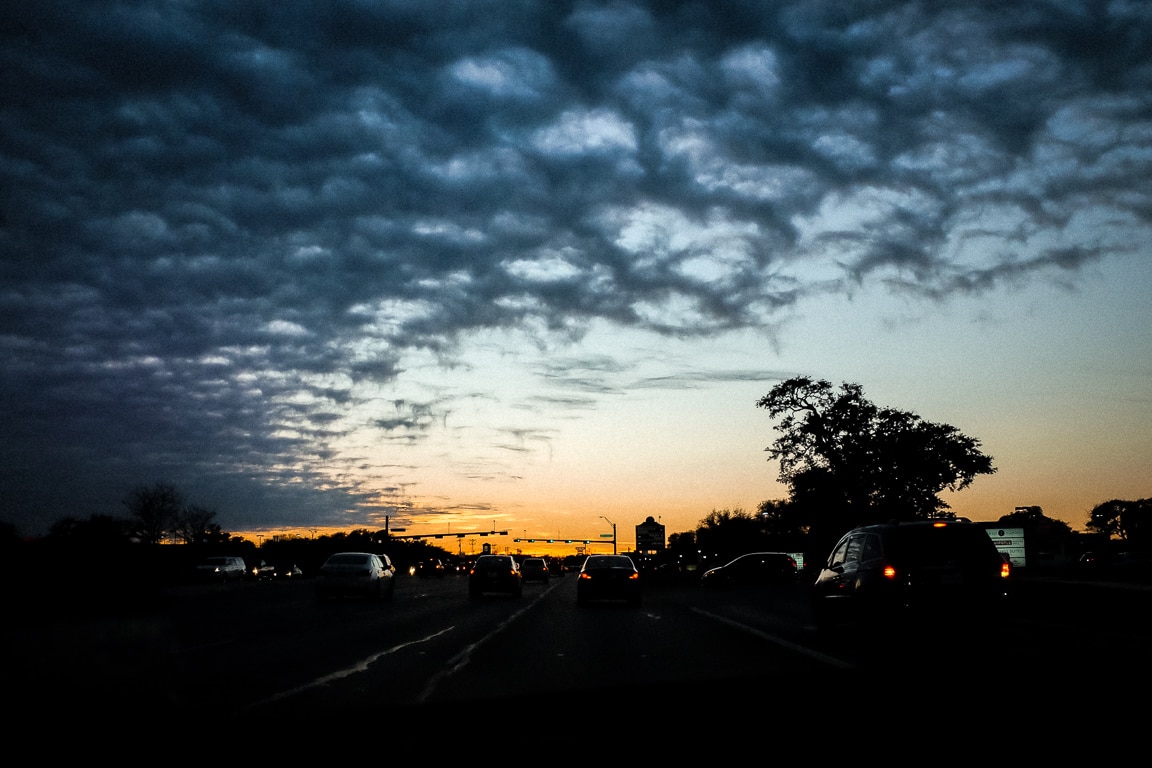
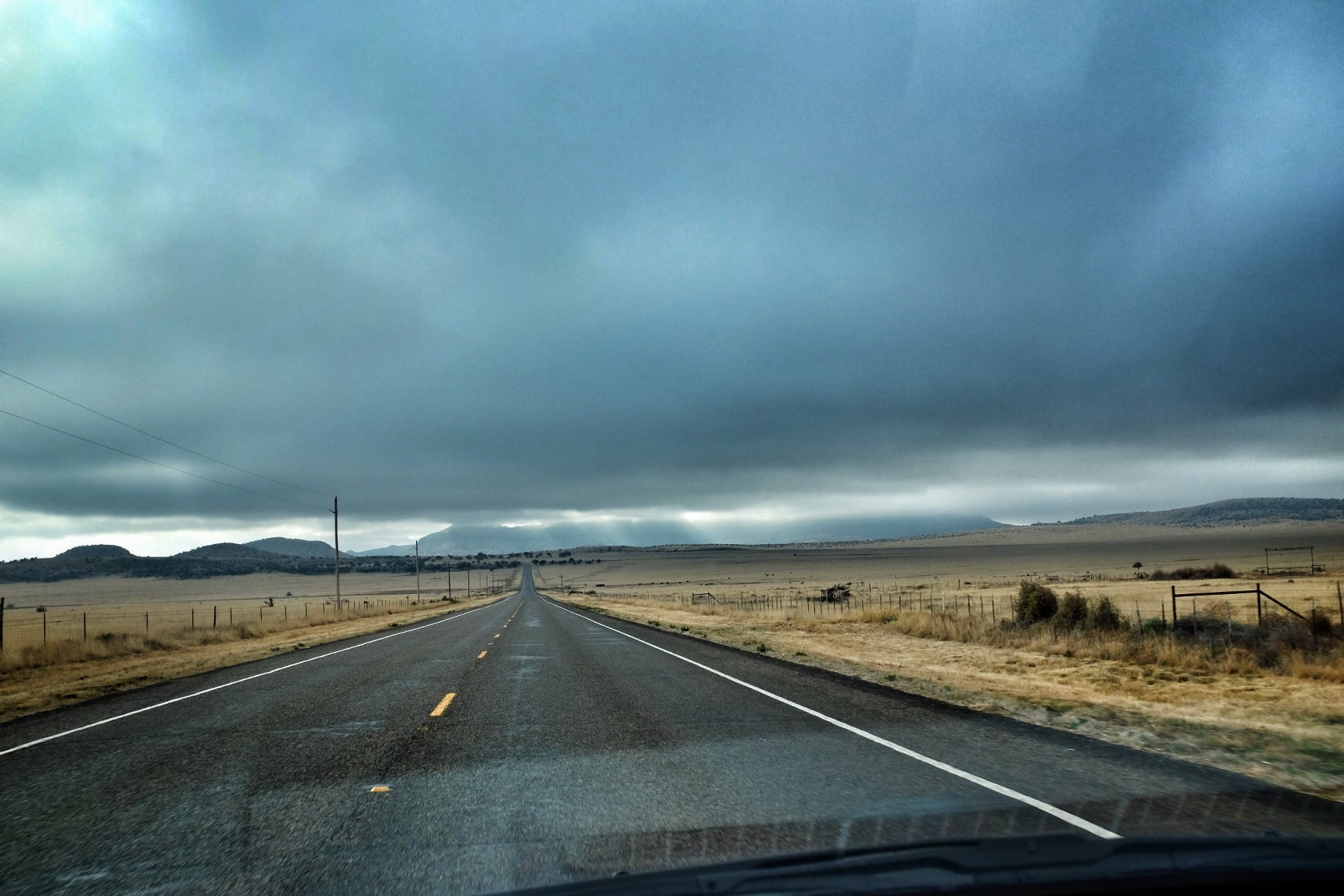
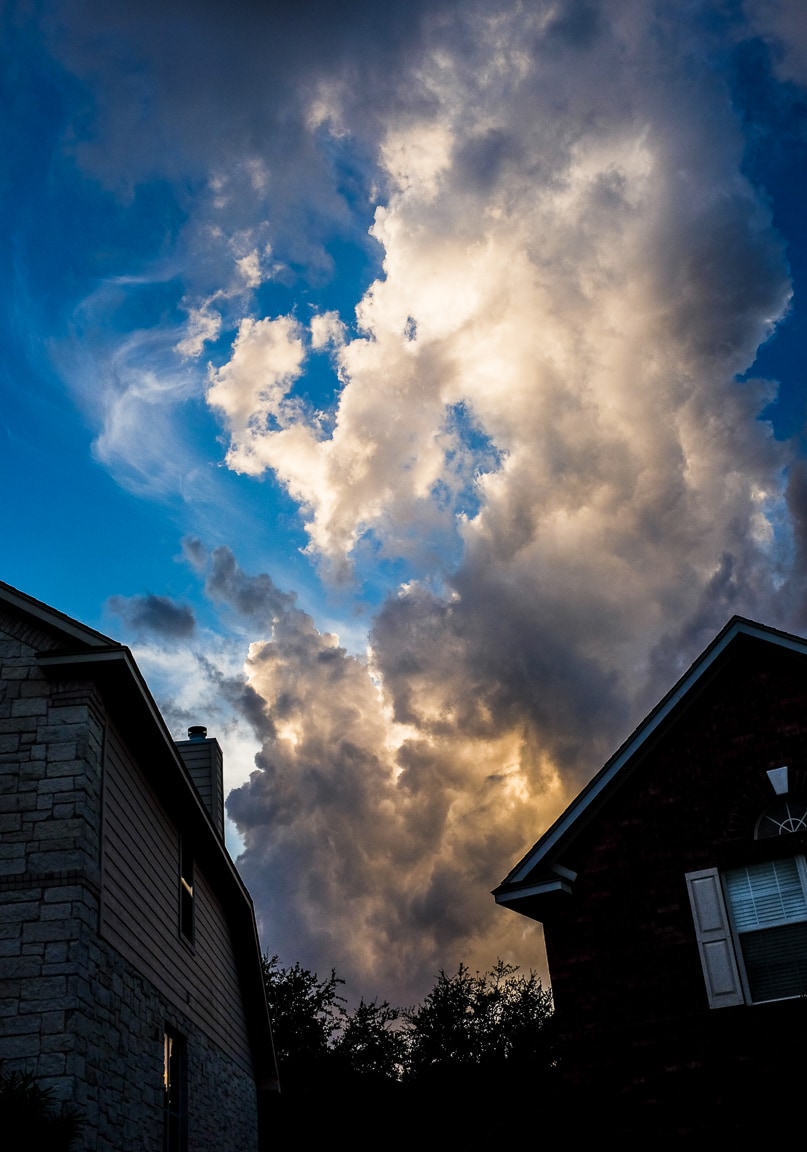
Photo info: FUJIFILM X100T, 23mm, f/4, 1/2000 sec, ISO200 “Evening” Cedar Park, 2016
こんばんは!Hello, how’s it going?
Well, it’s been a while since I have posted anything to Instagram. I wonder if it is that I just needed a break, or because I am adjusting to my summer bachelor life? Probably a bit of both. But I have been keeping up with my 366-daily-photo project which I post over on Flickr. Still going strong! 😃
I think I spend more time editing my Instagram images than I do my Flickr images, which hasn’t always been the case. I think the spirit of Instagram was originally “instant” and everyday snapshots, and I used to treat it like that. But now Flickr is that way for me. It’s funny how things change.
Below is another photo of that cloud formation, but after just a few minutes. Clouds change shapes so quickly, but it is hard to notice in real-time.
Photo info: FUJIFILM X100T, 23mm, f/4, 1/2000 sec, ISO200 “Shopping Cloud” Cedar Park, 2016
I paused briefly in the parking lot to take this photo of a cloud directly overhead. One quick snap and then to the car to escape the Texas summer heat. Clouds are amazing, though, aren’t they? ☁️
This photo is in response to the Photo Challenge “Look Up”.
Photo info: FUJIFILM X100T, 23mm, f/8, 1/1250 sec, ISO400 “Texas Sunset” Cedar Park, 2016
こんばんは!How’s it going?
This evening I happened to glance outside our window and see some light streaming above a cloud, so I grabbed my camera, ran upstairs and snapped this photo. I used the circular polarizer because I was shooting through a window, but I don’t know if it helped at all. I suppose it could have reduced any reflection, but I wonder if the angle was correct.
At any rate, I got a nice capture and decided to see what I can do in Lightroom. Normally I will import the jpeg and then apply a nice “S-shaped” tone curve, adjust vibrance and saturation, apply some grain and save for upload. But tonight I decided to spend a bit more time to do some more editing.
A fun thing I did was to paint in some selections using the Wacom tablet. First, I painted in some clarity and sharpening around edges of the center clouds to add detail. Secondly, I made a new brush to darken some areas using negative exposure. You can see in the top-right corner, and center-top that I darkened the sky a bit to add more variation. The tablet is so fun to use with Lightroom – I highly recommend getting one!
To add a bit more color, I adjusted the vibrance and saturation, but also added a few linear gradients. There’s one coming up from the bottom added some more warmth with a pale orange color and white-balance shift. Then up in the sky, I added one in the upper-right to add a touch of purple via white balance shift, and in the upper-left, some blue. It’s really fun to add color gradients or white balance edits this way. I did it quite a bit in another photo of mine several months ago.
I think the final image of the cloud is a bit exaggerated, but I like it. I think it could have been even better if there was a jet streaking across the sky leaving a contrail behind, or even a few birds flying in the sky. Just one more element to add more interest.
Anyways, for comparison, here’s the original image:
If you use Lightroom and are curious, I’ve saved all my adjustments to a preset and shared it, along with the original JPEG below. I use Lightroom 5, but the preset probably works with other versions as well. Enjoy!
In other happenings, I was reading about the terrorist attack in Istanbul. How awful… so much violence in the world. 😔 Whenever I turn on the news, there are so many negative things being reported… floods, airplane crashes, hate crimes, etc… I almost would rather hide away from all that. But what can you do but focus on being positive? Teach your kids to be open-minded, respectful, and compassionate, especially when they are young. I guess that is a start.
Anyways, I hope you had some moments of joy today. Even the little things! 😄
Tonight’s photo is of (surprise!) another cloud. ☁️ I realize that clouds are one of my favorite subjects to make photos of, so I did a little research on how to make better photos of them.
One thing that people have recommended using is a polarizing filter. Usually this type of filter is used to reduce reflections off of glass or water, but it also gives better definition and contrast to the sky and clouds. I honestly don’t know how much of an effect it will have since I usually do some editing in Lightroom to get the style I like, but since I already own a circular polarizer, I figured, why not?
After buying a step-up ring so that the 55mm filter would fit on the 49mm thread on my X100T, I took a few photos while I was out and about with my son Koa. There were a lot of nice clouds in the sky because of the approaching storm so I took the opportunity to make a few photos.
Below you can see how the polarizing filter can cut the reflections out of the photo. The circular polarizer actually rotates so you can dial in how much of an effect you want to achieve. In the photo on the left, I kept a pretty heavy reflection, but for the photo on the right, I rotated the filter and the reflections disappeared like magic! If you click on the photos, you can see that the cloud reflections on the hood of my car were eliminated as well. Pretty slick!
Light Polarization
Heavy Polarization
Anyways, I played around with the image in Lightroom and eventually I found the look I wanted, which is the black and white version below. I used Nik Silver Efex Pro2 to convert the color image to black and white.
Photo info: FUJIFILM X100T, 23mm, f/8, 1/15000 sec, ISO400 “Color in the Clouds” Cedar Park, 2016
こんばんは!How’s it going?
Yet another cloud photo?! I’m having fun making these images using my X100T. I’ve been playing around with the exposure compensation dial, aperture, shutter speed, and ISO to try to darken the sky a lot so I can bring out more detail in the bright clouds. I even noticed that my camera used its electronic shutter to take today’s photo at 1/15,000 of second, and yesterday’s photo at 1/23,000 of a second. That is insane!
Anyways, that’s all I’ve got for today… just a cloud photo, but at least this one has some color right around the sun. It’s kind of cool the things you can uncover by adjusting camera settings and post-processing in Lightroom. Fun stuff!
Photo info: FUJIFILM X100T, 23mm, f/3.6, 1/23000 sec, ISO400 “View from the Kitchen Sink” Cedar Park, 2016
こんばんは!Good evening!
Tonight’s photo is yet another cloud image. This is the view from the kitchen that I saw when I was doing the dishes this evening. The clouds here in Central Texas are nice, but the best clouds I have seen were probably in Hawaii. They move so fast and are so close to you, it’s amazing! Plus, they sit in front of a beautiful blue sky… The sky here in Texas is hazy and the clouds are so distant… a completely different feeling. I like it too. ☁️
I wish I could take photos of the clouds and the sea more often… which is why when we move to Japan after the kids are on their own, I’d like to live close to the ocean. Here in Austin, there are a few lakes and rivers, but it’s not the same as the sea… I never really think of a lake or rivers as somewhere I’d like to swim. It seems so foreign to me! But I have heard people say the opposite – that they don’t like swimming in the sea because the salt water and fish give them a bad feeling.
I guess it’s because I grew up near the ocean and swam in the sea a lot, that I feel more comfortable in the salt water. And the sound of the surf crashing on the shore! ❤️🌊
Anyways, I hope you had a nice Wednesday, and I’ll see you tomorrow… dream of the clouds and sea tonight! ☁️🌊
Photo info: FUJIFILM X100T, 23mm, f/6.4, 1/950 sec, ISO400 “Saying Hi” Cedar Park, 2016
こんばんは!Hello, how’s it going?
Well, I didn’t expect to take another cloud photo for today’s snapshot, but as I was doing the dishes this evening, this beautiful cumulus specimen appeared over the trees to say hello. I couldn’t pass up the chance, so I shut off the water, grabbed my camera which was in the other room, then came back to the kitchen to take four photos of the cloud. I liked this one the best, and deleted the other three.
I am a big proponent of only keeping the best version of a series of photos if possible. In this case, the other three were simply different views of the same scene, some farther away from the window, and some closer. The photo above was the image that I felt was framed the best by the window, so it became the “keeper” and the other three got the “X” (marked for deletion).
I’ve heard people say that you should never delete any of your photos. Storage is cheap, after all. It doesn’t cost anything extra to keep every single photo you take, right? While this may be true, I personally found that I was paying the price in speed. The large amount of images was bloating my Lightroom catalog and slowing things down.
Conversely, by only keeping one photo from a series of images, my Lightroom catalog is lighter and more responsive. Plus there’s less visual clutter when I scroll through the catalog, or when I browse my images online at photos.google.com. I can scan quickly. I don’t have to wade though a bunch of mediocre versions of the same subject (and believe me when I say that I capture a TON of mediocre images!).
For me, it’s important to cull the photos soon after Iimport them into Lightroom or copy them to my computer. (I even try to delete photos before that in-camera) The quicker I get rid of those photos, the less time they have to make an imprint in my mind. I believe everything takes a portion of the brain’s attention, even a tiny bit of my subconscious. So, once the photos cease to exist, it frees that part of my brain’s hard drive, as well as my computer’s hard drive. At least that is what I believe. 😌
When I first began culling my photos, it wasn’t easy to delete photos. Yes, I was a digital hoarder at the time! But one thing that helped me was to imagine that my Lightroom catalog was a slideshow that I would be presenting to an audience. Would I want to show them 4 pictures of the same cloud? No way. They would get bored (and annoyed) quickly. I would pick the best photo to show them, and respect their time and attention. So why wouldn’t I treat myself with the same respect?
Once I got comfortable with culling quickly, it became easy, and it actually became fun! Making decisions and not looking back or regretting my actions gave me a sense of control. It won’t change the world, but it did affect the way I felt. Plus, once you start decluttering, it just snowballs and it feels great!
Okay, I seem to have rambled on a bit (again). So, back to the photo at hand…
For the Lightroom edit, it was similar to my previous post’s photo, with the addition of selective white balance. I gave the cloud a warmer tone, and the sky a cooler tone. That’s it! I’d estimate that I spent about 4 minutes in Lightroom before exporting.
I hope you had a nice day today. Let’s have a great Friday to close out the work week!
As always, if you have a comment or question, let me know.
おやすみなさい! – B
Like this:
LikeLoading...
My camera & photos
I use a Fujifilm X-series camera for most of the photos on this site and my Instagram. Why not pick one up for yourself?