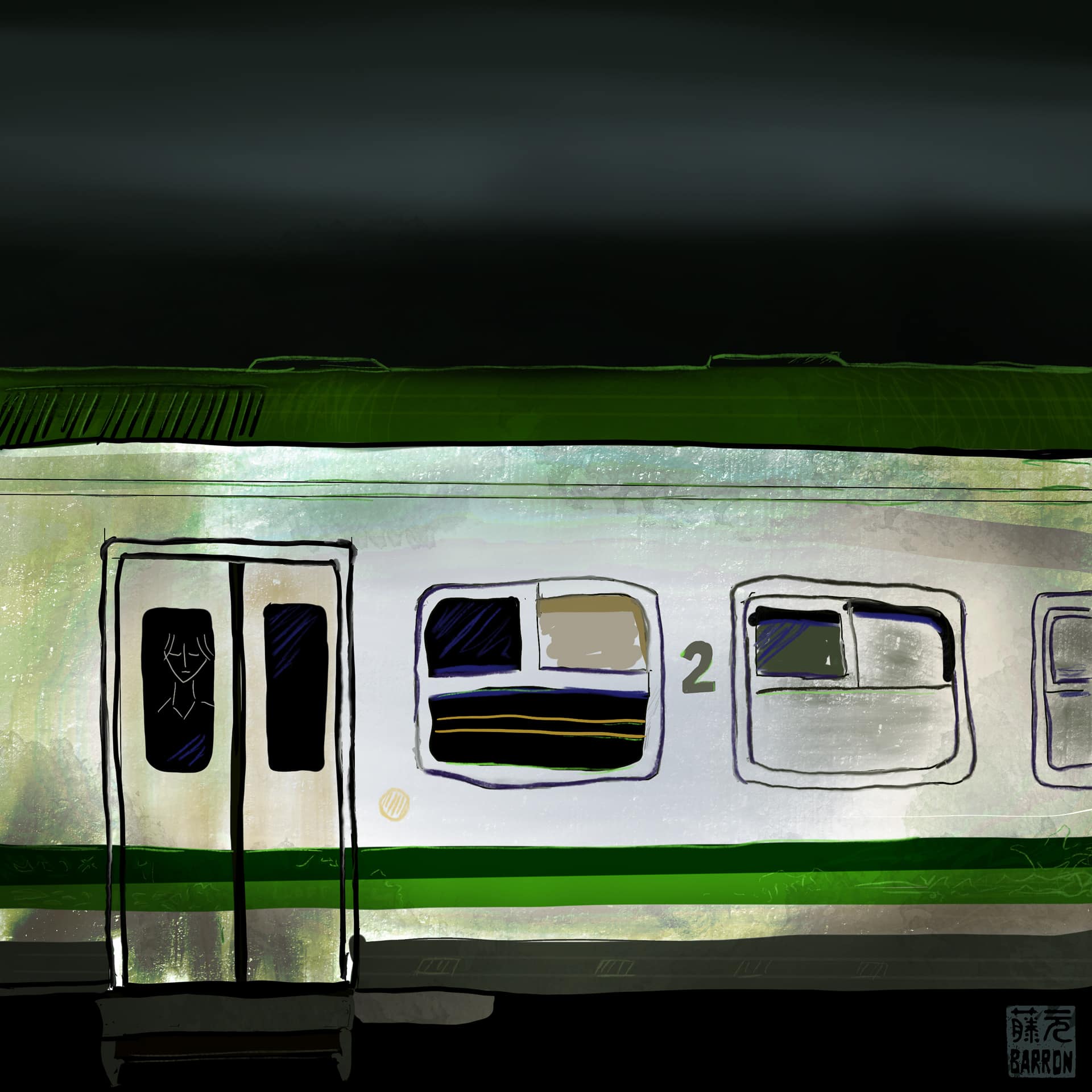
From a photo I took in Morocco a few years ago.
daily slice-of-life photo blog of a Gen-X dad
From a photo I took in Morocco a few years ago.
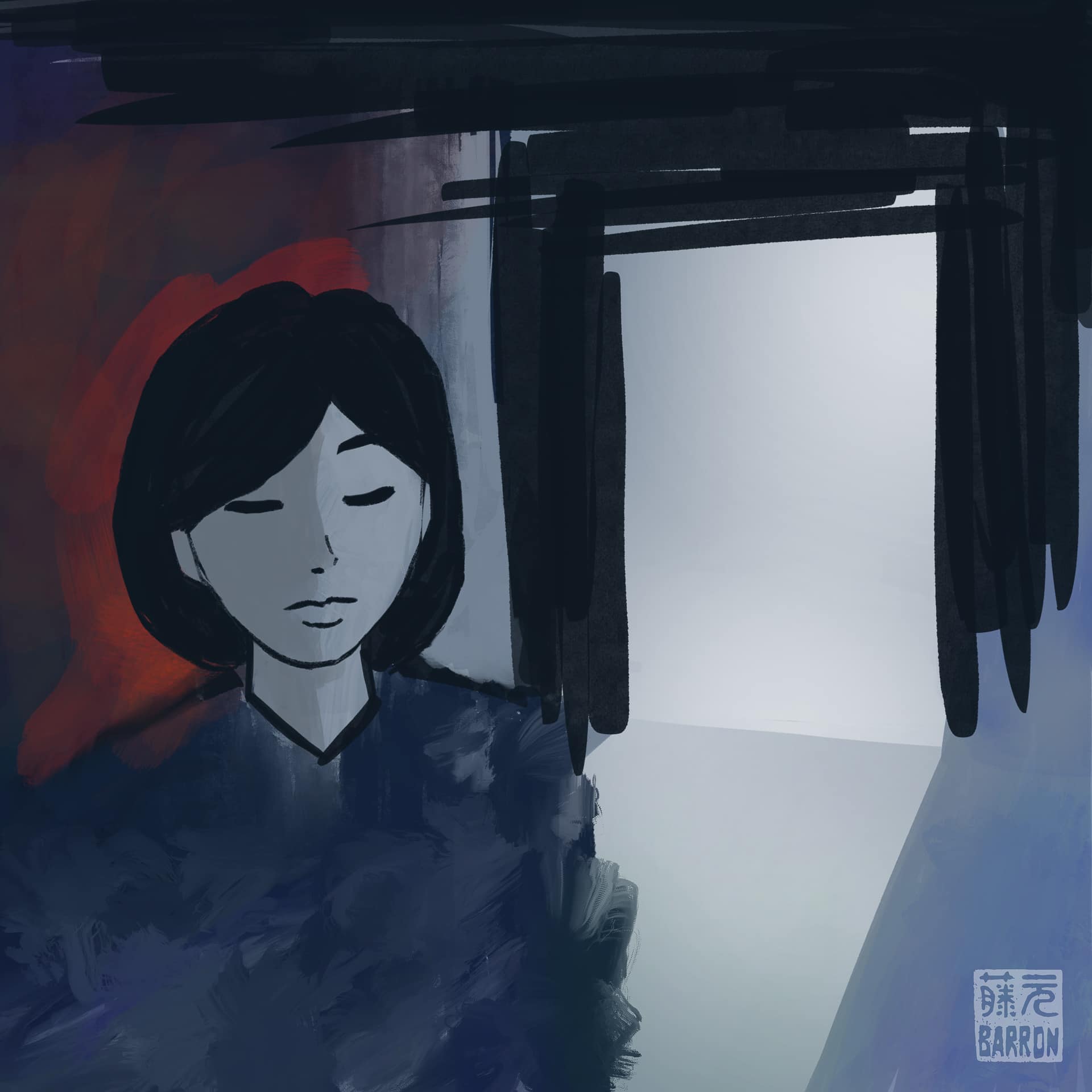
Feeling a bit melancholy and sad due to recent events. 😢
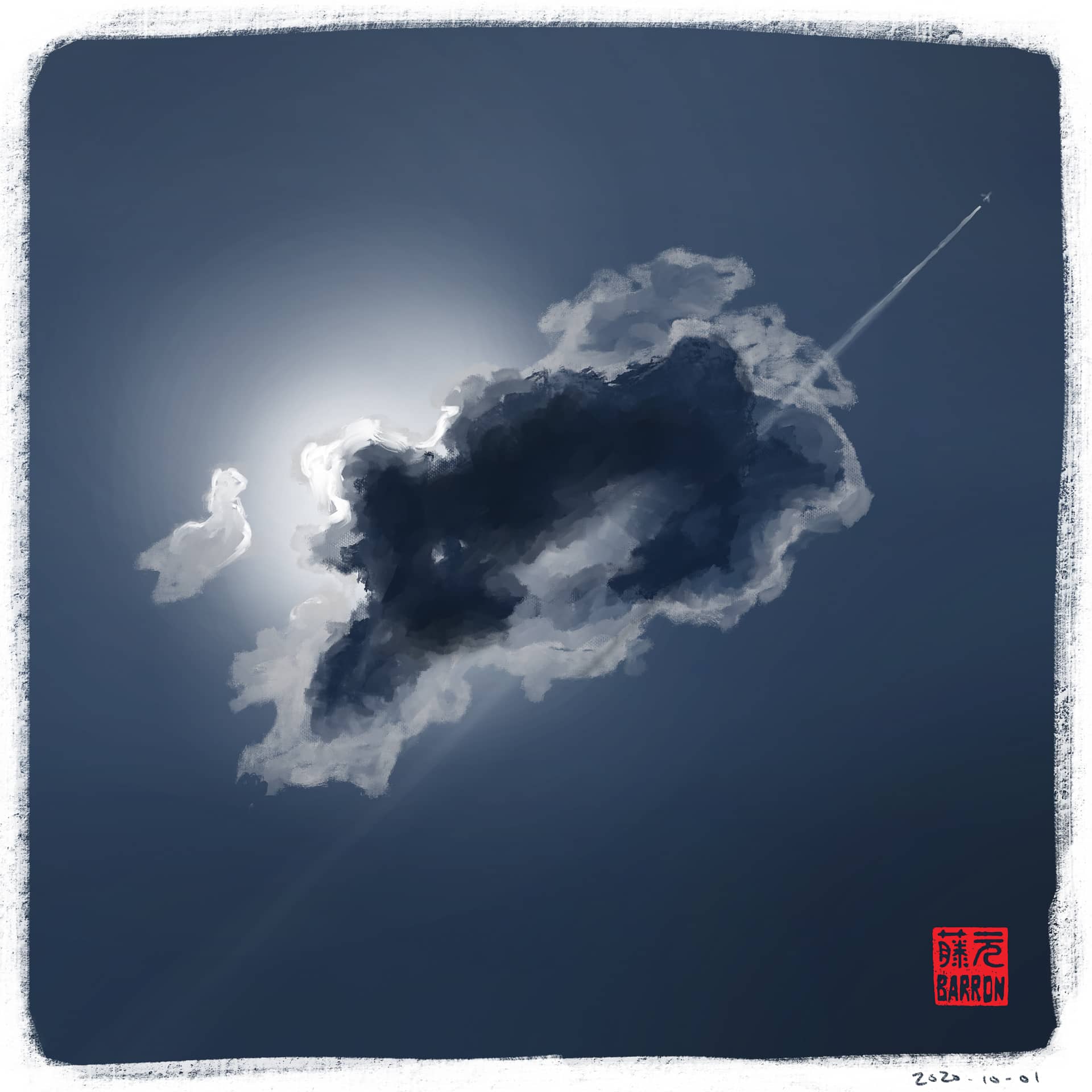
Here’s my first drawing for October!
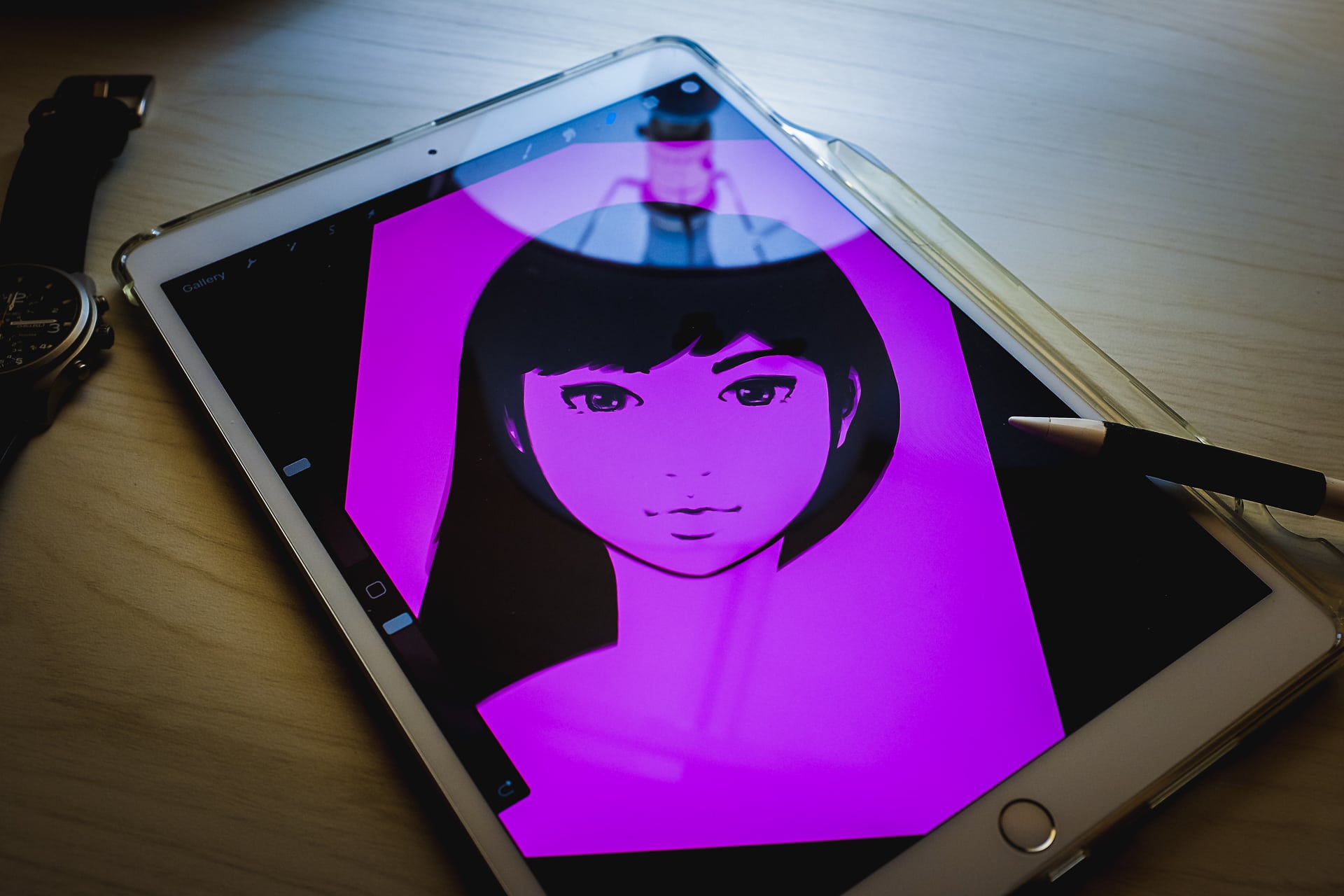
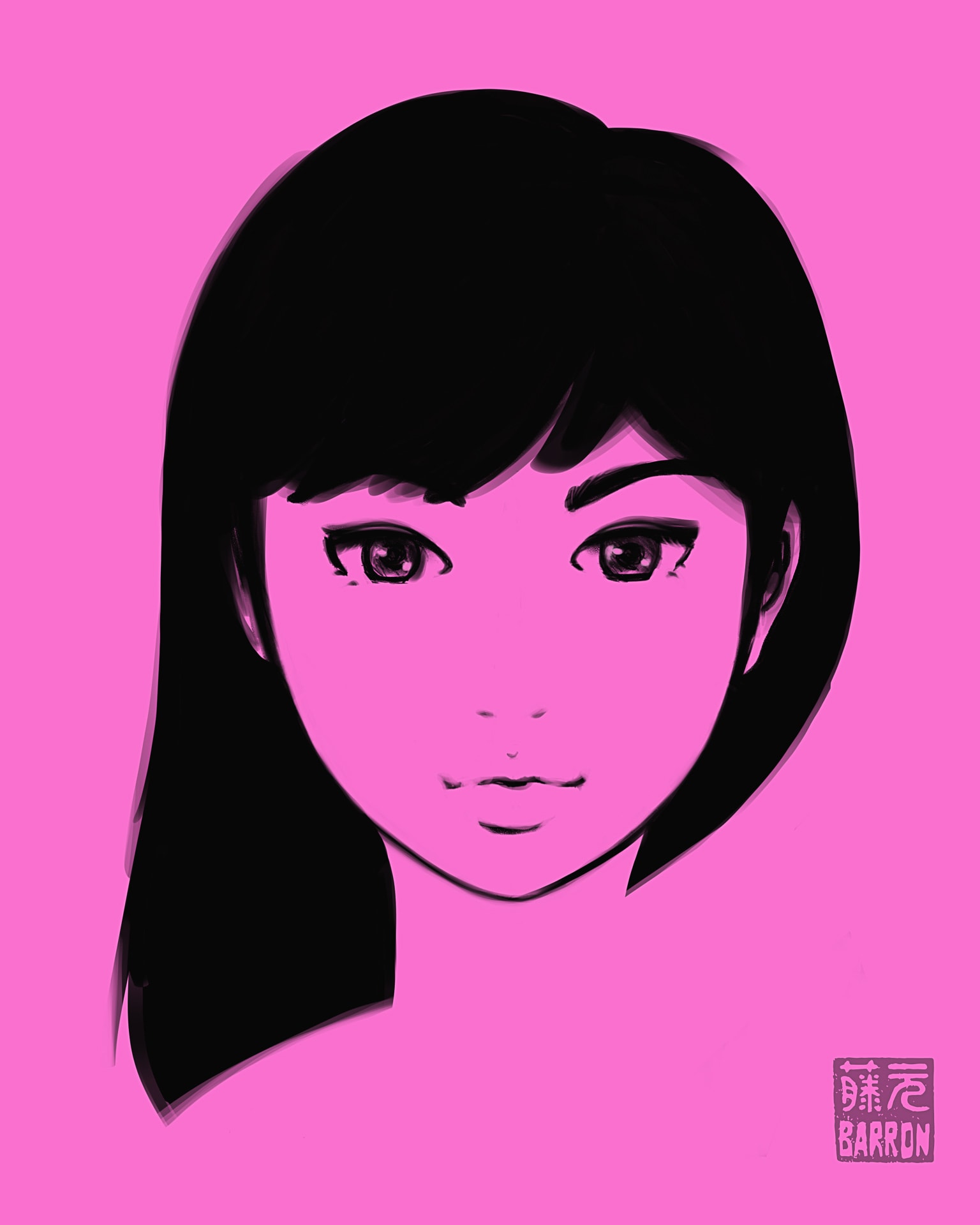
こんばんは。I wanted to share my latest iPad sketch that I worked on the past week off and on. Please enjoy the time-lapse video at the bottom of this post!
またね~
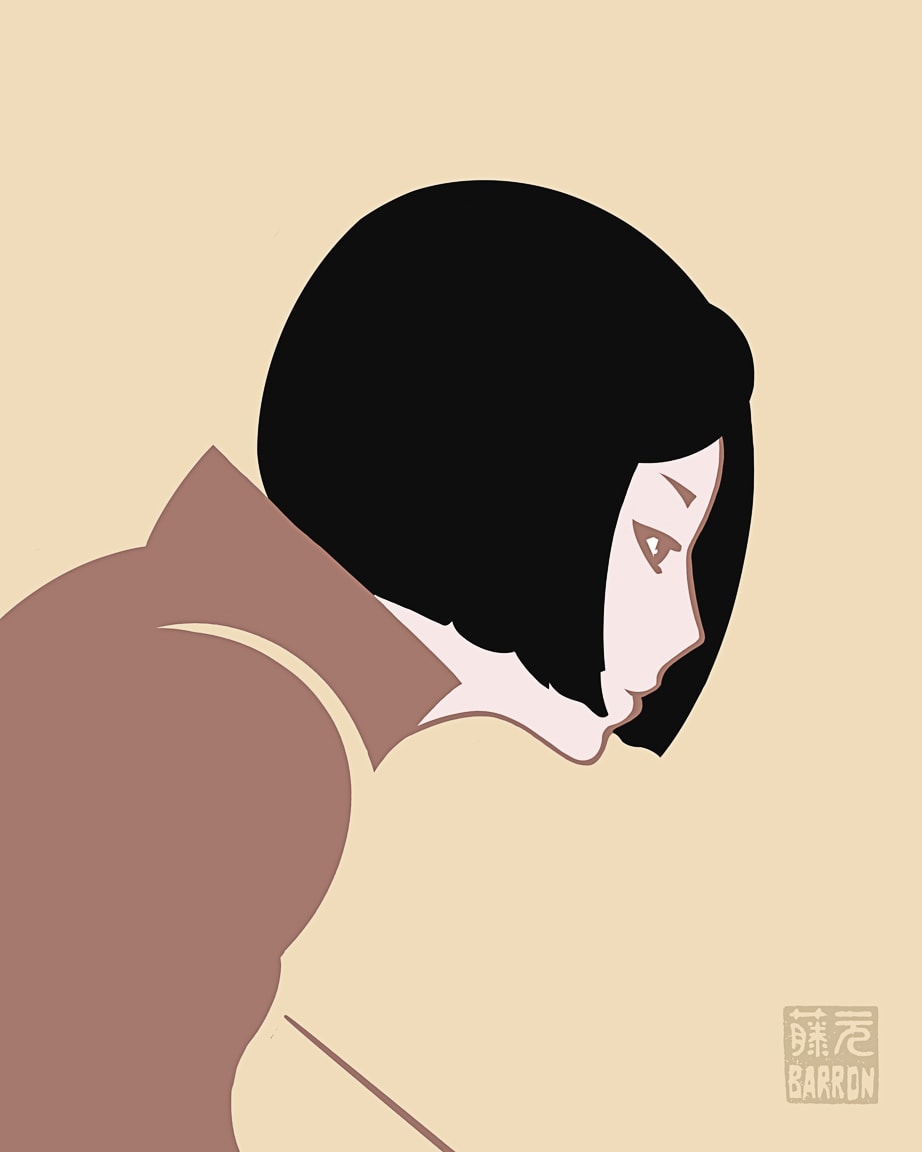
Hey there! Here’s the latest sketch I completed. I had fun choosing the muted color palette in this one.
Have a nice day!

こんばんは。I don’t have a photo to share for this post, but I did finish a drawing on the iPad using Procreate.
I might sound like a broken record, but I really enjoy sketching on the iPad. I’m getting more comfortable, and am able to work quicker, and with greater precision. Of course, the more I learn, the more I realize I have a long ways to go! But progress is encouraging, and I have a lot of fun with minimal frustration. Very satisfied!
To see all the sketches I’ve been working on, you can check out the Flickr album “My Sketching Journey”, or my Instagram account barron.sketches which I created just for posting sketches, watercolors, and stationery items.
If you’re interested in my favorite sketching gear that I use, you can find a list here.
またね~
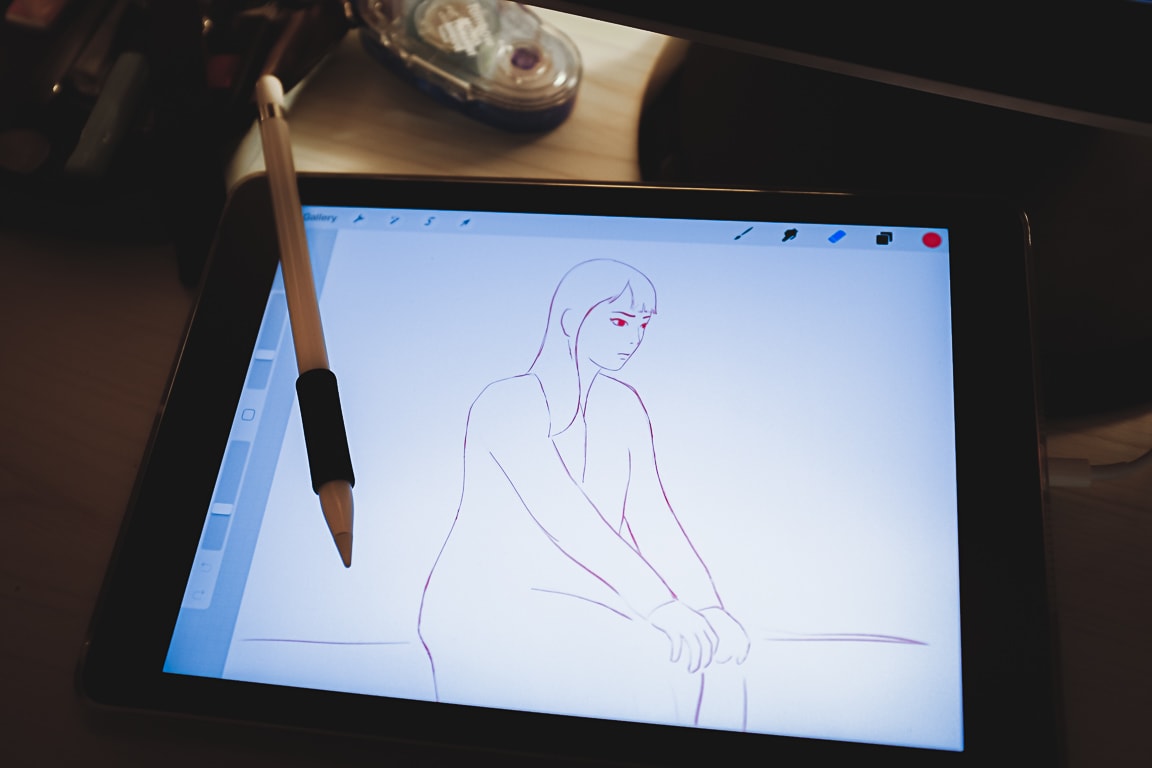
I’m still trying to sort out in my mind the advantages or disadvantages of digital sketching vs. analog sketching (or even if it’s important to know what they are), but I do know that in the realm of digital sketching, the iPad/tablet experience is way better (for me) than using my Wacom digitizer on the desktop computer.
Basically it comes down to how intuitive and natural it feels. And the ease of use is a huge advantage that the iPad has. When I want to sketch, it literally takes seconds to be drawing on the iPad. In contrast, with the computer, I have to start the software, then File, New, enter in the dimensions, look at the wonky interface and try to remember the keyboard shortcuts. That’s a lot of brain activity even before I start pushing pixels! Plus, I have to be sitting at the desk in the home office. With the iPad, I can sketch anywhere.
Of course, I’m just a hobbyist so I have different needs than a professional illustrator, but for what I am doing, the simplicity of Procreate and the iPad is just perfect. I still think iOS is weird, but once I am in Procreate, it’s a lot like just drawing in a sketchbook. In fact, I renamed my iPad to “Barron’s Sketchpad” since that is pretty much why I bought it.
Anyway, below is one of my latest sketches, and below that is the timelapse video of my sketching process. It’s so fun!
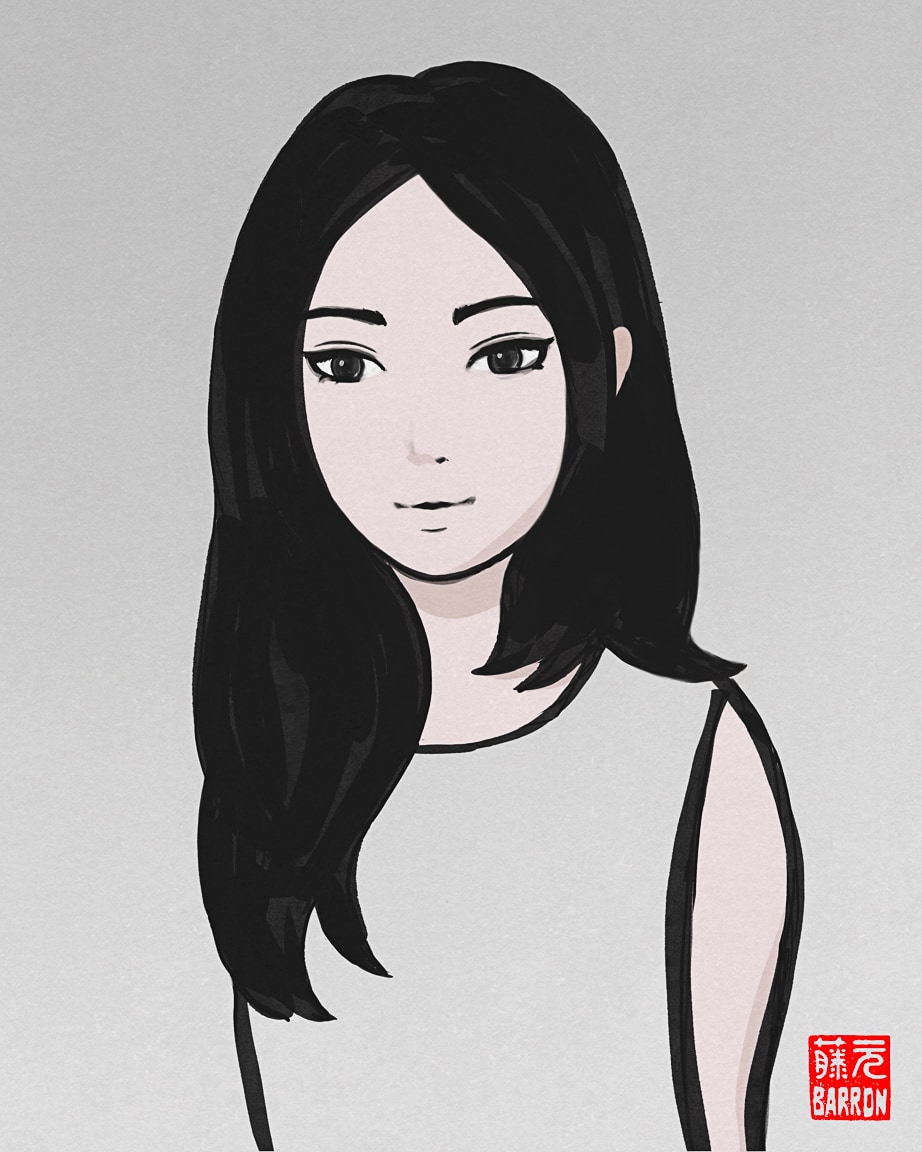
I hope you had a nice day!
またね~