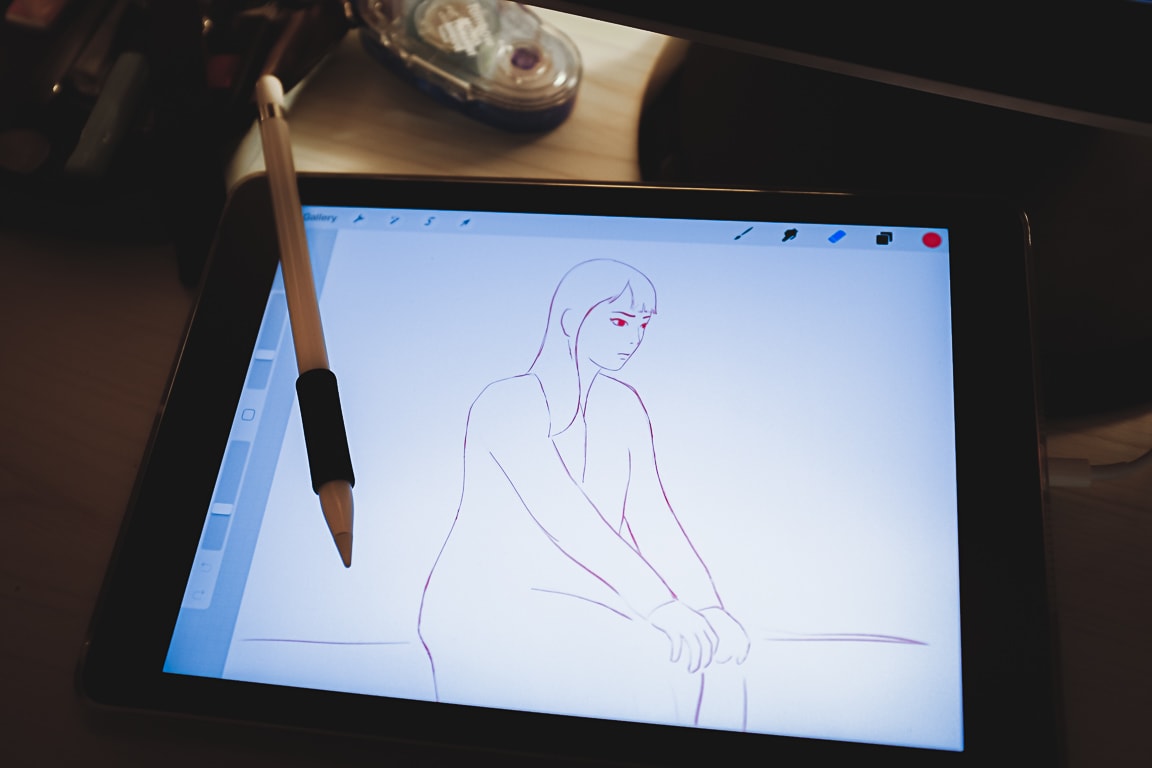
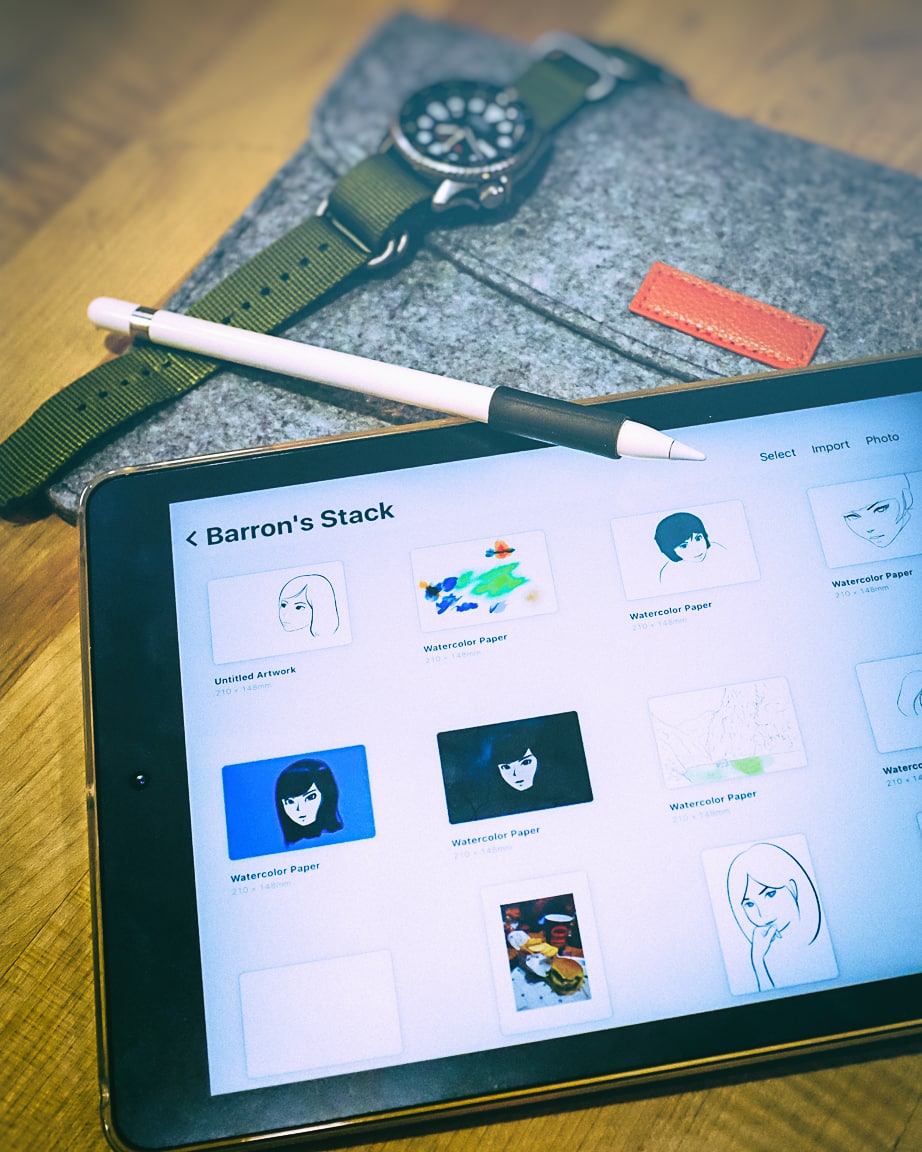
こんばんは。I don’t have a photo to share for this post, but I did finish a drawing on the iPad using Procreate.
I might sound like a broken record, but I really enjoy sketching on the iPad. I’m getting more comfortable, and am able to work quicker, and with greater precision. Of course, the more I learn, the more I realize I have a long ways to go! But progress is encouraging, and I have a lot of fun with minimal frustration. Very satisfied!
To see all the sketches I’ve been working on, you can check out the Flickr album “My Sketching Journey”, or my Instagram account barron.sketches which I created just for posting sketches, watercolors, and stationery items.
If you’re interested in my favorite sketching gear that I use, you can find a list here.
Photo info: FUJIFILM X100T, 23mm, f/2.8, 1/125 sec, ISO1600 “Sketchpad” Cedar Park, 2019
I’m still trying to sort out in my mind the advantages or disadvantages of digital sketching vs. analog sketching (or even if it’s important to know what they are), but I do know that in the realm of digital sketching, the iPad/tablet experience is way better (for me) than using my Wacom digitizer on the desktop computer.
Basically it comes down to how intuitive and natural it feels. And the ease of use is a huge advantage that the iPad has. When I want to sketch, it literally takes seconds to be drawing on the iPad. In contrast, with the computer, I have to start the software, then File, New, enter in the dimensions, look at the wonky interface and try to remember the keyboard shortcuts. That’s a lot of brain activity even before I start pushing pixels! Plus, I have to be sitting at the desk in the home office. With the iPad, I can sketch anywhere.
Of course, I’m just a hobbyist so I have different needs than a professional illustrator, but for what I am doing, the simplicity of Procreate and the iPad is just perfect. I still think iOS is weird, but once I am in Procreate, it’s a lot like just drawing in a sketchbook. In fact, I renamed my iPad to “Barron’s Sketchpad” since that is pretty much why I bought it.
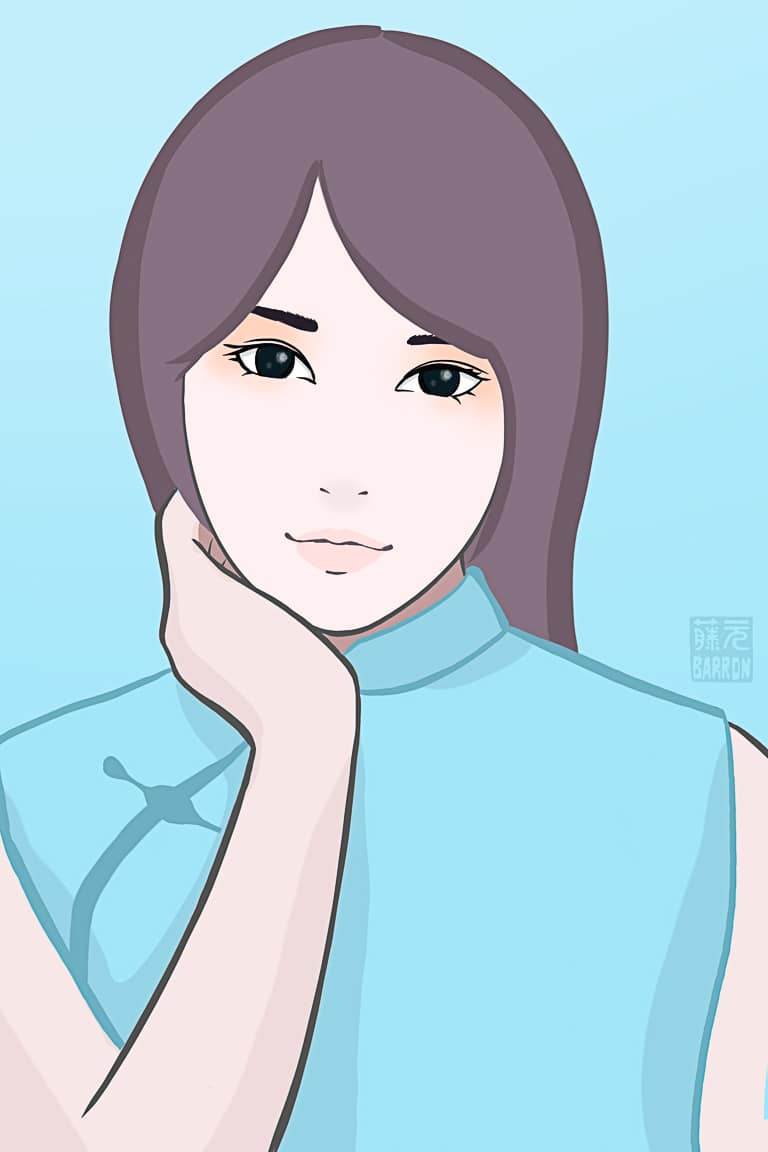
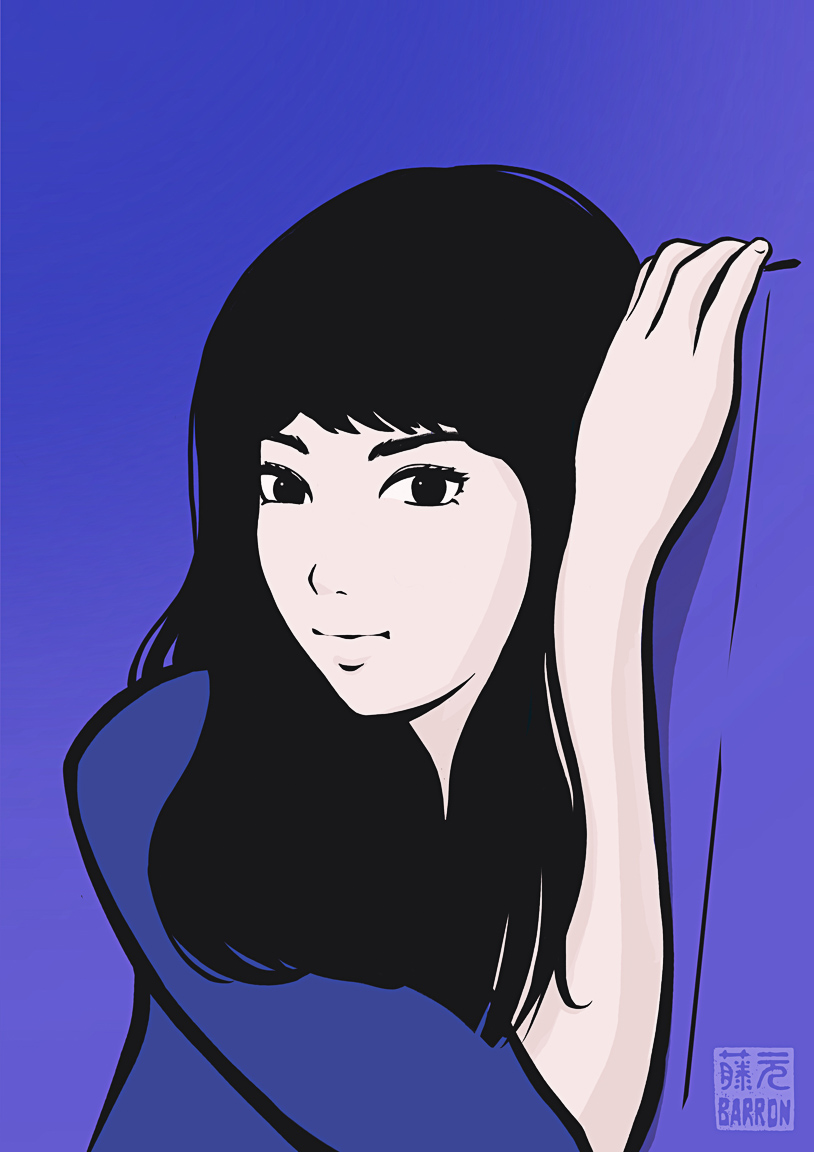
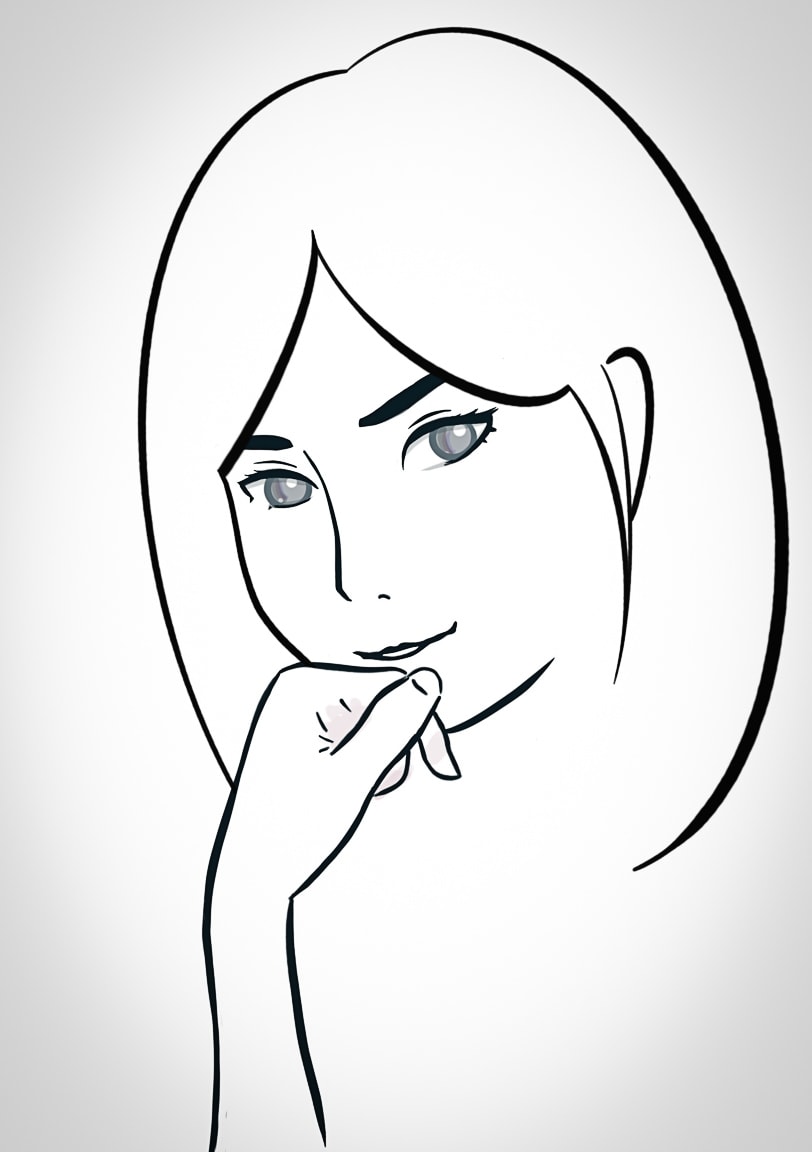
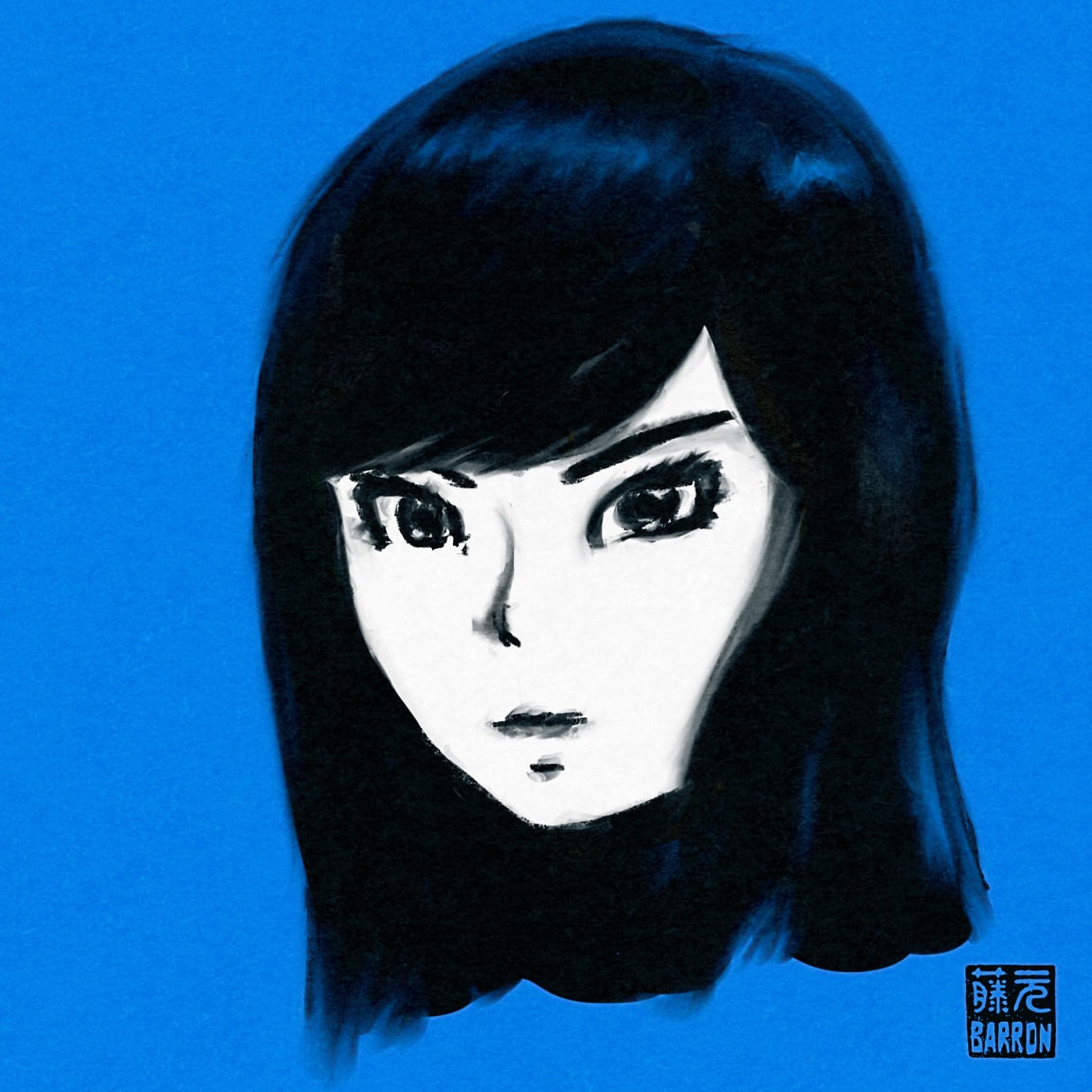
Anyway, below is one of my latest sketches, and below that is the timelapse video of my sketching process. It’s so fun!
I hope you bear with me while I share lots of sketching posts. I’m keeping up with my daily habits, and sketching is one of them. Tonight while was looking at the timelapse video that Procreate made, I noticed an interesting progression as I refined the drawing.
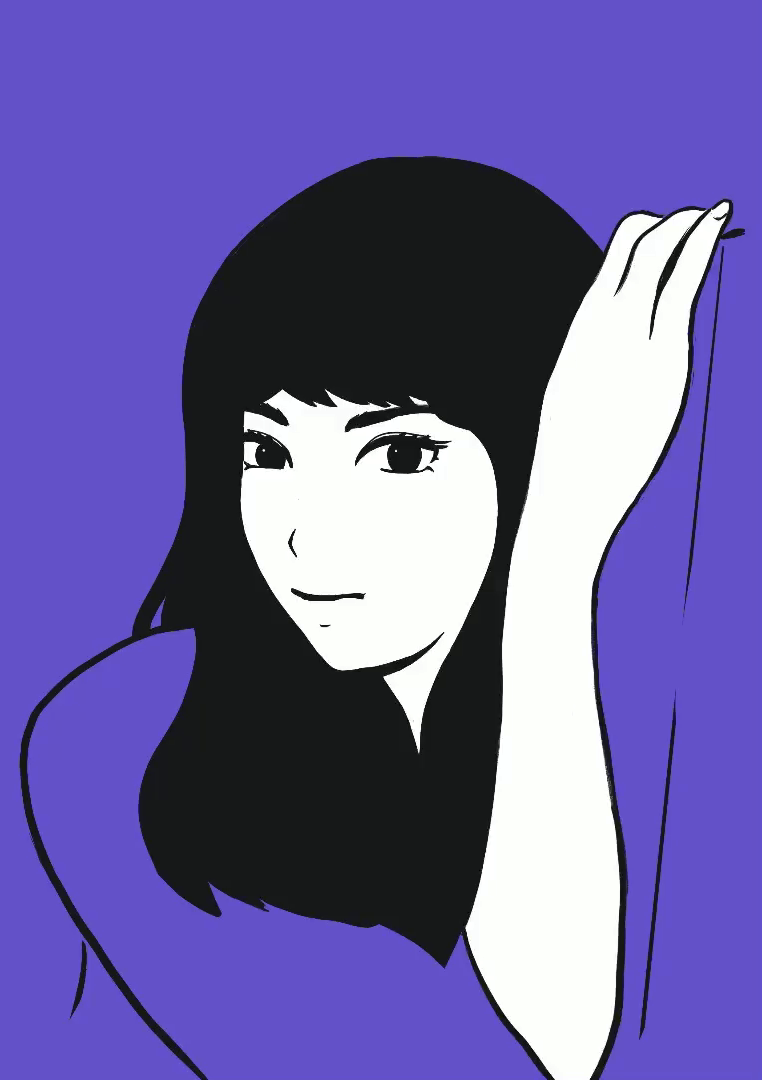
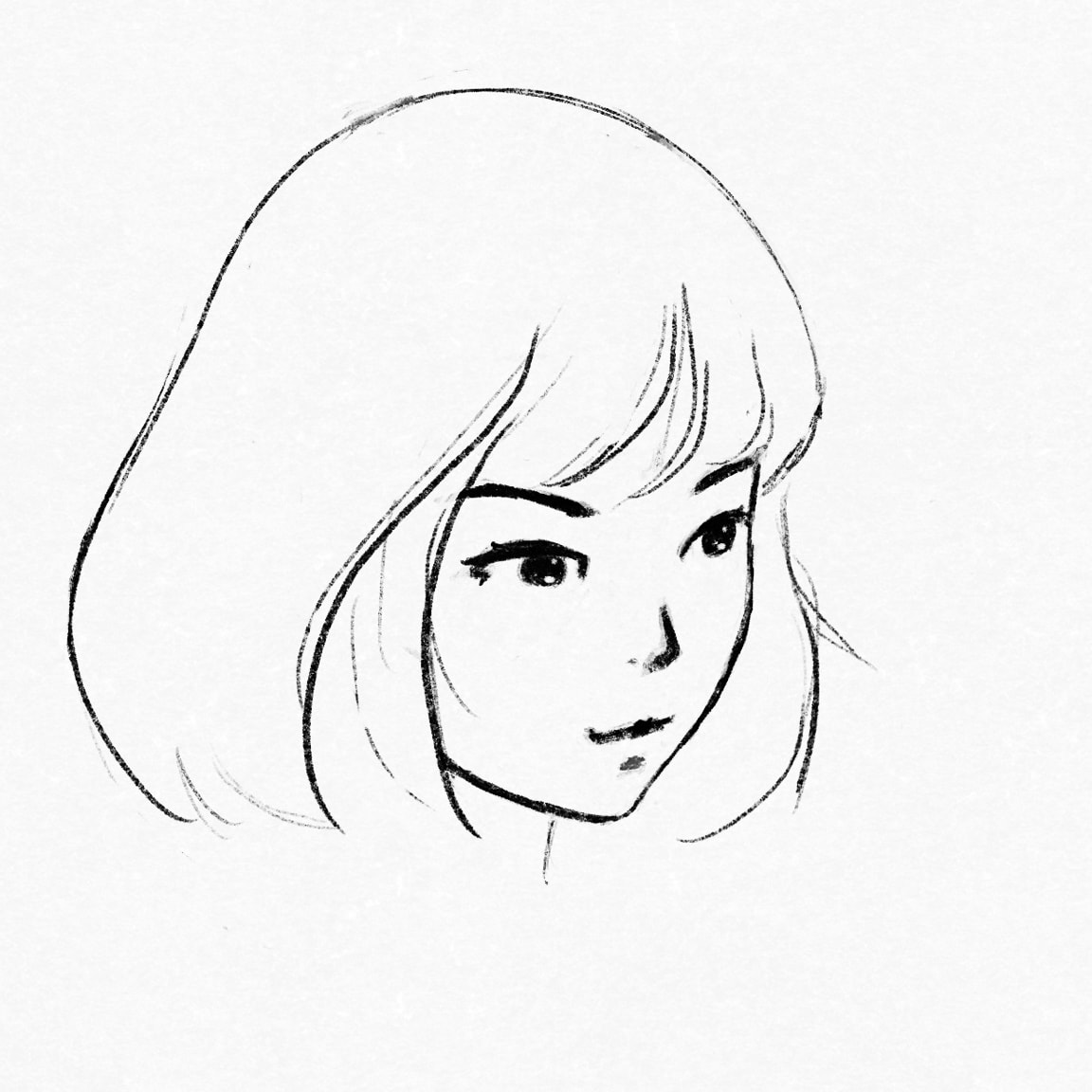
At the beginning of the video, the sketch looked like the artwork that I used to make in college and right after I graduated. I was really into Japanese ukiyo-e art at the time, so that’s where I got most of my influence. That was around 1990:
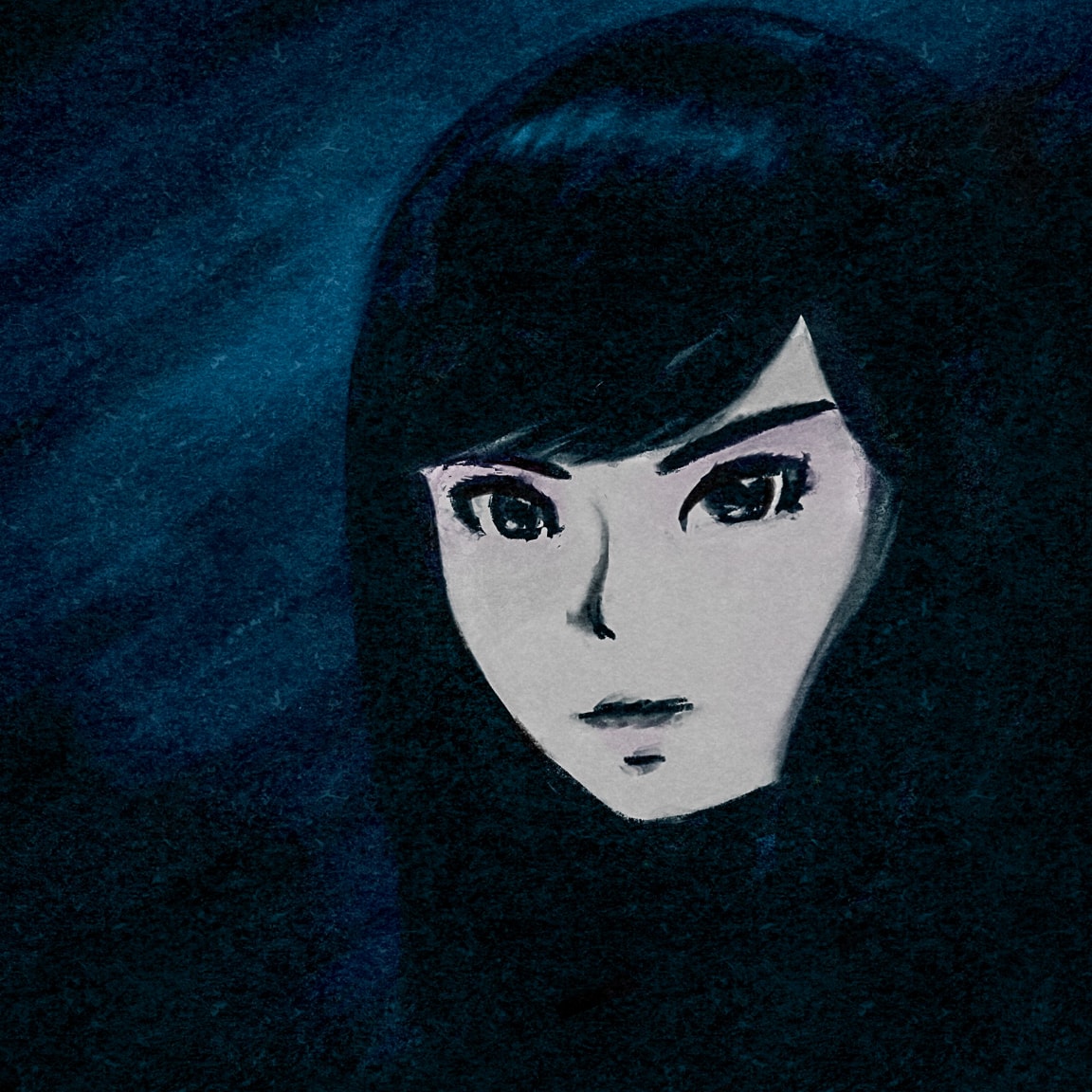
Then I noticed the drawing went through a couple other phases, which are reflected in my more recent sketchbook drawings from a couple years ago:
And then it progressed to the style that I have been kind of stuck at since late last year:
Finally, we end up with today’s evolution:
These days I am looking towards my favorite illustrators, so of course, I try to emulate them. I love Eguchi Hisashi‘s work, so I take many cues from his work. Also, Ilya Kuvshinov is awesome, and I recently discovered Aka, whose work blows me away.
As I continue to practice, I’m excited to see at what pace I can continue to improve. It’s a fun hobby, and so satisfying. And it makes me look at other illustrations and art in a different way as I try to decipher how artists draw different facial features, the color palettes they use, and the way they draw lines and blocks of solid color. It’s fascinating.
Photo info: FUJIFILM X100T, 23mm, f/2.8, 1/125 sec, ISO1250 “iPad Sketch” Cedar Park, 2019
こんばんは。How’s it going?
I’ve been using the iPad and Procreate for my sketching this past month and I love it. I can make edits easily and can pick up where I left off immediately. And that convenience means that I can make adjustments to a previous sketch at any time in the future. Not only can I do that, but I can create duplicates of the drawing and try different things. Digital drawing is so great!
But that got me wondering about when to call something “finished”. On a few of my sketches, I think I am done, so I share the image on the blog, ArtStation, Flickr, and Instagram, but later I figure out a new way to do something or notice a part of the sketch that I can do better, so I’ll go back and make the changes. I guess it’s like George Lucas going back and re-editing his Star Wars movies many years down the line.
So with the knowledge that I will most likely make changes to existing artwork, I don’t know if I can ever call a drawing “finished”.
I’ve come to the conclusion that my digital art can constantly evolve, and those moments in time when a drawing is shared are just milestones in something’s existence. So, as I improve in my drawing and become more proficient with my tools, I definitely want to re-visit my earlier sketches and make them better, and won’t feel guilty about doing that. I suppose making a snapshot of earlier “versions” is maybe something that should be more intentional. By snapshot, that could simply be exporting a jpg and saving it with a unique name.
Who knows… I may end up with several version of the same drawing, but Monet completed over 250 paintings of water lilies, so I guess it’s okay. 😄
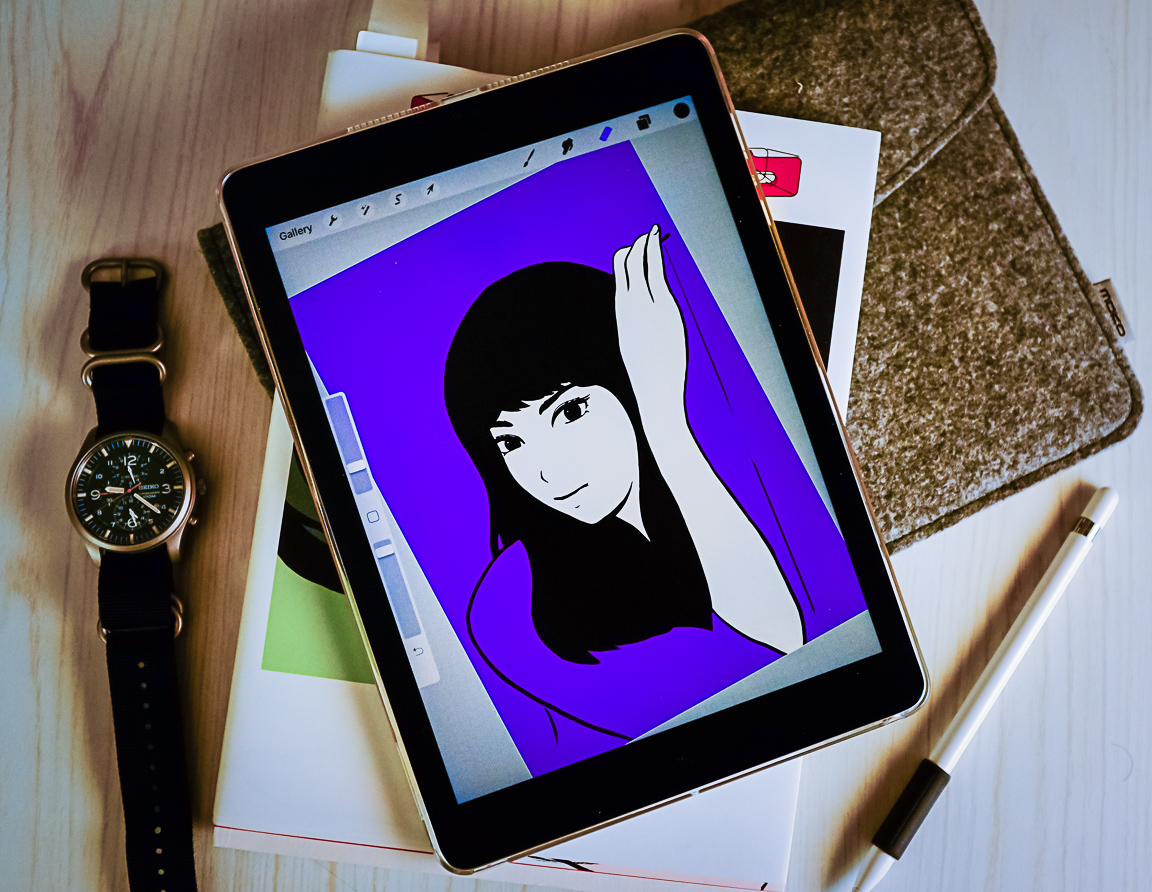
Here’s a sketch that I worked on tonight. I’m happy how it turned out and was ready to share on Instagram, but I can see a few things I want to update or try. For instance, I’d like to see if adding a sleeve instead of her bare arm would look nice, and maybe try adjusting the position of the eyes. If you have good eyes, you might notice that the first photo in this post has some differences in the drawing as well! I took that photo thinking I was done, but then the mouth and nose looked a little too simple and primitive so I had to edit them. But anyway, here’s a snapshot of the progress:
Photo info: FUJIFILM X100T, 23mm, f/4, 1/125 sec, ISO3200 “Drawing Tool” Cedar Park, 2019
こんばんは。How’s it going?
My daily drawings have shifted over to about 90% digital with Procreate and 10% on paper in the 2 weeks that I’ve had my iPad. I guess that’s to be expected with a new drawing tool. It’s so fun to see what is possible using Procreate, but even though it is a different way to sketch, I still find myself on the same path of learning, and right now I am concentrating on line-drawing. I make progress little by little each time which is really encouraging, and using the iPad has sped up the process. Just the convenience of undo and multiple undo is game-changing – it’s like having a magical eraser. I love it.
I can see farther down the path of my learning journey now, which was kind of muddled before. It’s becoming clearer that I need to keep practicing line drawings (still a ways to go), and start expanding from just faces to more poses, and then maybe larger compositions, and finally, work on color. Not sure if color will work its way into the process earlier or not, but I am thinking it won’t be detrimental to dabble in it. At any rate, it’s exciting to think about all the things that can be created while learning, and that is good motivation to keep going.
I have some thoughts forming about digital vs analog art, and it kind of interconnects with decluttering, but I’m not quite there yet to put it down on “paper”.
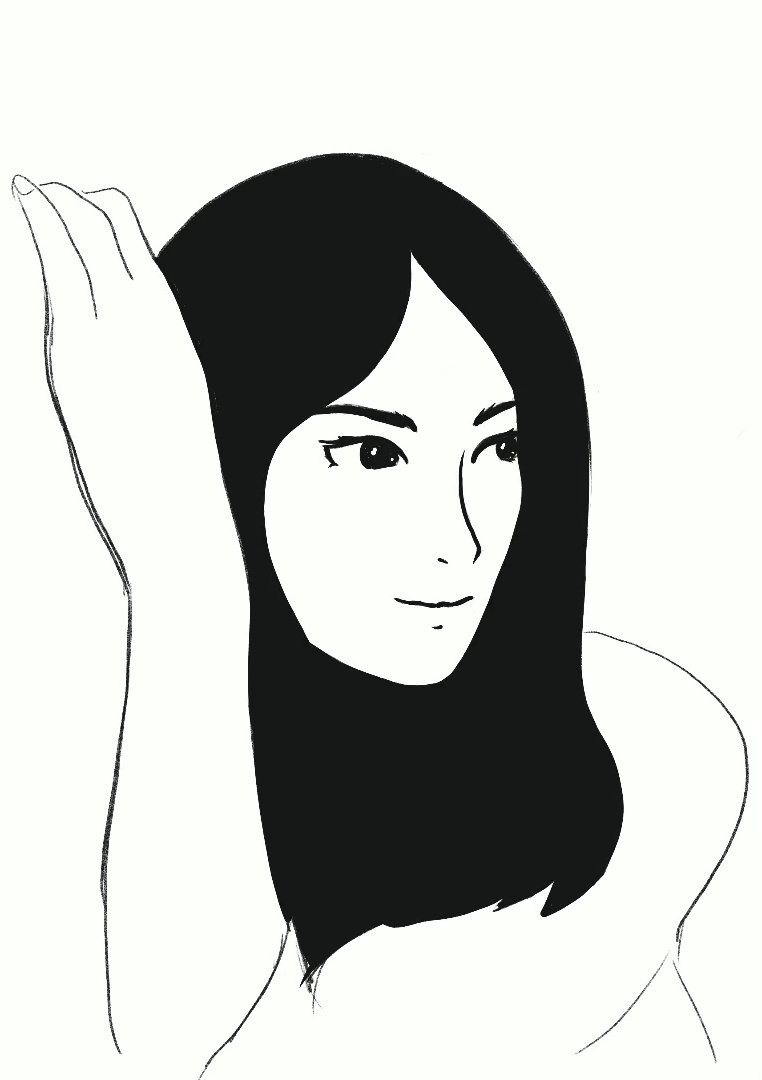
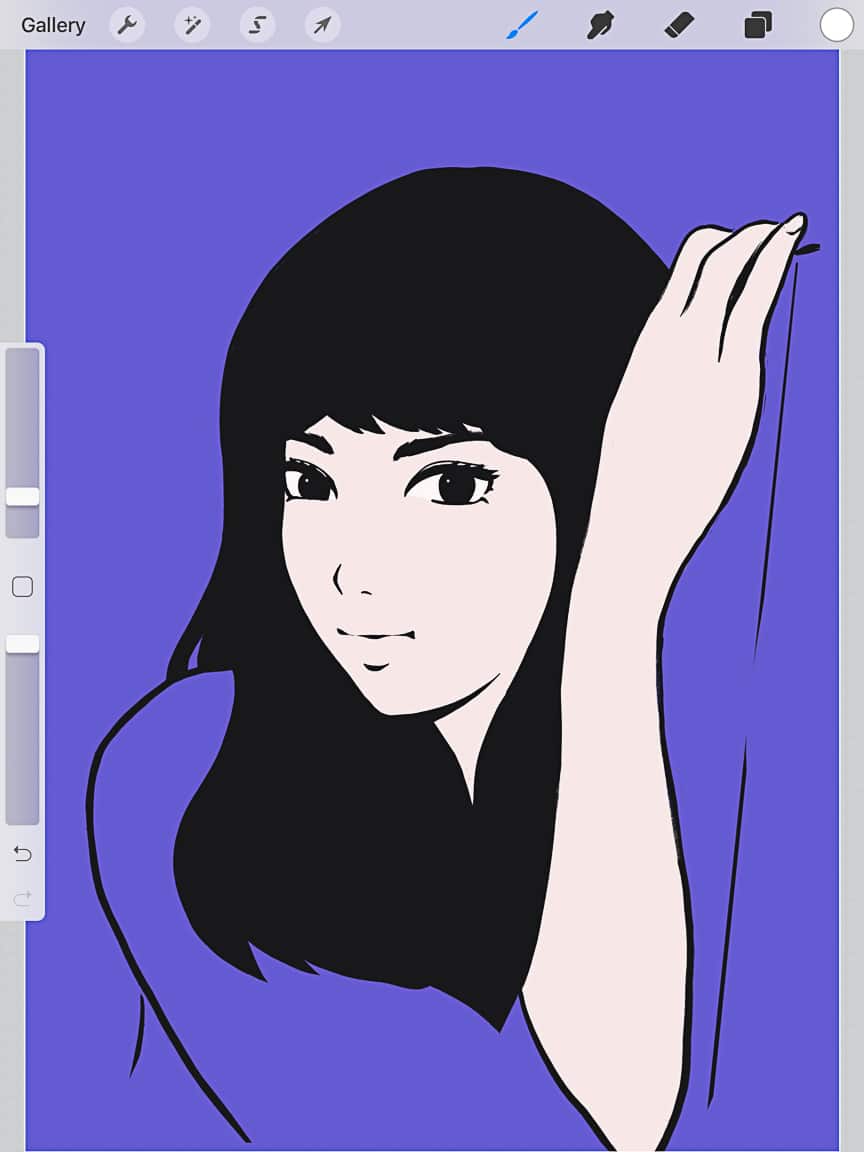
In the meantime, here’s my latest practice sketch, and the timelapse drawing process. For the hand, I looked at a reference photo, but I didn’t like how it was turning out so I traced the photo. But looking back at the timelapse video, I think the non-traced version would have been fine.
I’ll keep this drawing as-is and move on to a new one, but in the future, I’ll probably come back to it to work on color.
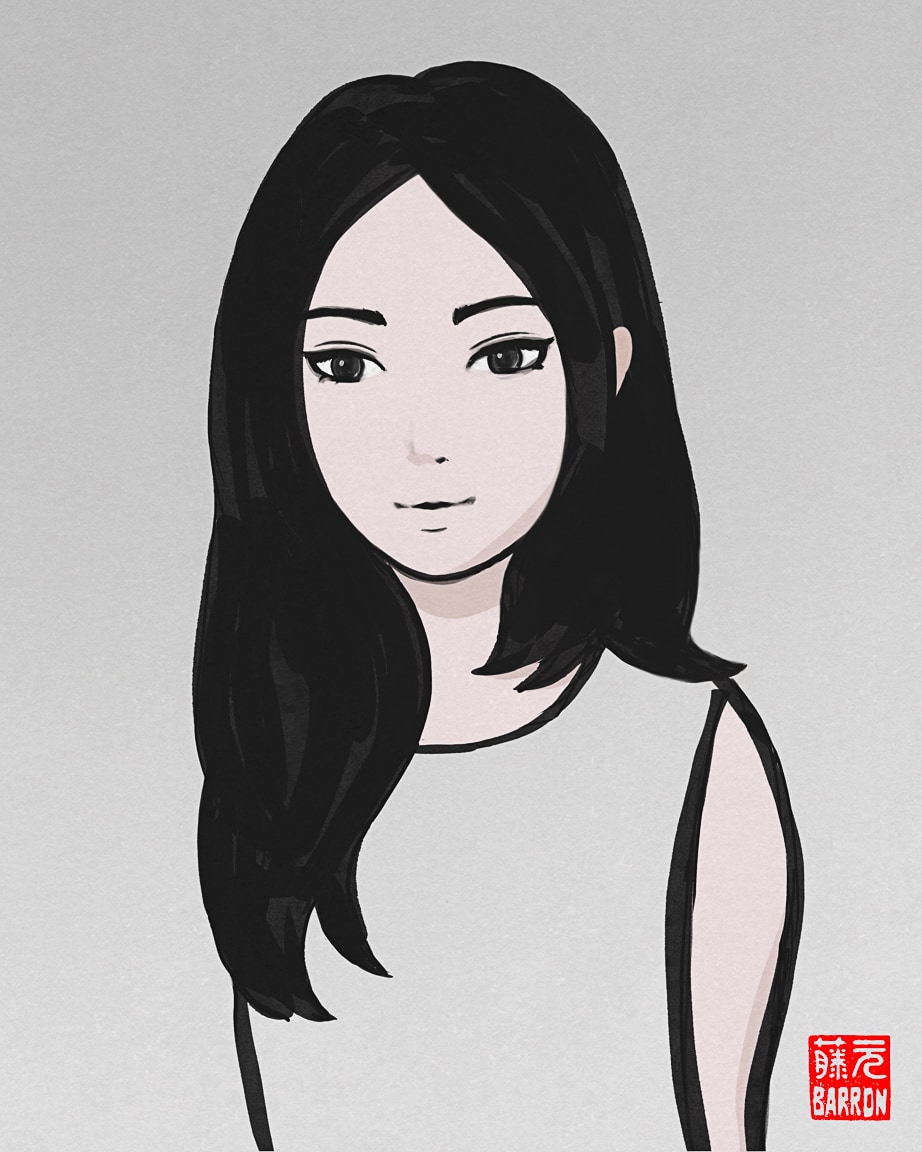
I’ve really been enjoying creating little bits of digital artwork on the iPad using Procreate. It’s a lot of fun trying out all the different brushes, and even creating my own versions. I definitely gravitate to the inks, but I usually start my sketches with the 6B pencil, then switch to a new layer to use the ink pens.
One really cool thing is that you can easily draw perfect circles in Procreate – after drawing the oval, just hold the pencil a bit longer, and the oval will reshape itself into a circle. This is so convenient for starting the basic shape of a face. I love it!
Right now, there are two subjects I am practicing with Procreate. One of the subjects is landscapes with watercolor effect, and the other is the stylized portraits, like tonight’s sketch. For this one, I went with a thick ink brush, in a loose style, then used the smudge tool to blend the edges a bit. I like how the hair turned out, and although the face is not as detailed as some of my other sketches, I liked trying a new thing. The big eyes and tiny mouth and nose makes a fun style!
I think I’ll keep this version, but duplicate it and work on it some more. Just another fun thing you can do when you work digitally. 😀
I hope you had a nice day!
またね〜
Like this:
LikeLoading…
My camera & photos
I use a Fujifilm X-series camera for most of the photos on this site and my Instagram. Why not pick one up for yourself?