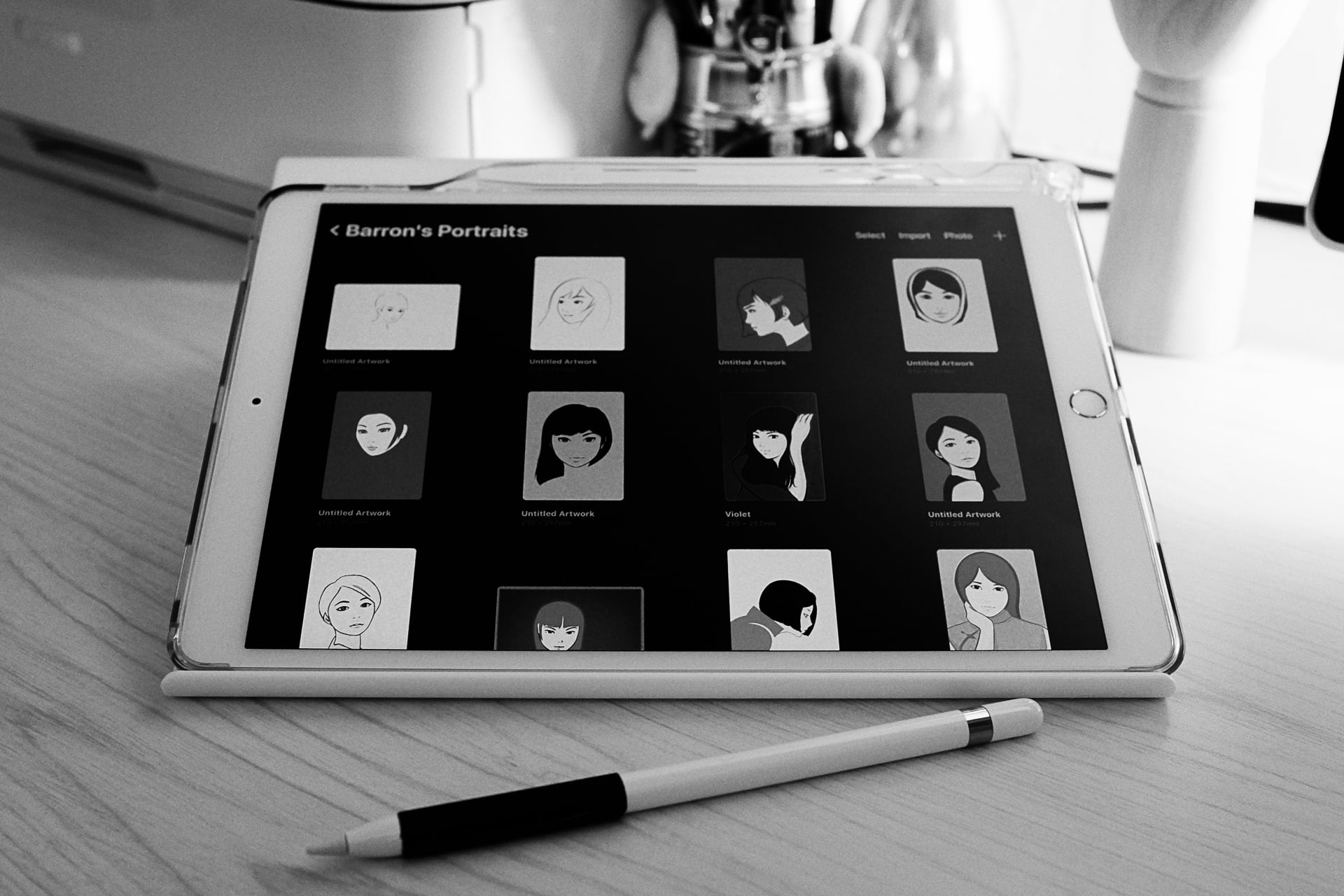
Selecting and Adjusting

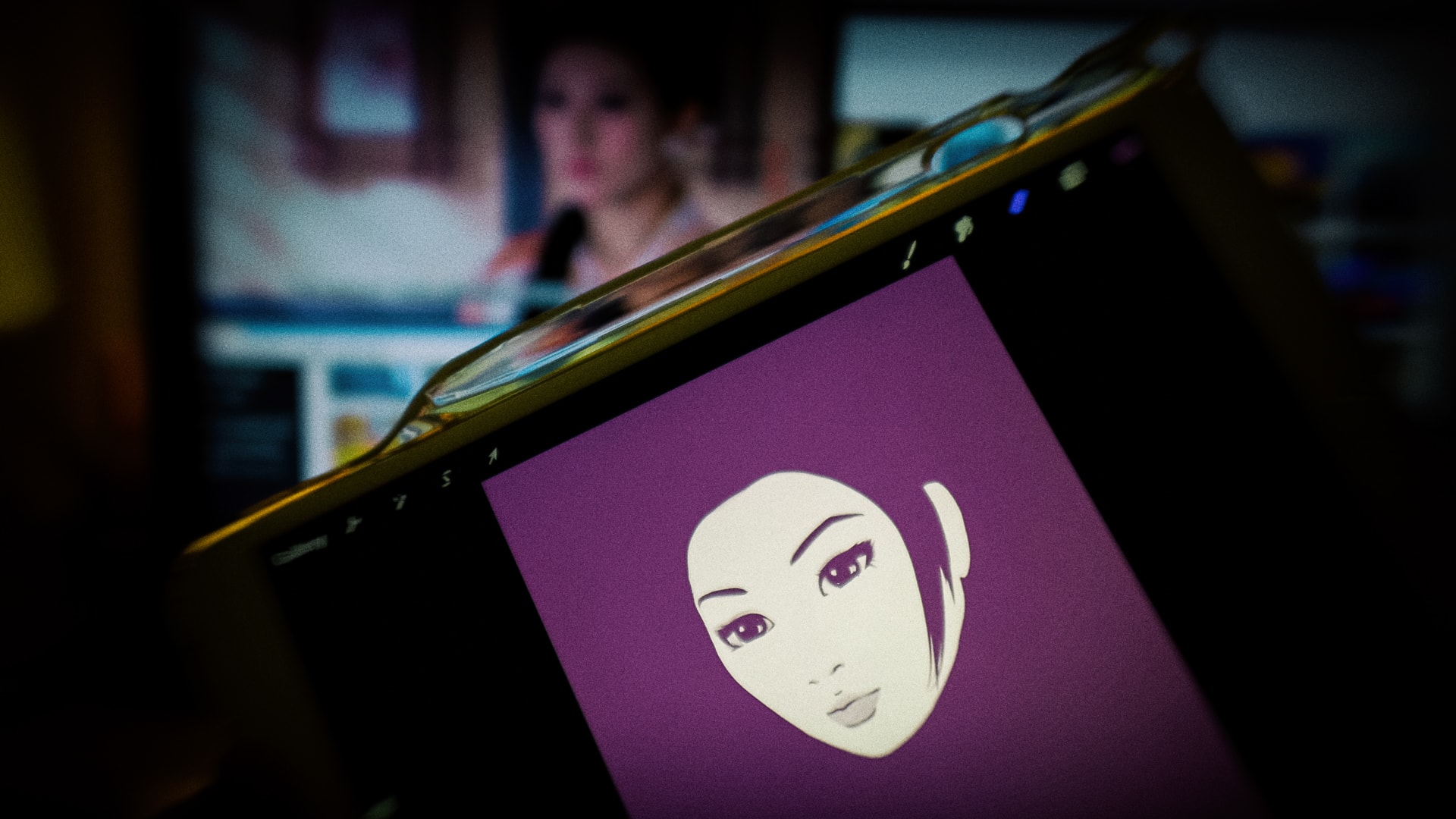
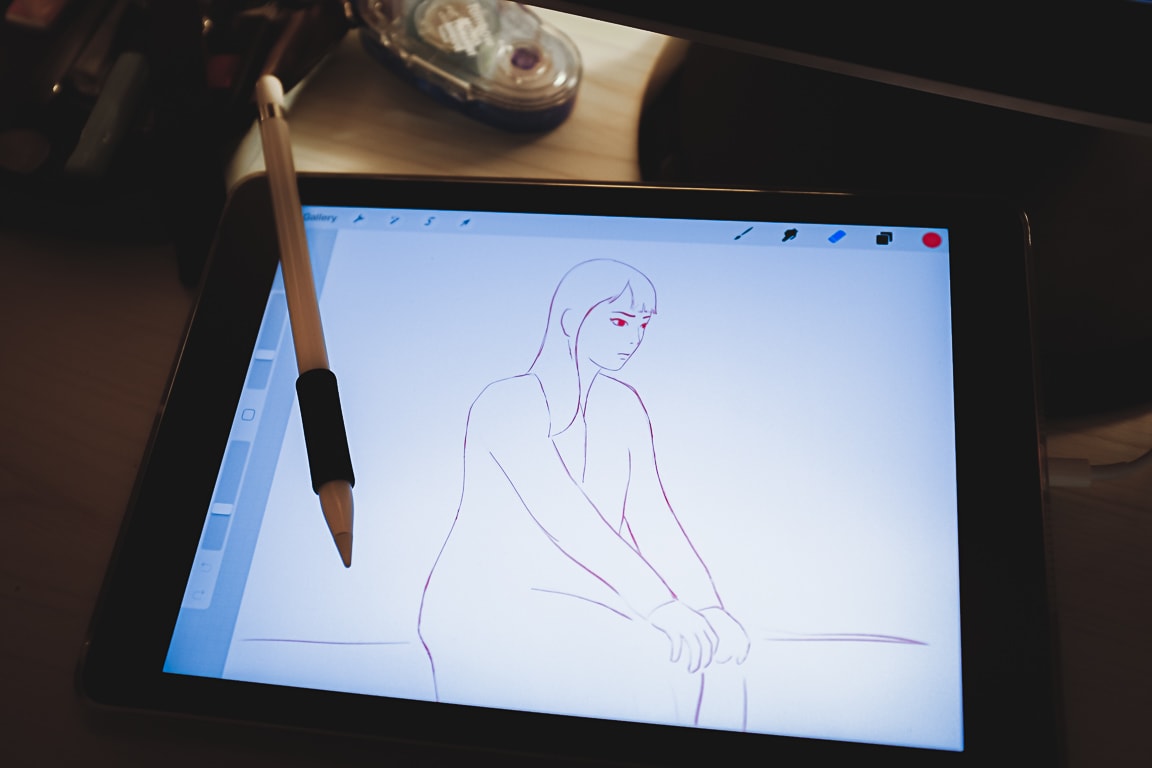
Photo info: FUJIFILM X100T, 23mm, f/4, 1/20 sec, ISO1600
“Drawing Pad” Cedar Park, 2019

One of the aspects of drawing on the iPad that I love is the ability to select and adjust the positioning of facial elements. It’s really difficult for me to draw it right (or even get close) the first time. So I have to move eyes, noses, and chins around till they look right. And then I’ll have to step away for a bit, or maybe even a day or two, before looking at the sketch again with fresh eyes and then see if I got it “good enough” or need to work on it some more.

It’s a process that takes a long time overall, so I have several drawings going at once. It’s all a lot of fun though, and rather than being frustrated at not being able to draw it right the first time, I get a lot of satisfaction when I realize that the drawing has gotten even just a tiny bit better. Little improvements! ☺️

I hope you had a good day!
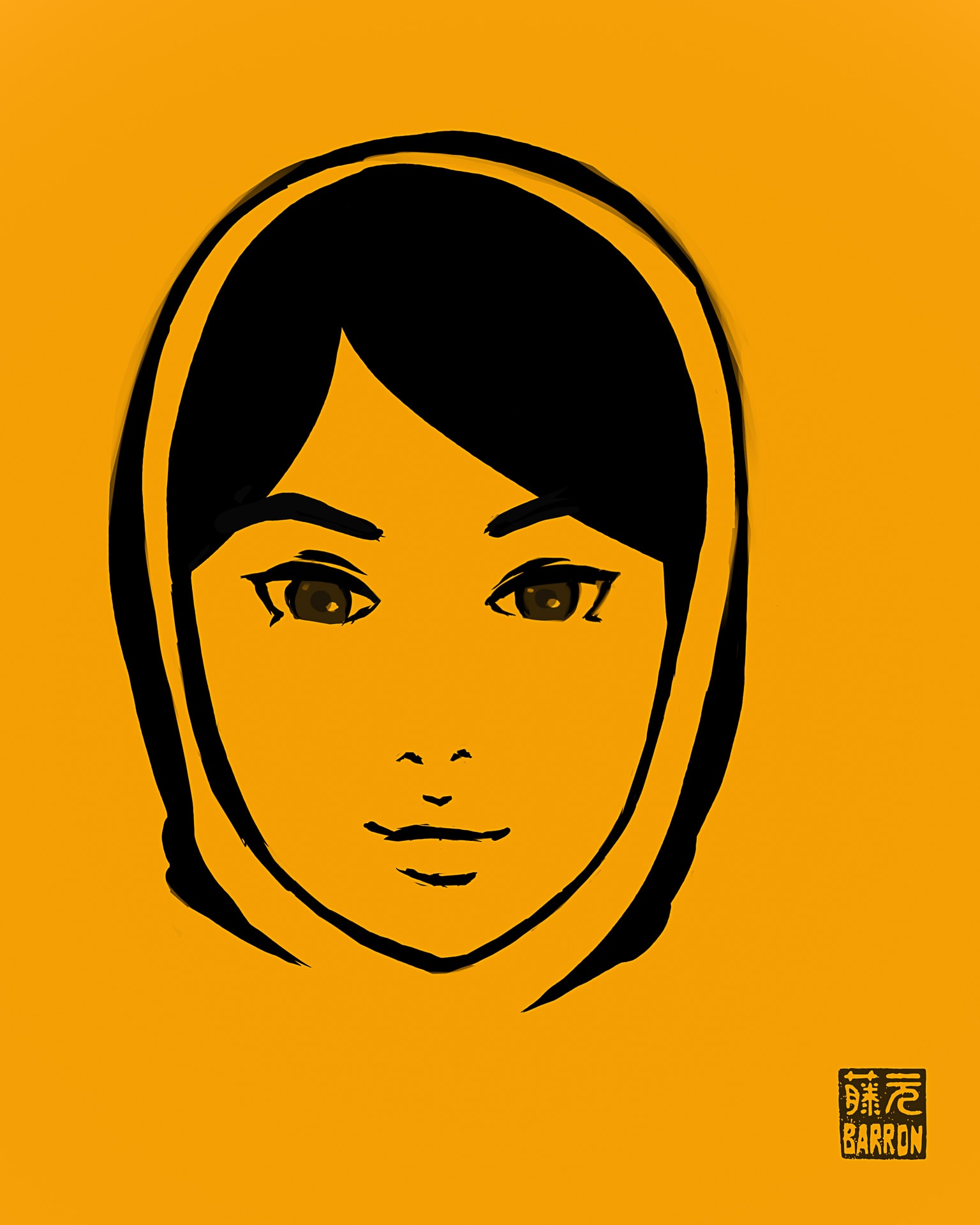
Sketching Update

“Sketch on Gold” Cedar Park, 2019

こんばんは。How’s it going?

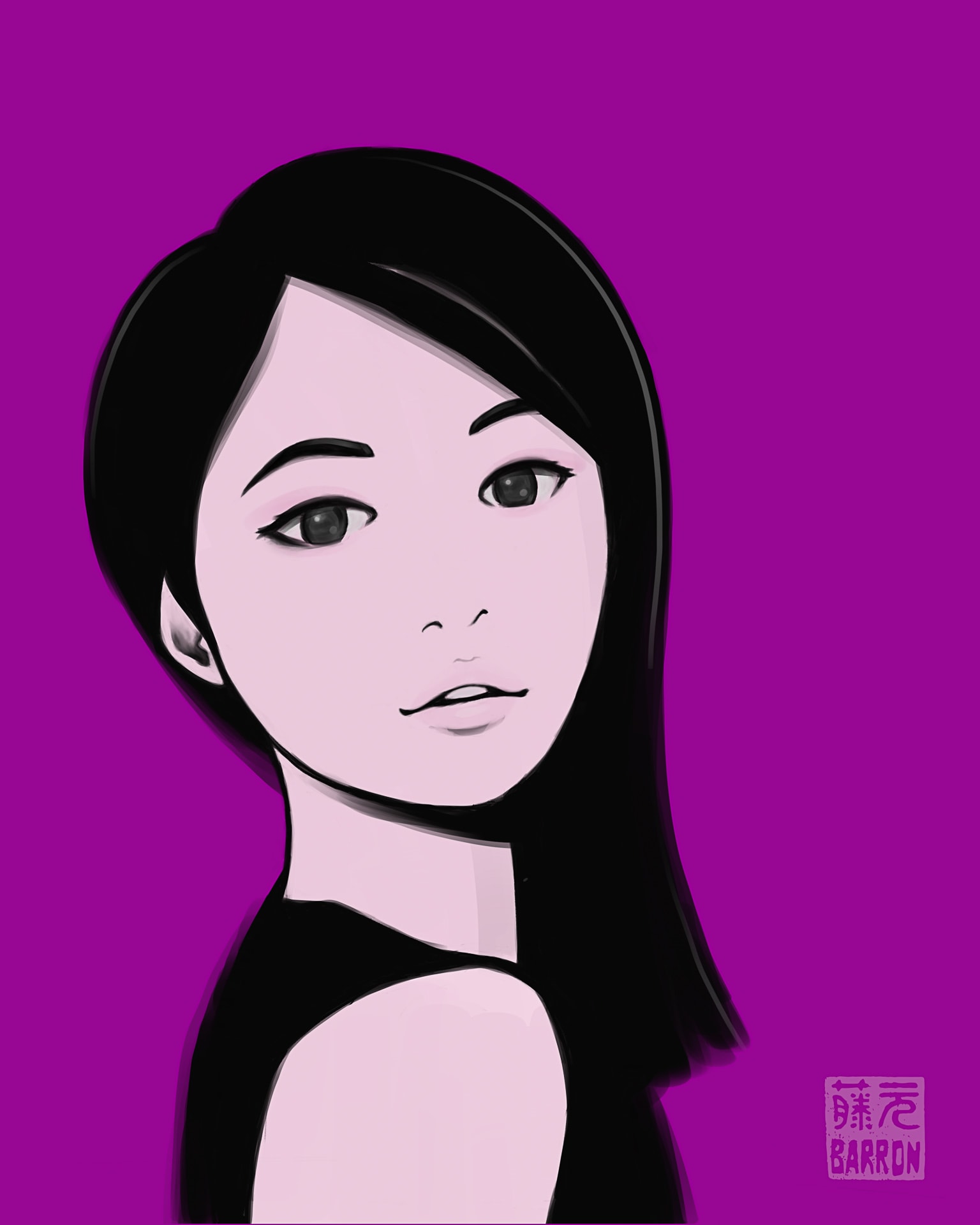
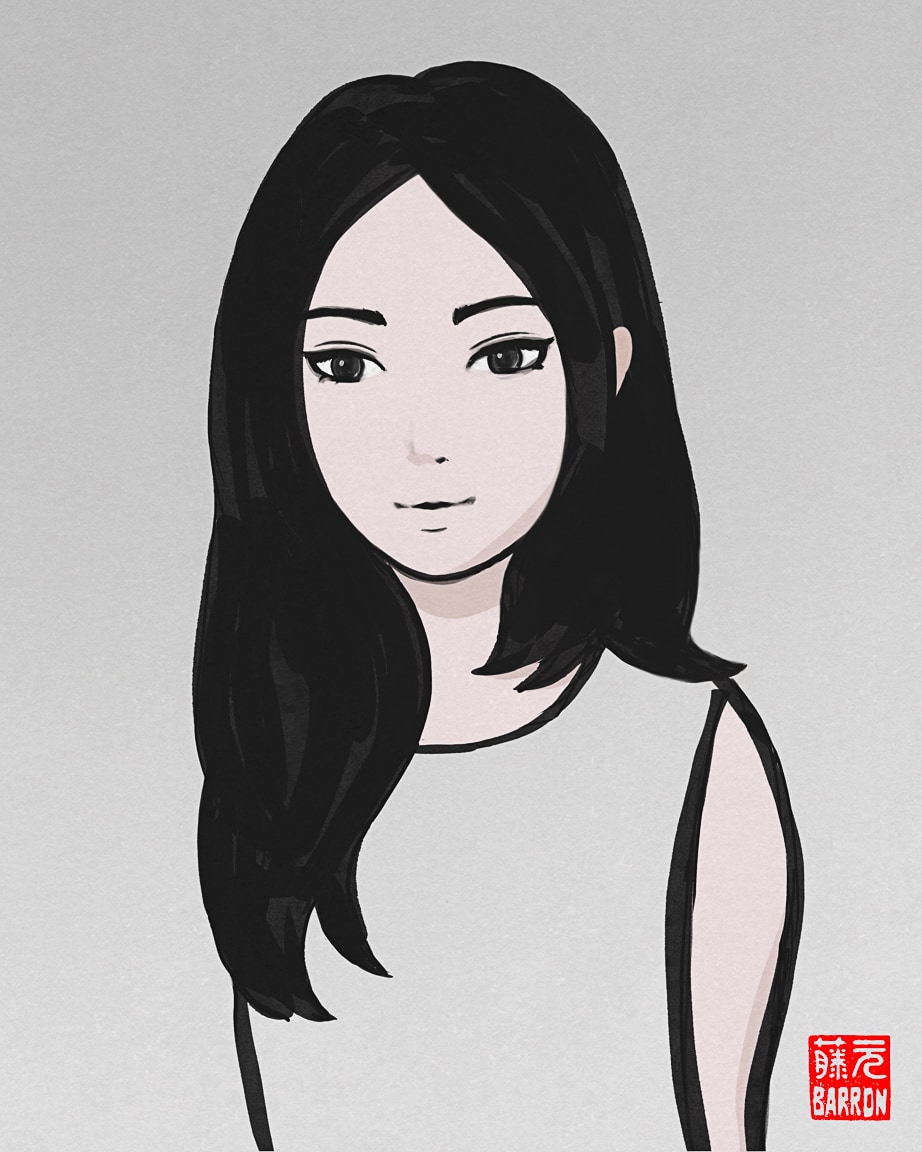
I’ve been working on a few sketches, the latest one completed is above. All of them are extremely simple and the time I spend with pen-to-paper (or stylus to screen) is short. However, I have to work on it over several days because I need “fresh eyes” in order to see things I want to change about the sketch. I’ve changed my process to add these breaks between working on a single sketch and I think my work has improved, or at the very least, I’ve saved myself some frustration.

What used to happen is that I’d work on a sketch for a couple of hours, and think it’s done, so I upload it to Instagram or Artstation, but then a while later, I’d notice something that seemed “off” to me. But by that time, the posted sketch would have received a few likes and so I just kept that version published. It was frustrating! Or more commonly, I’d export a sketch from Procreate and edit it in Lightroom/Photoshop, but then while in Photoshop, I’d notice something I want to change and then go through the process again. And again. And again!

So now, it’s better to just take my time, have several sketches in different stages, and alternate among them. After all, there’s no urgency to publish/post, is there?

In other sketching-related news, I ordered a matte screen protector for my iPad Air 3. I used to have one for my iPad 6th Gen, but when I upgraded to the Air, I went with the naked glossy screen. But I missed the texture of the matte screen when drawing, so I went back with the matte protector. The colors might not look as vibrant, but the drawing experience is much nicer, in my opinion.

またね~!

Evening Drawing

Photo info: FUJIFILM X100T, 23mm, f/2, 1/125 sec, ISO250
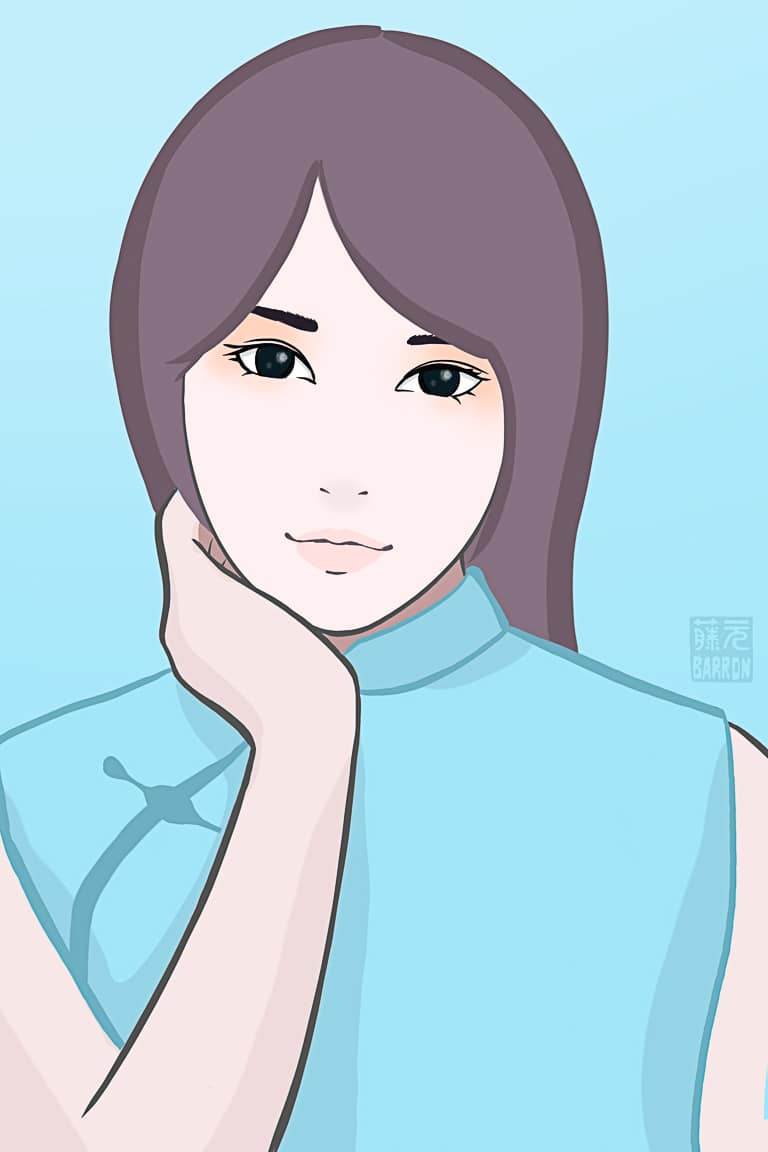
“Hua Mulan” Cedar Park, 2019

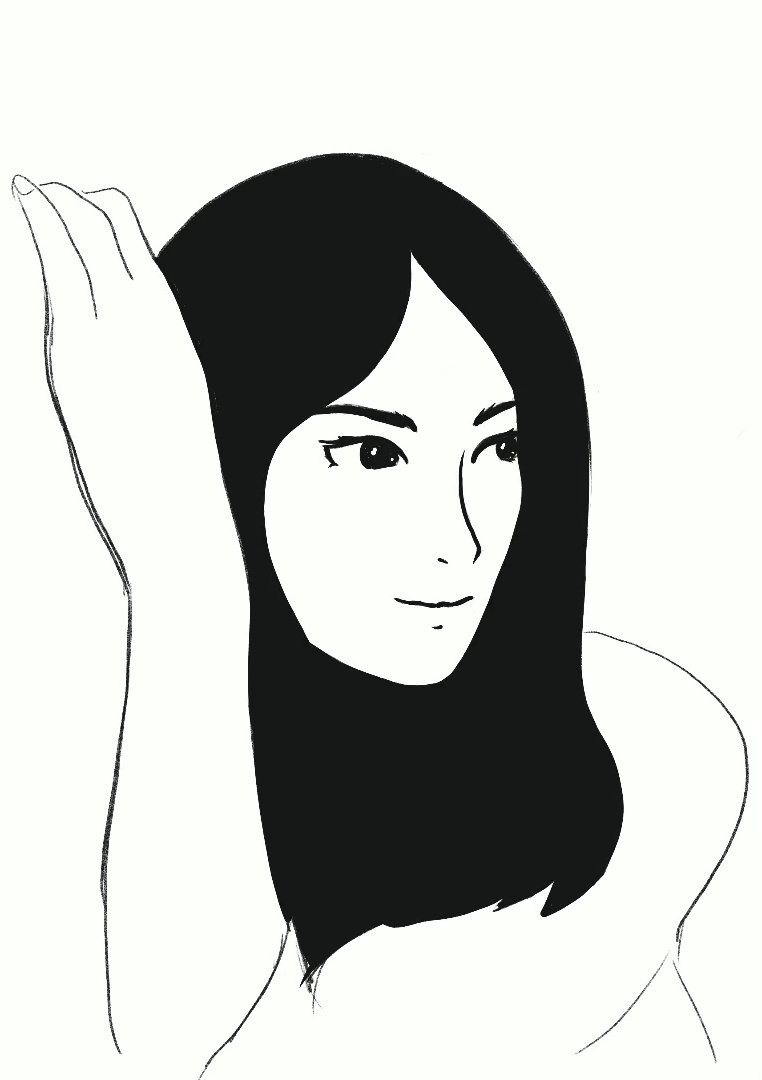
I’ve been watching more episodes of The Legend of Hua Mulan 花木兰传奇 so naturally, this evening’s drawing looks a lot like Hou Meng Yao 侯梦瑶 who is in the starring role. 😊

I hope you had a nice Wednesday!

またね~

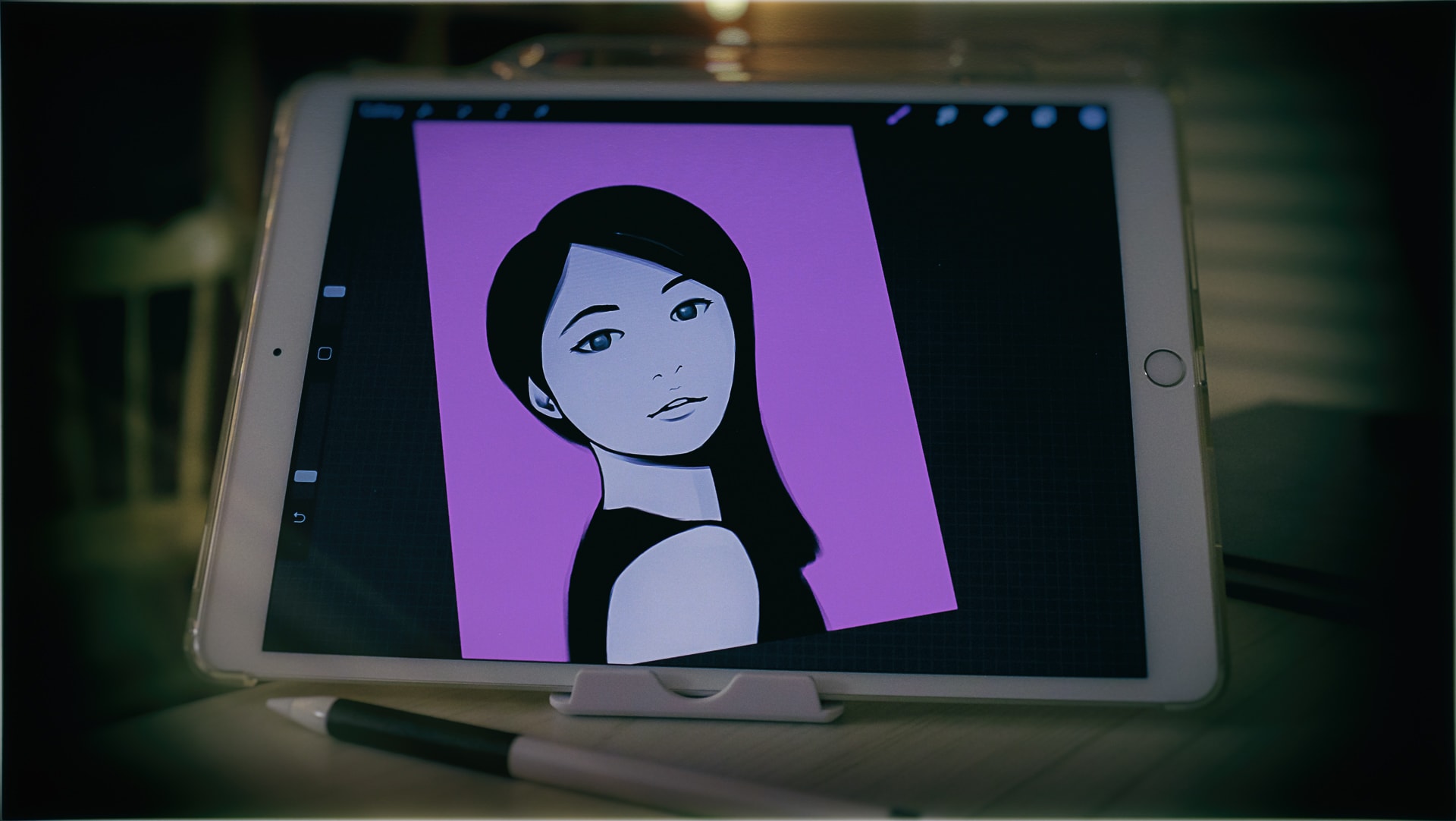
Today’s Sketch on the iPad using Procreate

Photo info: FUJIFILM X100T, 23mm, f/2.8, 1/125 sec, ISO2500
“iPad Art” Cedar Park, 2019

こんばんは。How’s it going?

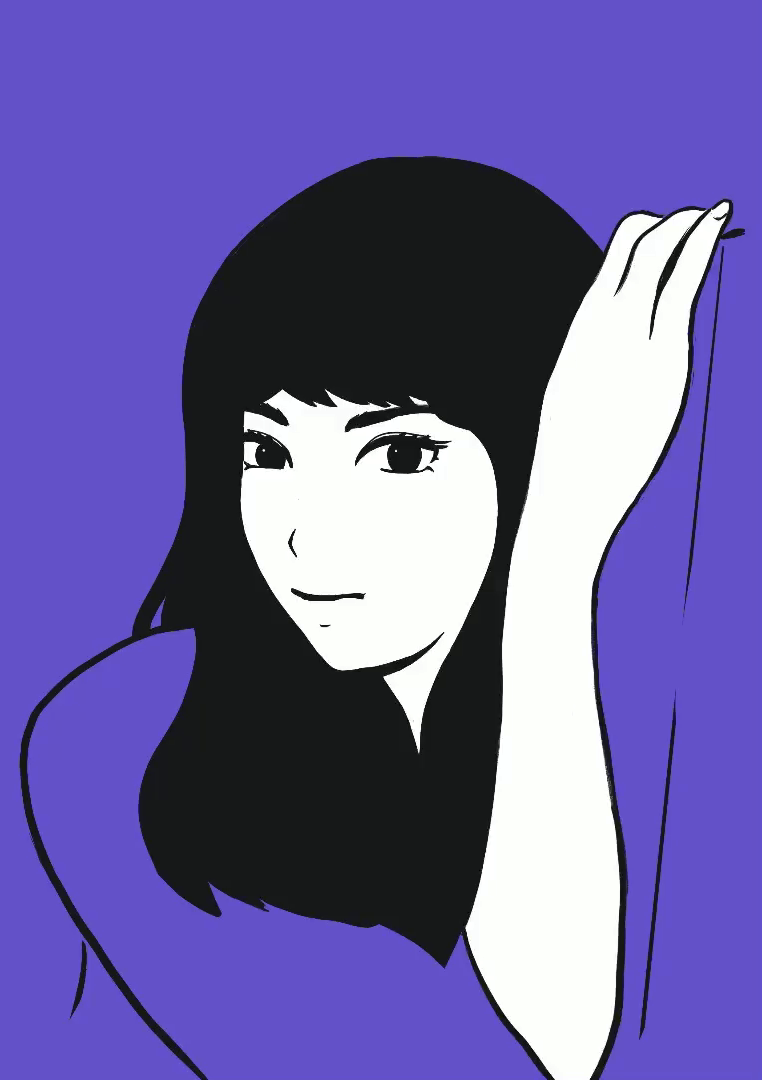
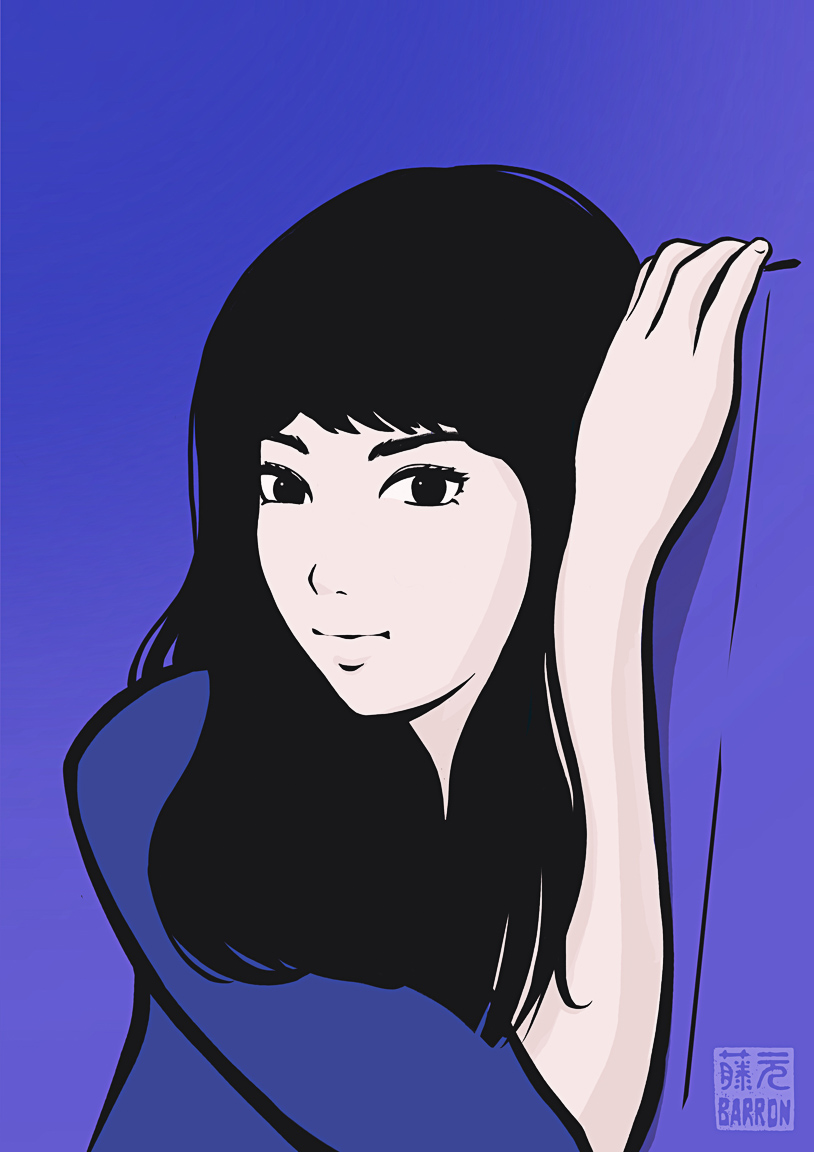
Here’s the latest sketch I made on my iPad. I looked at a reference photo to help with the pose, and it evolved into the style that I usually work in. I had fun using some new brushes, and I like the effect which you can see in the ends of her hair and outline of her shirt.

To see all the sketches I’ve been working on, you can check out the Flickr album “My Sketching Journey”, or my Instagram account barron.sketches which I created just for posting sketches, watercolors, and stationery items.

If you’re interested in my favorite sketching gear that I use, you can find a list here.

I hope you had a nice day!

またね~

2019.05.24 Sketch

Tonight’s Sketch

こんばんは。I don’t have a photo to share for this post, but I did finish a drawing on the iPad using Procreate.

I might sound like a broken record, but I really enjoy sketching on the iPad. I’m getting more comfortable, and am able to work quicker, and with greater precision. Of course, the more I learn, the more I realize I have a long ways to go! But progress is encouraging, and I have a lot of fun with minimal frustration. Very satisfied!

To see all the sketches I’ve been working on, you can check out the Flickr album “My Sketching Journey”, or my Instagram account barron.sketches which I created just for posting sketches, watercolors, and stationery items.

If you’re interested in my favorite sketching gear that I use, you can find a list here.

またね~

Tablet Sketching

"Sketchpad" Cedar Park, 2019
Photo info: FUJIFILM X100T, 23mm, f/2.8, 1/125 sec, ISO1600
“Sketchpad” Cedar Park, 2019

I’m still trying to sort out in my mind the advantages or disadvantages of digital sketching vs. analog sketching (or even if it’s important to know what they are), but I do know that in the realm of digital sketching, the iPad/tablet experience is way better (for me) than using my Wacom digitizer on the desktop computer.

Basically it comes down to how intuitive and natural it feels. And the ease of use is a huge advantage that the iPad has. When I want to sketch, it literally takes seconds to be drawing on the iPad. In contrast, with the computer, I have to start the software, then File, New, enter in the dimensions, look at the wonky interface and try to remember the keyboard shortcuts. That’s a lot of brain activity even before I start pushing pixels! Plus, I have to be sitting at the desk in the home office. With the iPad, I can sketch anywhere.

Of course, I’m just a hobbyist so I have different needs than a professional illustrator, but for what I am doing, the simplicity of Procreate and the iPad is just perfect. I still think iOS is weird, but once I am in Procreate, it’s a lot like just drawing in a sketchbook. In fact, I renamed my iPad to “Barron’s Sketchpad” since that is pretty much why I bought it.

Anyway, below is one of my latest sketches, and below that is the timelapse video of my sketching process. It’s so fun!

I hope you had a nice day!

またね~

Timelapse Mirrors My Drawings Through the Years

こんばんは。How’s it going?

I hope you bear with me while I share lots of sketching posts. I’m keeping up with my daily habits, and sketching is one of them. Tonight while was looking at the timelapse video that Procreate made, I noticed an interesting progression as I refined the drawing.

At the beginning of the video, the sketch looked like the artwork that I used to make in college and right after I graduated. I was really into Japanese ukiyo-e art at the time, so that’s where I got most of my influence. That was around 1990:

"Circa 1990"

Then I noticed the drawing went through a couple other phases, which are reflected in my more recent sketchbook drawings from a couple years ago:

"Circa 2017"

And then it progressed to the style that I have been kind of stuck at since late last year:

"Circa 2018"

Finally, we end up with today’s evolution:

"Circa 2019"

These days I am looking towards my favorite illustrators, so of course, I try to emulate them. I love Eguchi Hisashi‘s work, so I take many cues from his work. Also, Ilya Kuvshinov is awesome, and I recently discovered Aka, whose work blows me away.

As I continue to practice, I’m excited to see at what pace I can continue to improve. It’s a fun hobby, and so satisfying. And it makes me look at other illustrations and art in a different way as I try to decipher how artists draw different facial features, the color palettes they use, and the way they draw lines and blocks of solid color. It’s fascinating.

I hope you had a nice day!

またね~