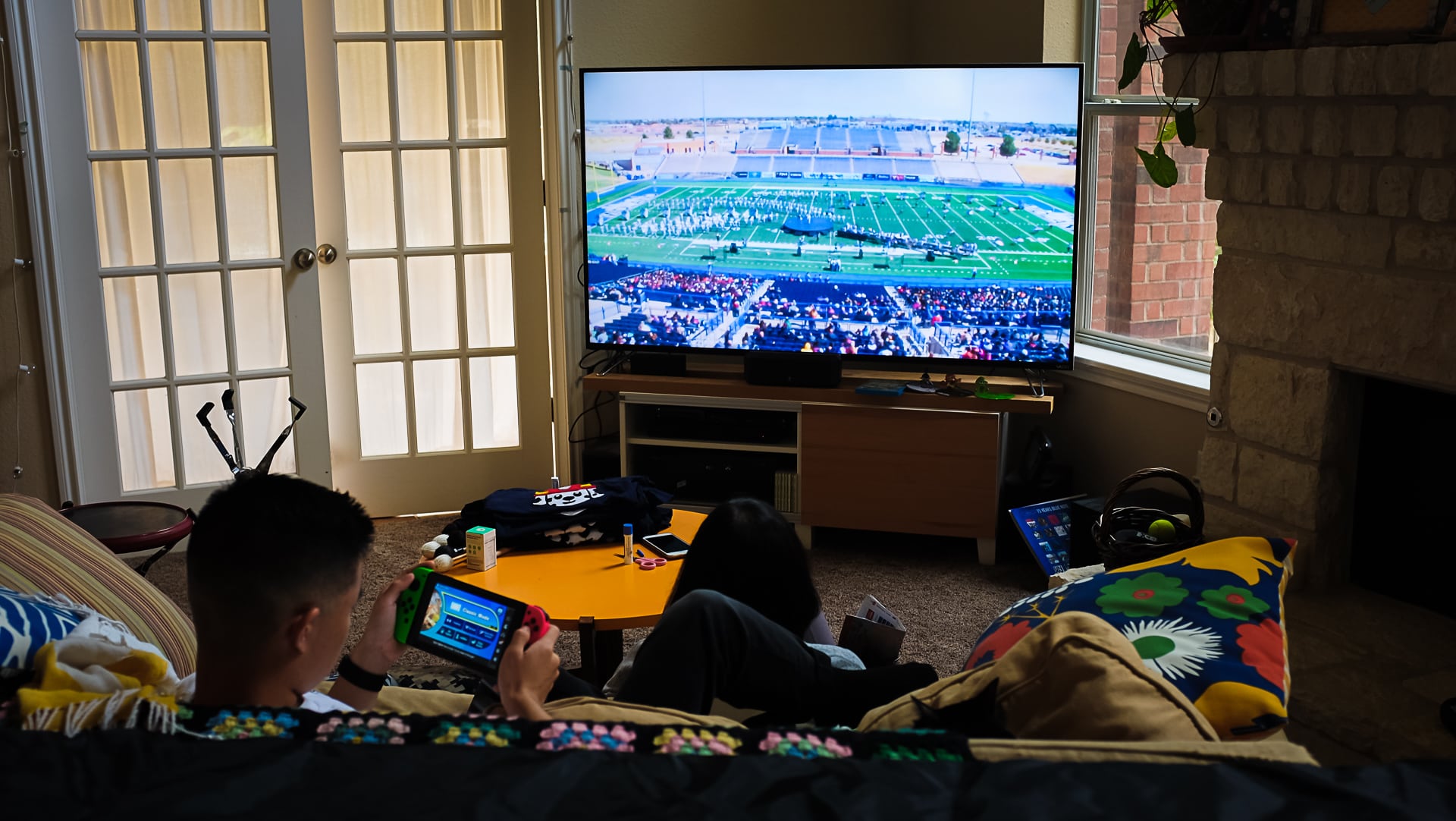
Photo info: FUJIFILM X100T, 23mm, f/3.2, 1/100 sec, ISO320 “Staying Connected” Cedar Park, 2019
Koa’s band traveled to Midland, Texas, to participate in a competition today and Mariko and I decided to purchase the live-streaming service so we could watch the performances and the awards ceremony.
It was pretty cool to have the all-day event on our TV (using Chromecast) so we could “keep in touch” with Koa. Midland is over five hours away by car which made going to watch in person a little out-of-reach for us so the live-stream service was nice, even though the quality wasn’t great.
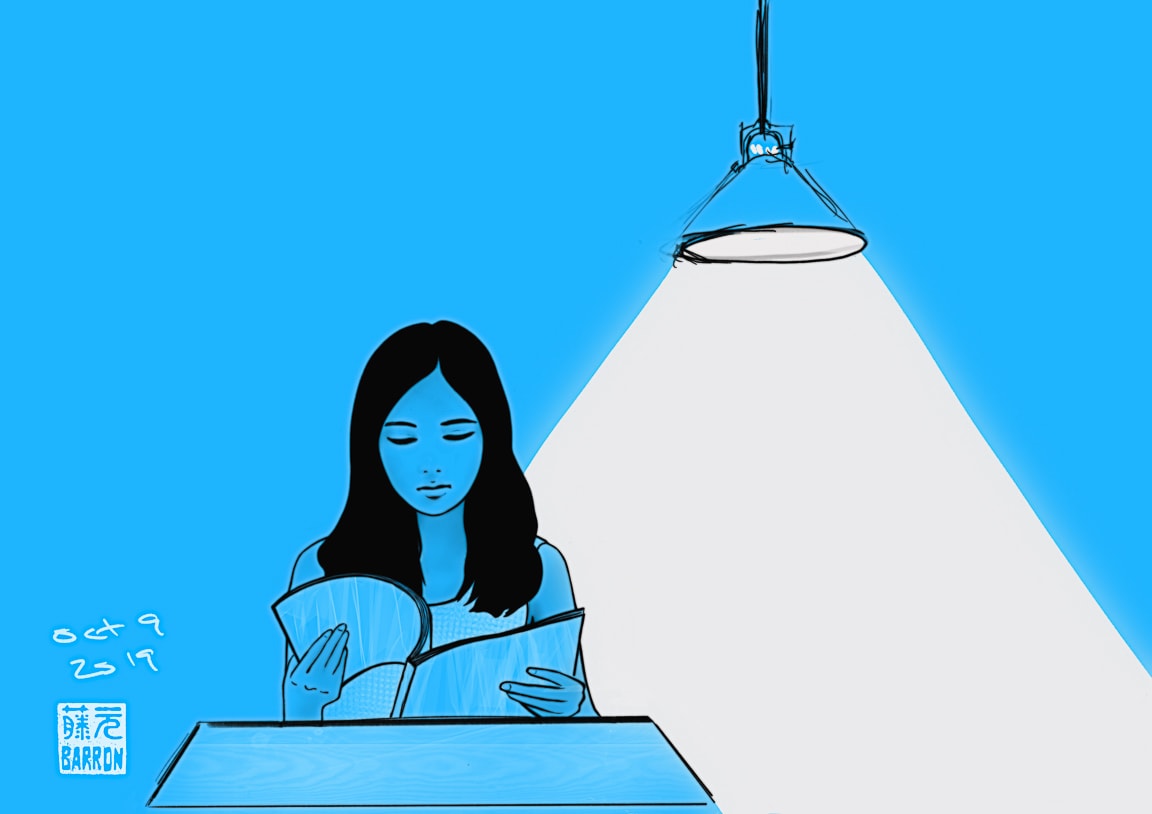
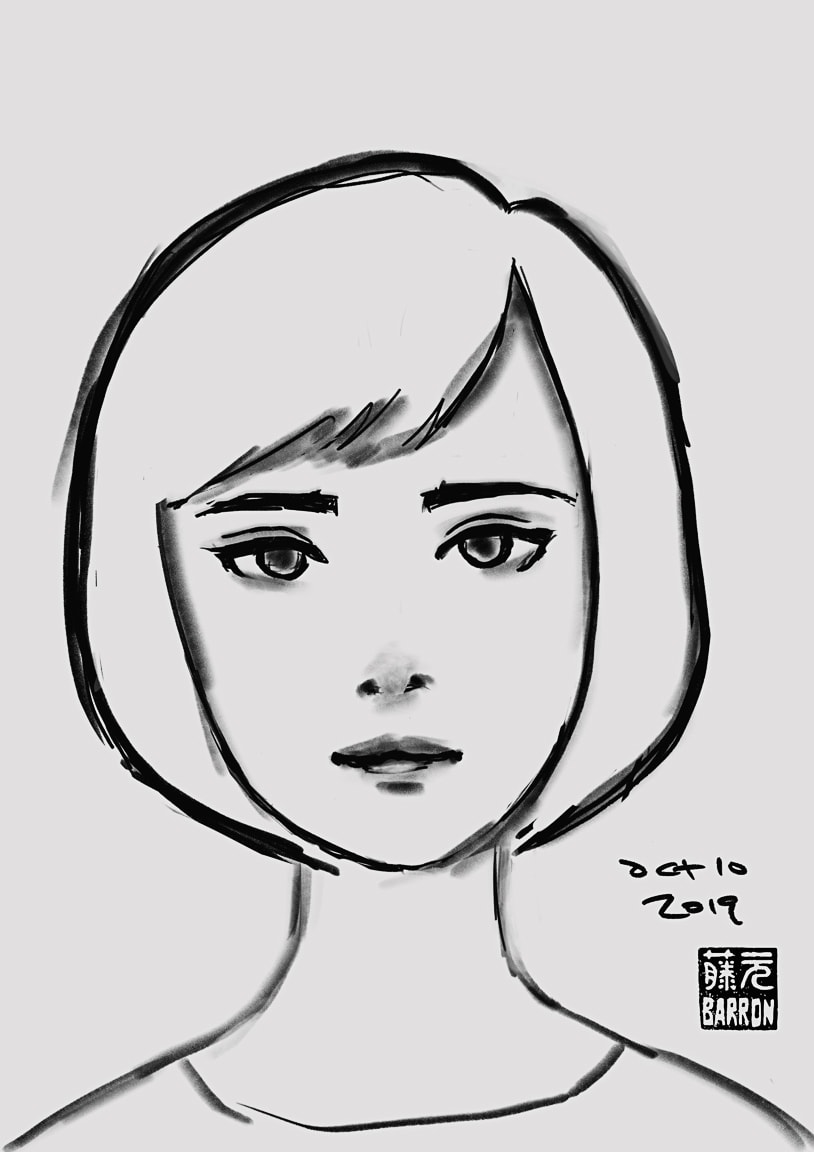
Well, as for me, I’m very pleased (and a little surprised) that I’ve made it a third of the way through Inktober! I’m having a lot of fun doing it (but digital, not ink), and I just wish I had more time to spend on each drawing. I’m sure the act of drawing daily is beneficial to development although I’m not sure exactly how, since I haven’t given it too much thought. But one thing I’m certain is that Inktober simply forced me to break through the barrier I have of hesitating in just getting started on a sketch without worrying about the finished piece. And then I’m also not spending much time putting “finishing touches” on each drawing simply because of lack of time… I guess that’s a good thing to try something new – even just a new mindset or process.
So I guess I’m happy with my accomplishment so far… I just hope I can keep it going!
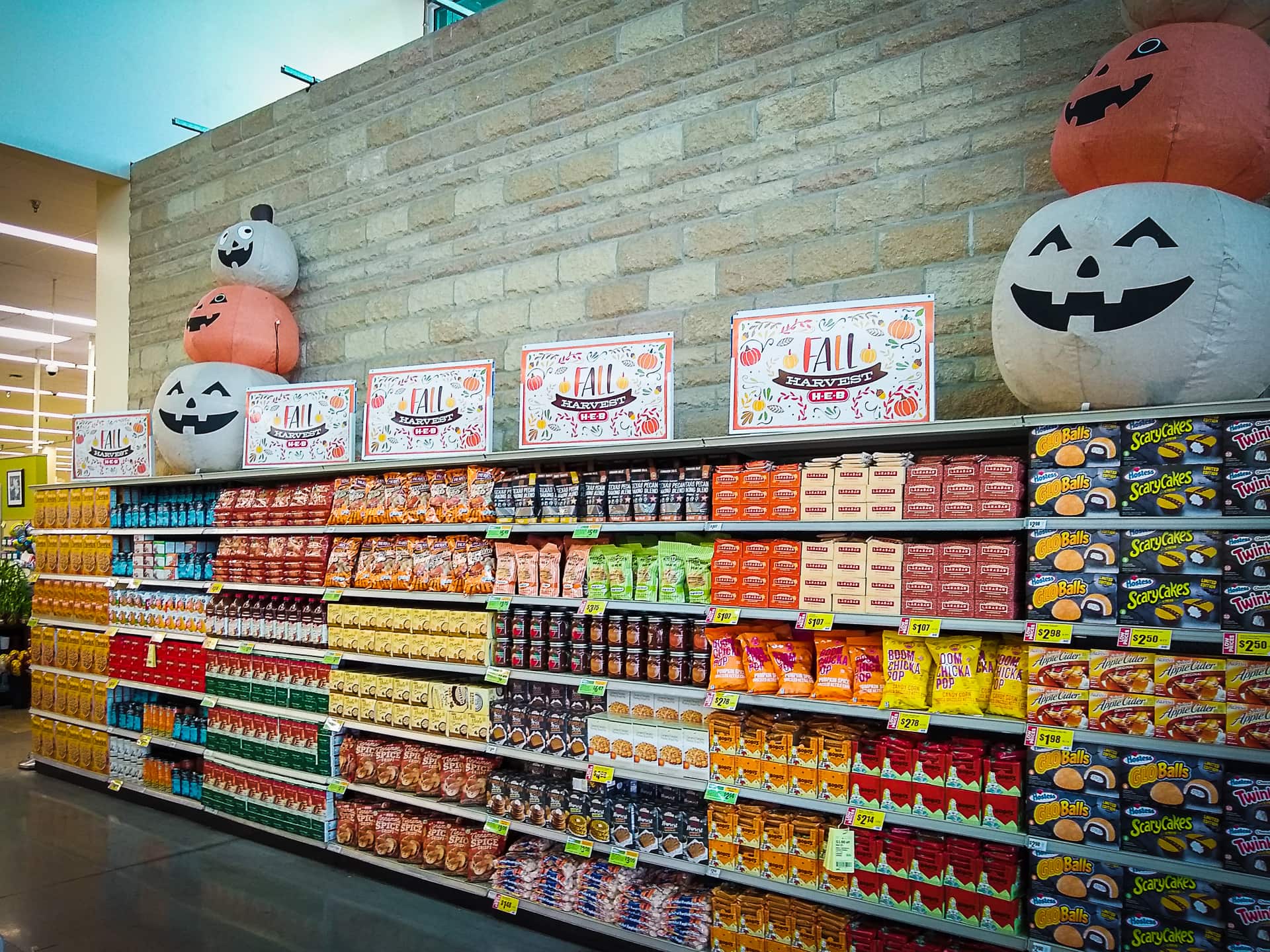
Photo info: motorola moto g(6), 3.95mm, f/1.8, 1/30 sec, ISO285 “Wall of Pumpkin Spice” Cedar Park, 2019
こんばんは。How’s it going?
Good news if you like all things Pumpkin spice – the season is in full-swing! I was at my local supermarket and noticed they have a wall of Autumn-flavored “foods”. It’s interesting to see how food-designers and marketers up their game year-over-year to take advantage of the pumpkin-spice craze to sell their goods. Alas, I myself only like pumpkin pie and salted pumpkin seeds (and will drink a pumpkin beer if offered) so I am not tempted by the Pumpkin Spice Wall. 🎃 I suppose that’s good for my wallet.
またね~
Like this:
LikeLoading...
My camera & photos
I use a Fujifilm X-series camera for most of the photos on this site and my Instagram. Why not pick one up for yourself?