Photo editing using Snapseed for Android

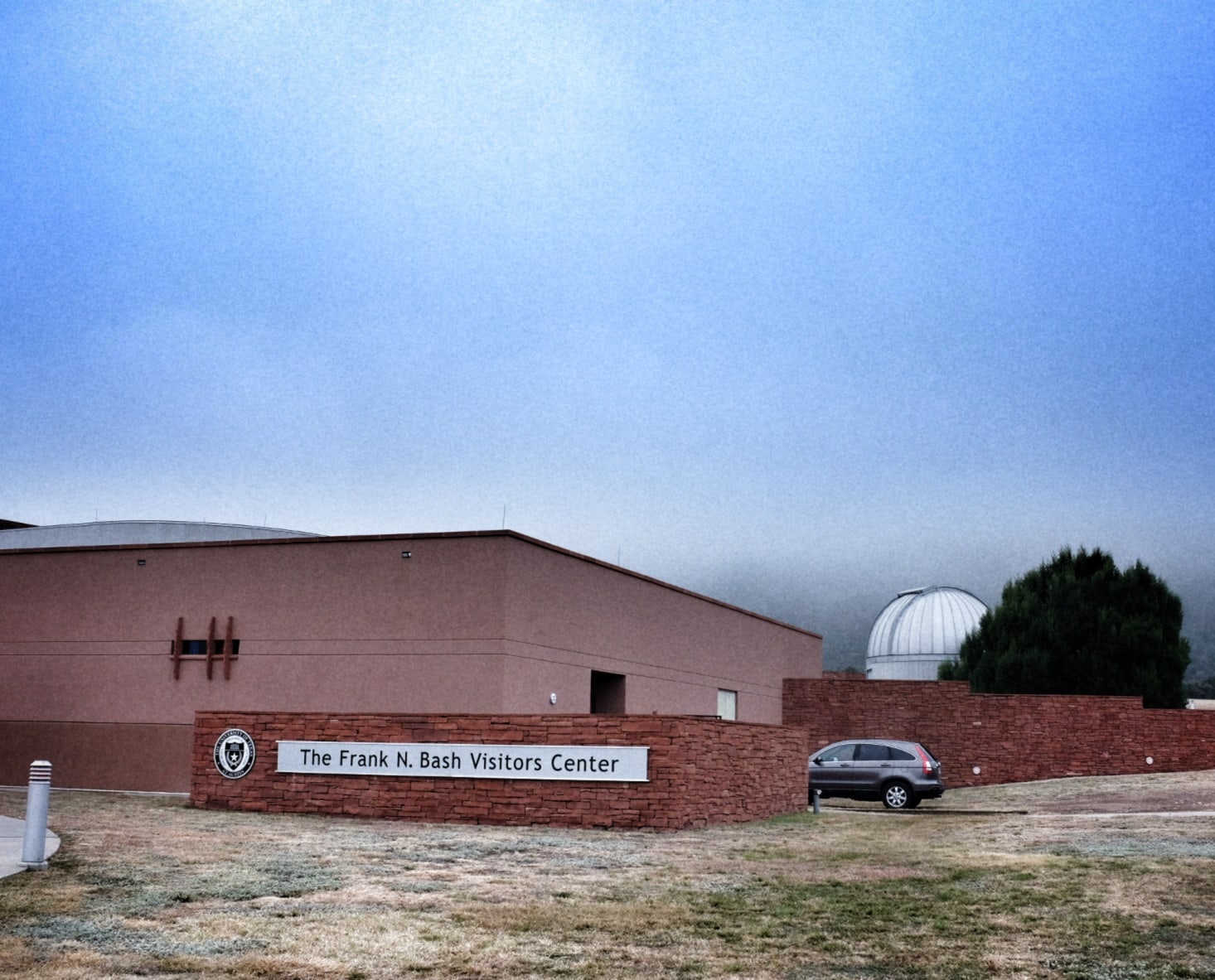
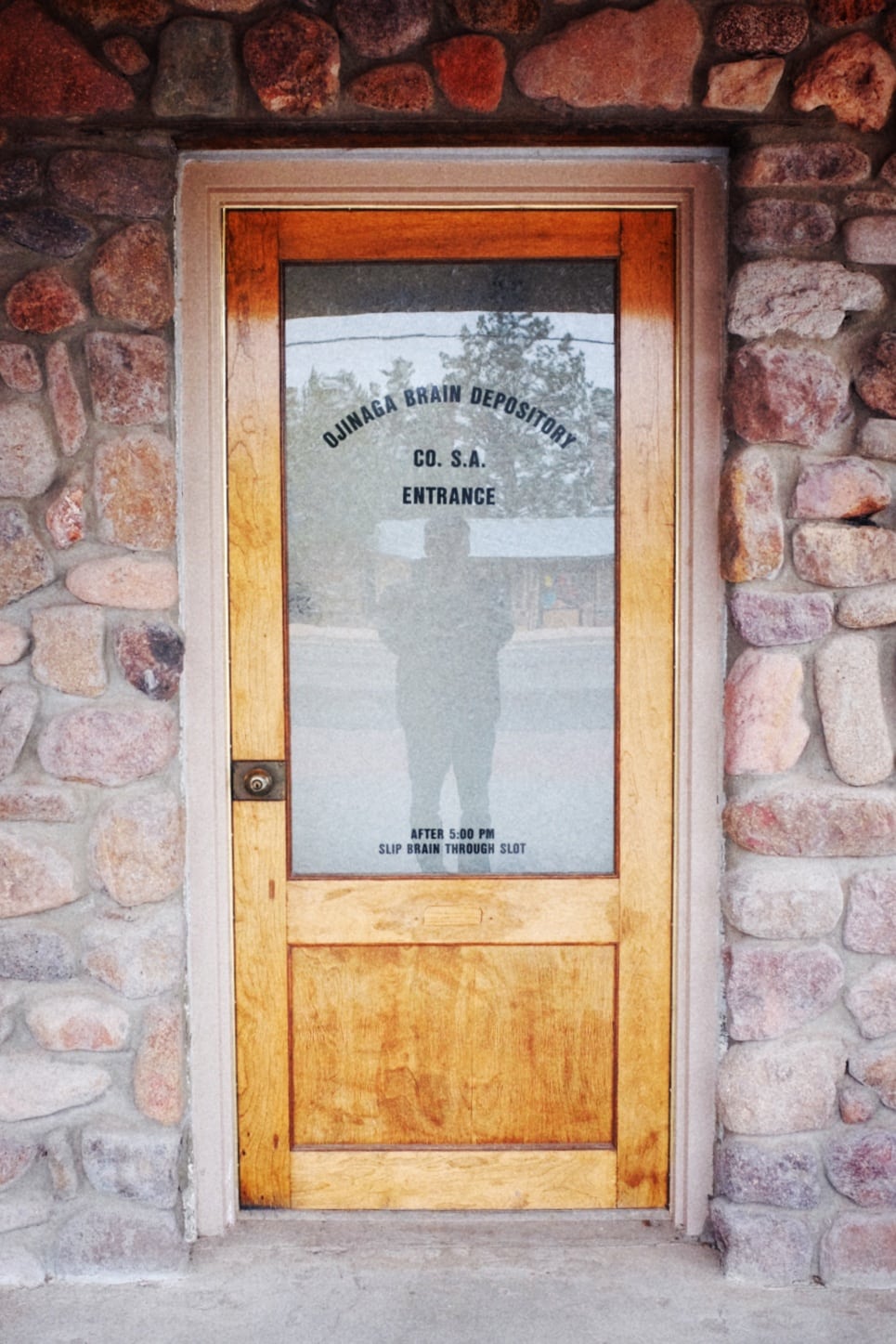
Hi all! It’s a couple days after we returned from a 6-day vacation, and during that trip I blogged every night, including photos that I took during the day. Since I didn’t have Lightroom with me, I did all my photo editing on my Android phone using the Snapseed app. I’m pleased with how the photos turned out, considering I used just the mobile app. And so I thought I would share how I edited my photos with you all! (If you use an iPhone, you can find the same/similar apps for that platform)

First, I take all my photos using my Fujifilm X100T in JPG mode, usually the Standard (Provia) color setting. Then, using the Fujifilm Camera Remote app, I transfer the photos via WiFi to my Motorola Moto G phone. I browse them using the QuickPic app, then when I find one I’d like to edit, I select Share, then choose Snapseed from the list:
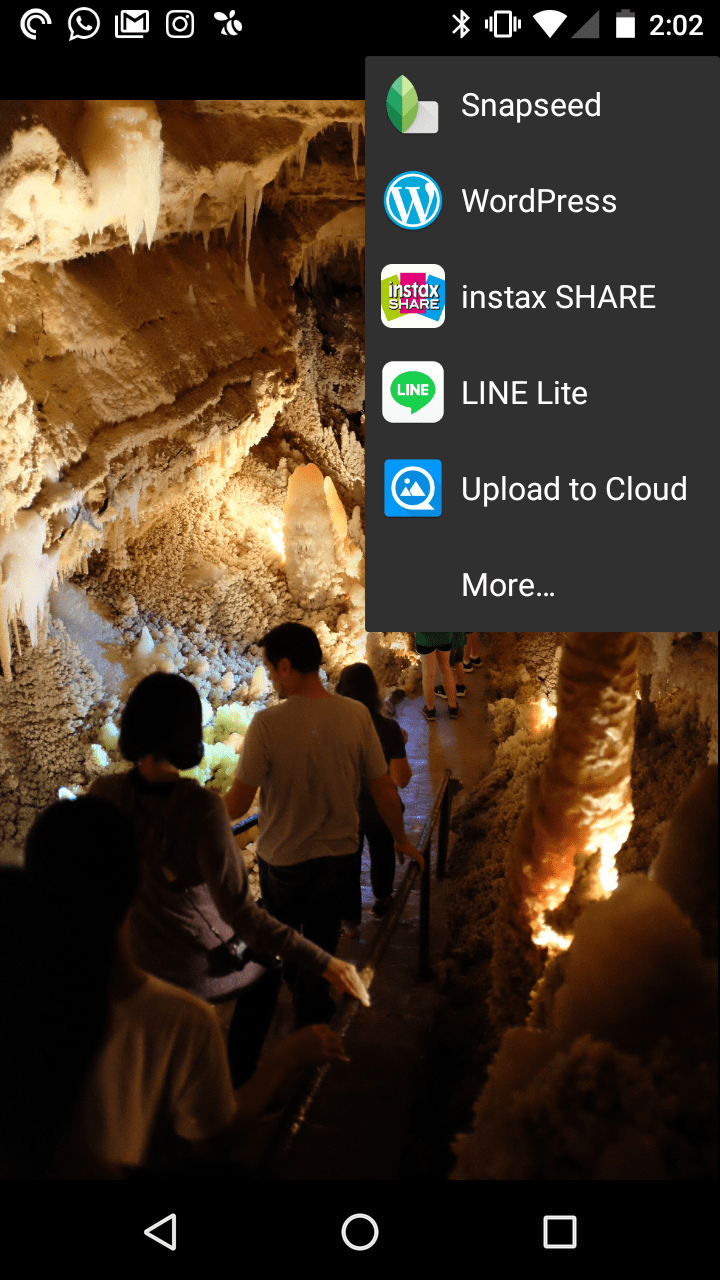
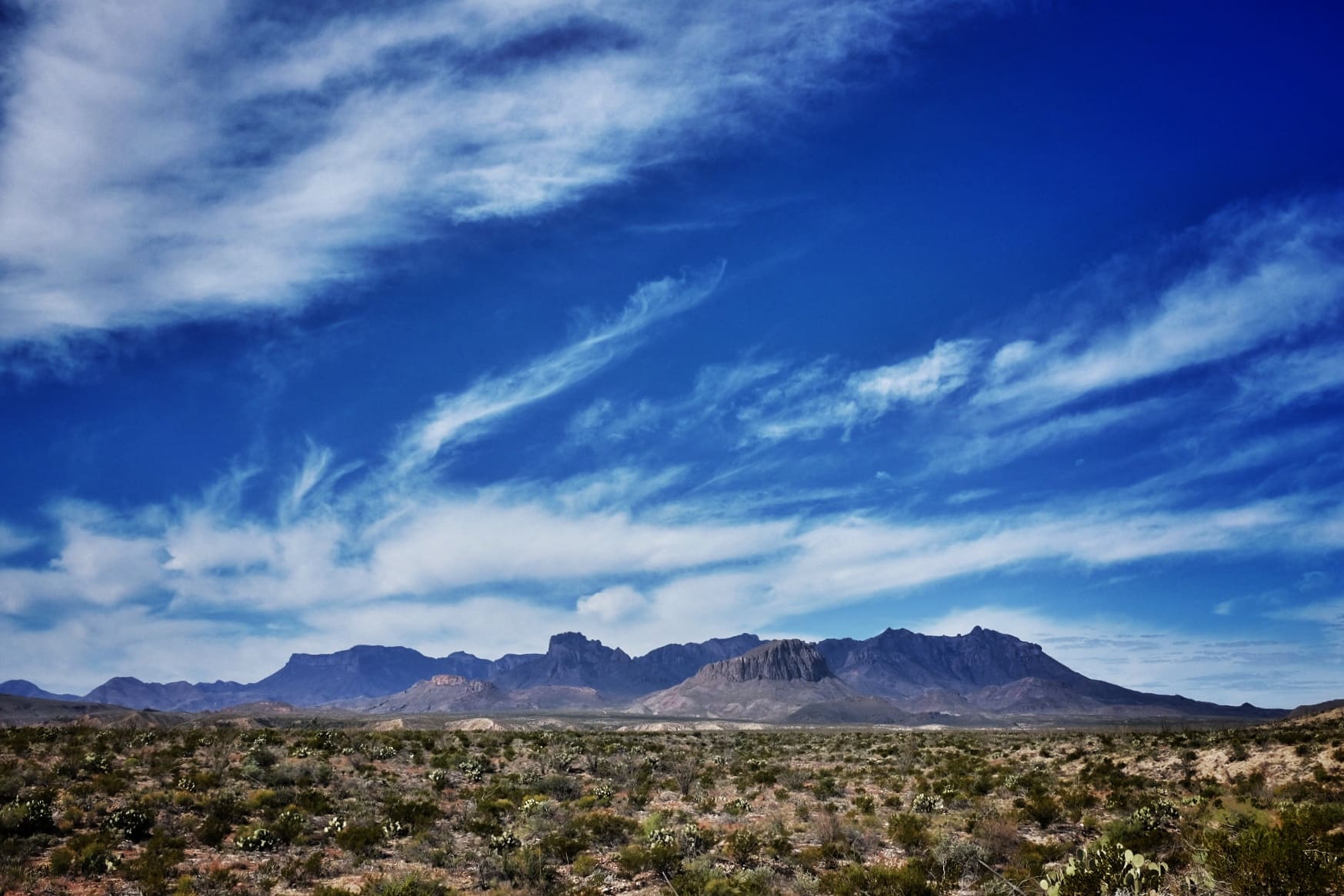
2016-11-27-20-02-15

The image opens up in the Snapseed app and then I get down to business! I’ve found I like to start by using the Rotate tool to straighten things out (it will do its best to auto-straighten, which works surprisingly well!), then Crop. Next I will use the Tune Image tool, adjusting the Shadows, Saturation, and Exposure. Lastly, I might add a slight Vignette. For many photos, this is all I do.

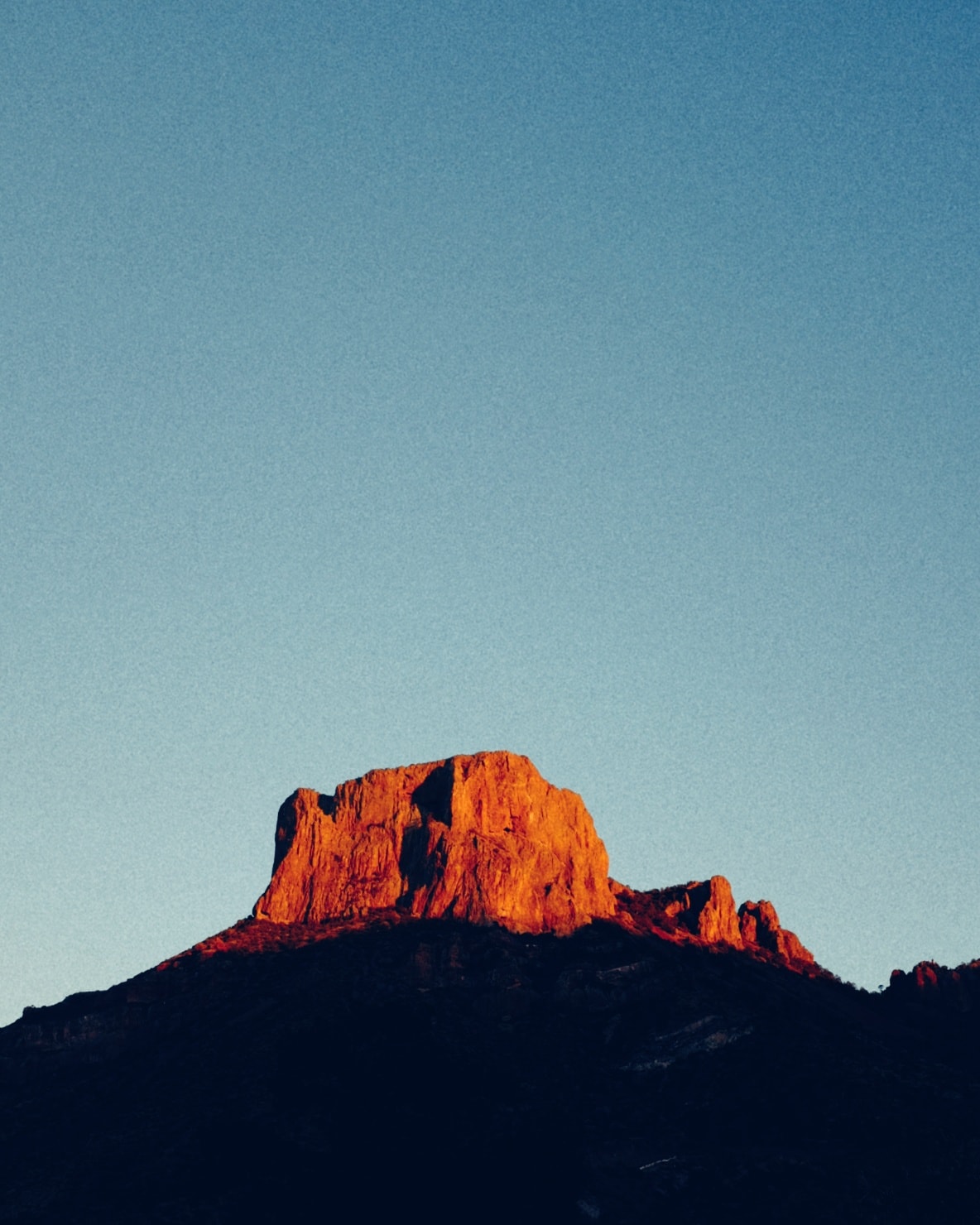
2016-11-27-20-02-29

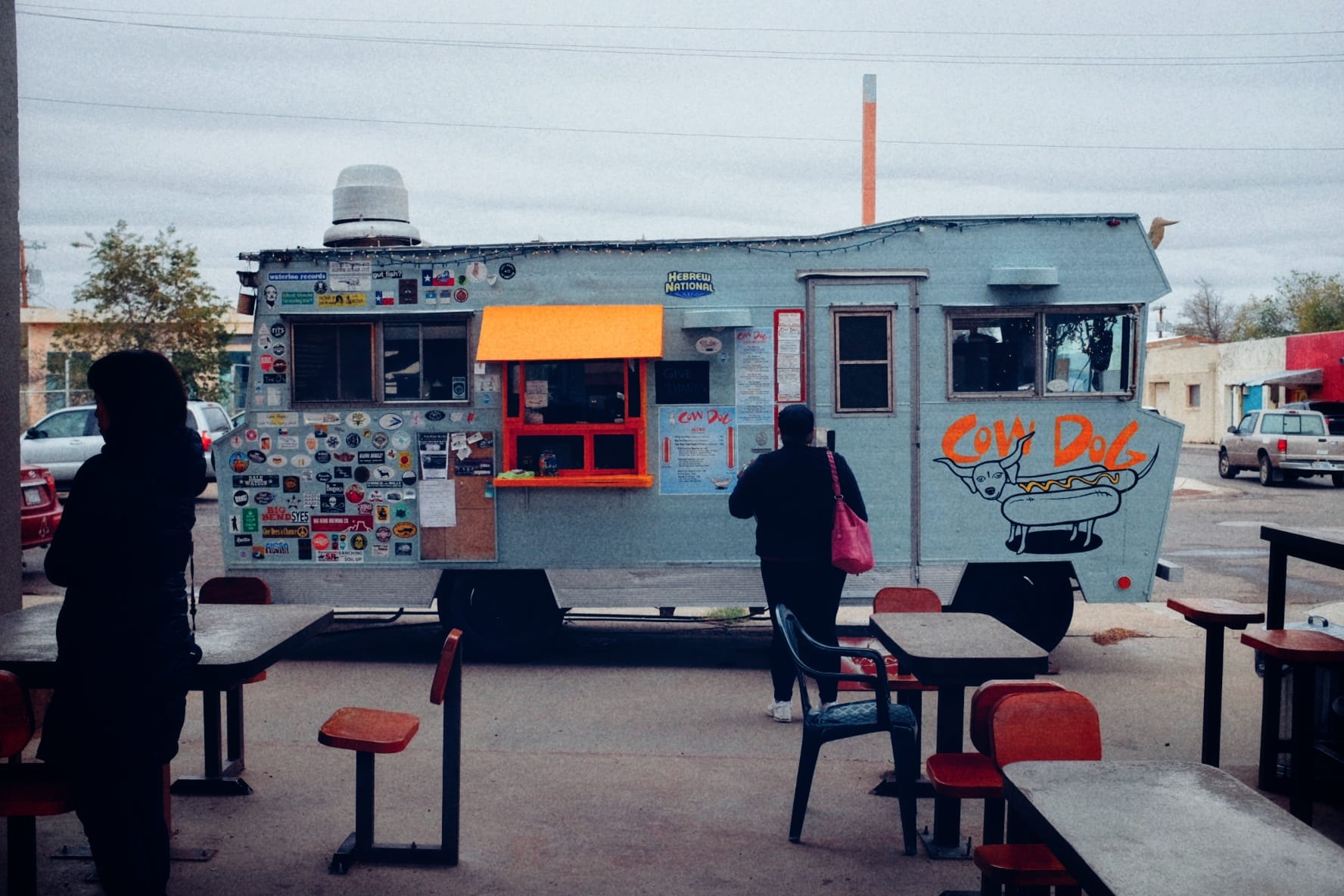
On other photos, I’ll go to the presets and play around more. I like to use the Tonal Contrast to give the photo a little more definition, the Drama presets to add a little punch, and the Grainy Film presets for a VSCO type feel. If I only want to add some grain, I will use a Grainy Film preset, but set the Style Strength to 0, and only use the grain adjustment. FYI, most people like to reduce grain for a super clean image, but I like the feel of grain, so that’s why I use the preset.
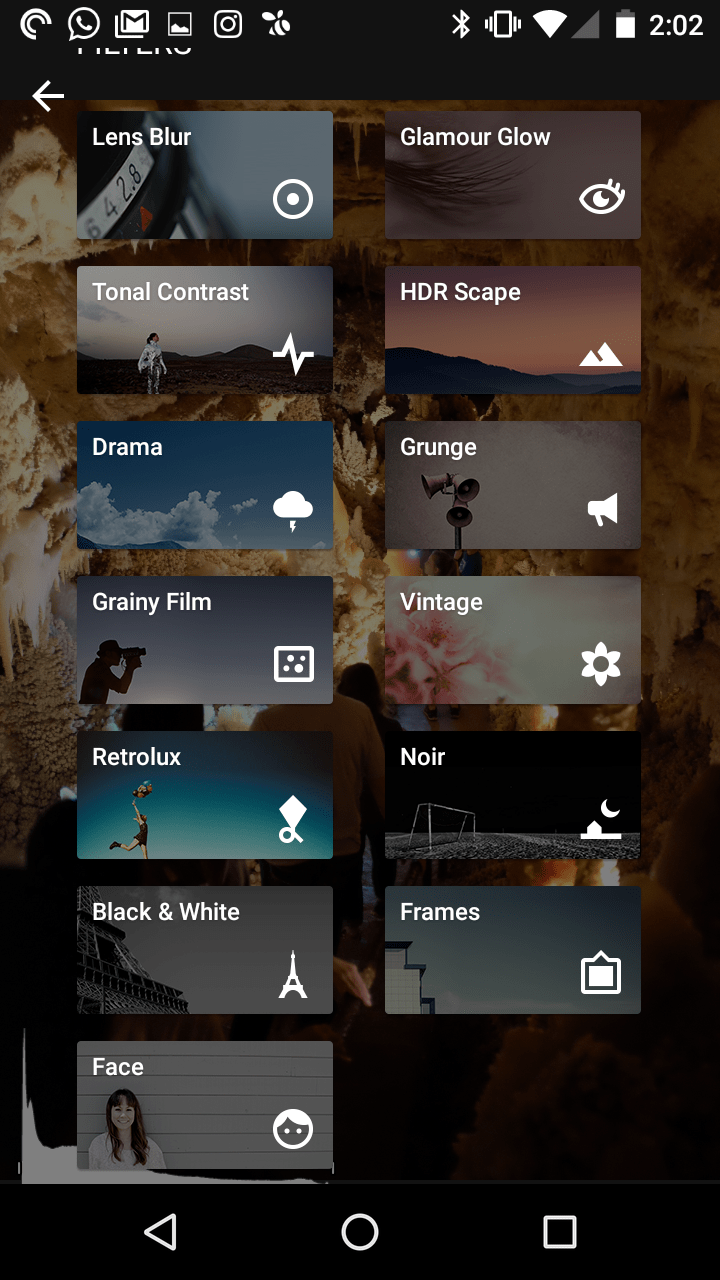
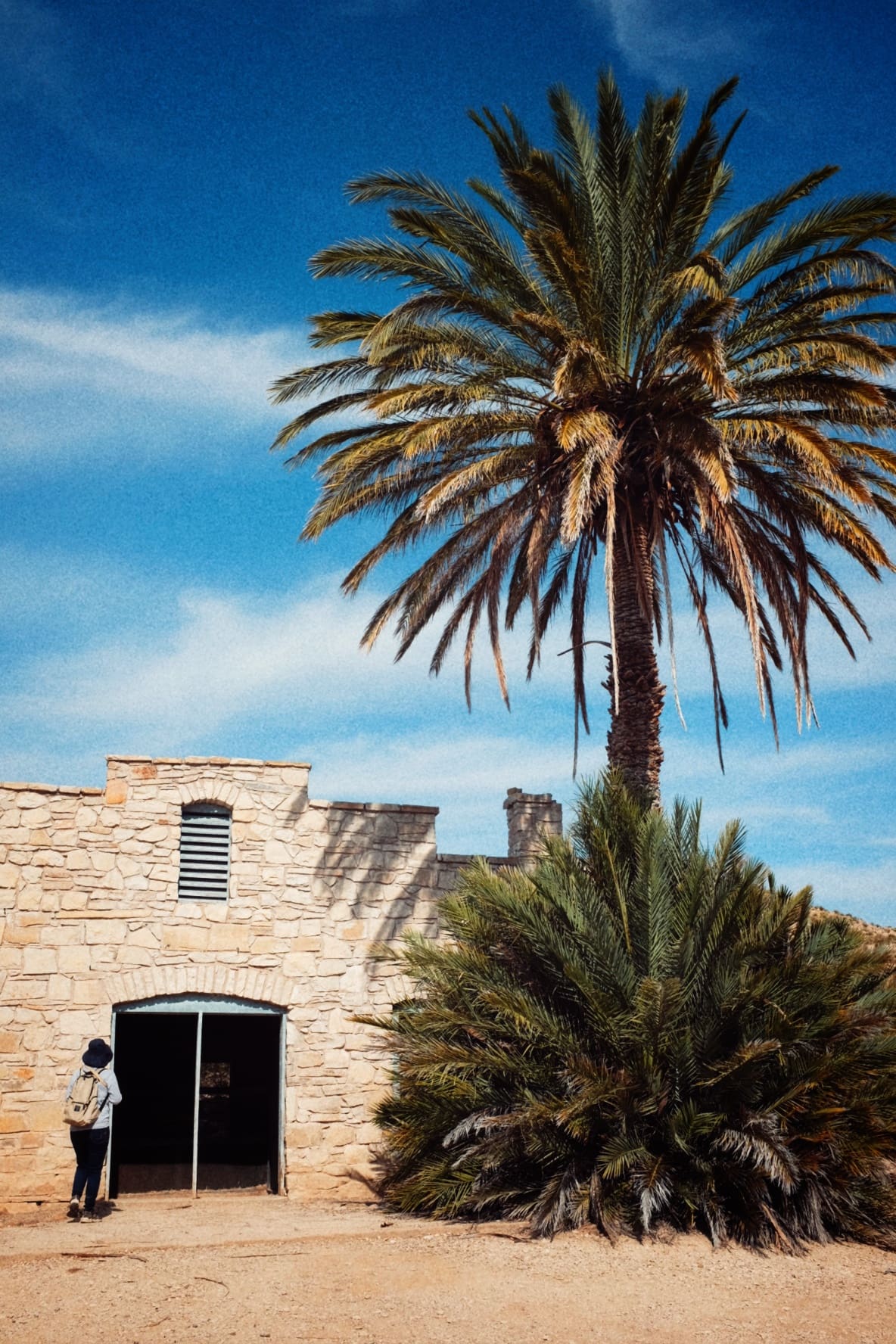
2016-11-27-20-02-49


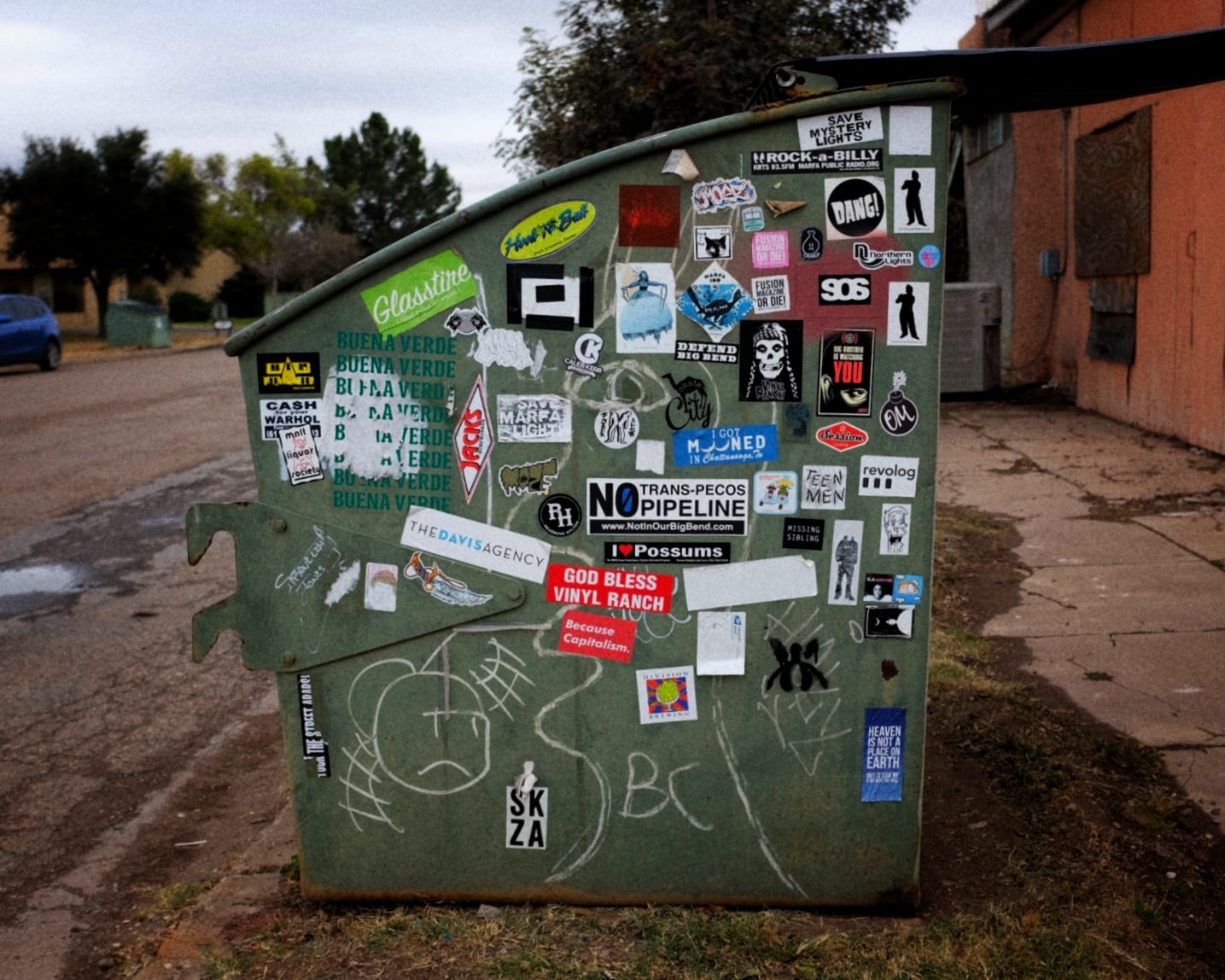
After I am satisfied with my edits, I’ll click on Done and move on to the next image. When I have all my photos edited and ready for posting, I’ll select them all in QuickPic, and Share them with my WordPress app, which will add them to the WordPress Media library. And that’s it! They are ready to be added to my post when I type it out on my Chromebook.

Of course, there isn’t the same kind of control as you get with Lightroom, but I think it’s a great mobile solution, and it doesn’t take long at all. I hope this helps! Please take a look at the photos I edited using this technique below:
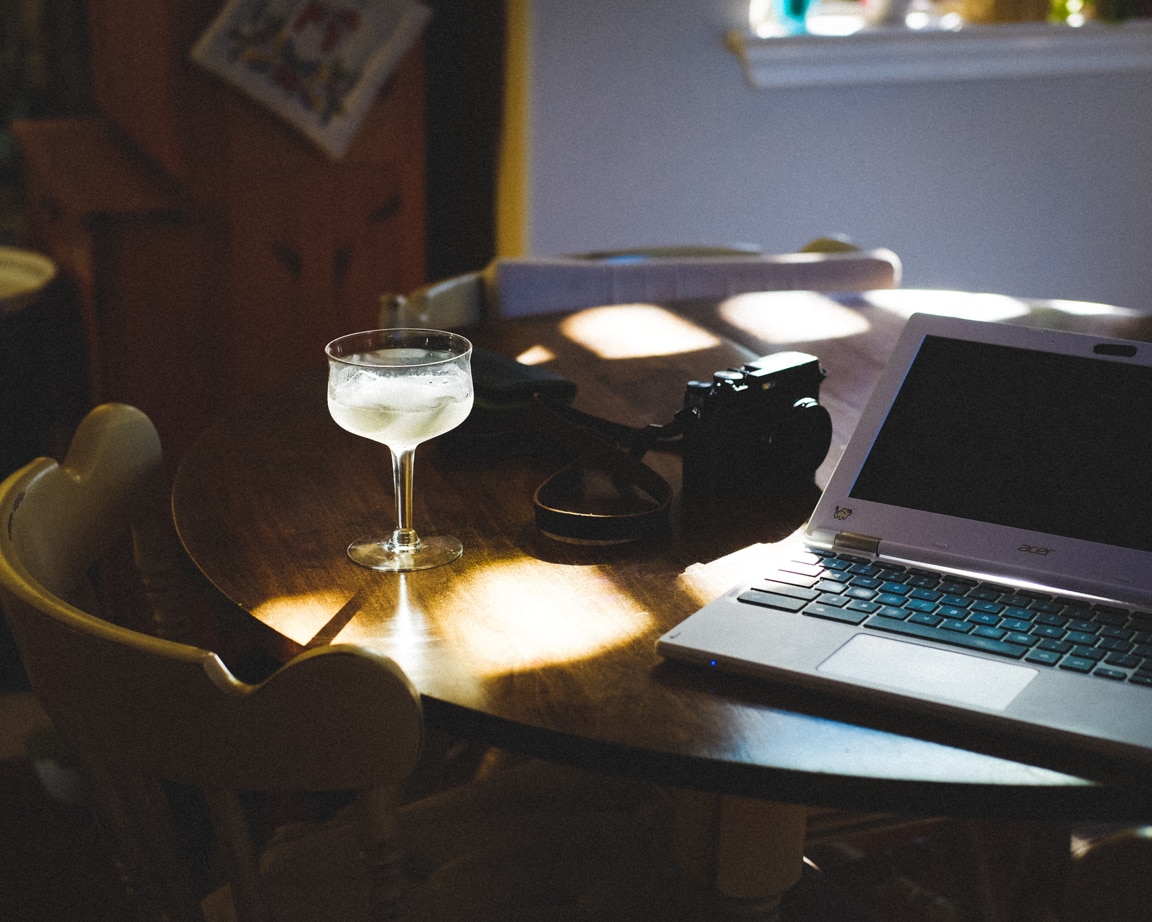
Modern Still Life

"Modern Still Life" Cedar Park, 2016
Photo info: FUJIFILM X-T10, 35mm, f/2.5, 1/240 sec, ISO400
“Modern Still Life” Cedar Park, 2016

こんばんは!How was your Saturday?

Today’s photo is of our breakfast table, and the afternoon light coming in. I thought it looked nice the way the margarita was illuminated.

I like taking photos like this “still life” because it captures a moment in time… but more than a regular photo does. Of course photographs freeze a single moment, but what I mean is that there are things in this photo that tell more about the way we lived. For instance, if someone looked at this photo 100 years from now, they would see an antique camera, ancient computing device, and some kind of liquid in a fragile container. And that table… is that natural wood?

The photo is a glimpse into a bygone era.

Or, more personally, I like to think that a distant relative would be wondering what their ancestor’s lives were like. Maybe this photo could be something that would shed light on that mystery.

Or, it’s more likely that Mariko and I see this photo in 20 years, and it brings back some memories of our house, and how we used to enjoy our homemade margaritas.

I don’t know if any of this will come to pass, but I like to think that still life photos like this one would hold some value…

Take care!

おやすみなさい

– B Barron Fujimoto


Around the Kitchen

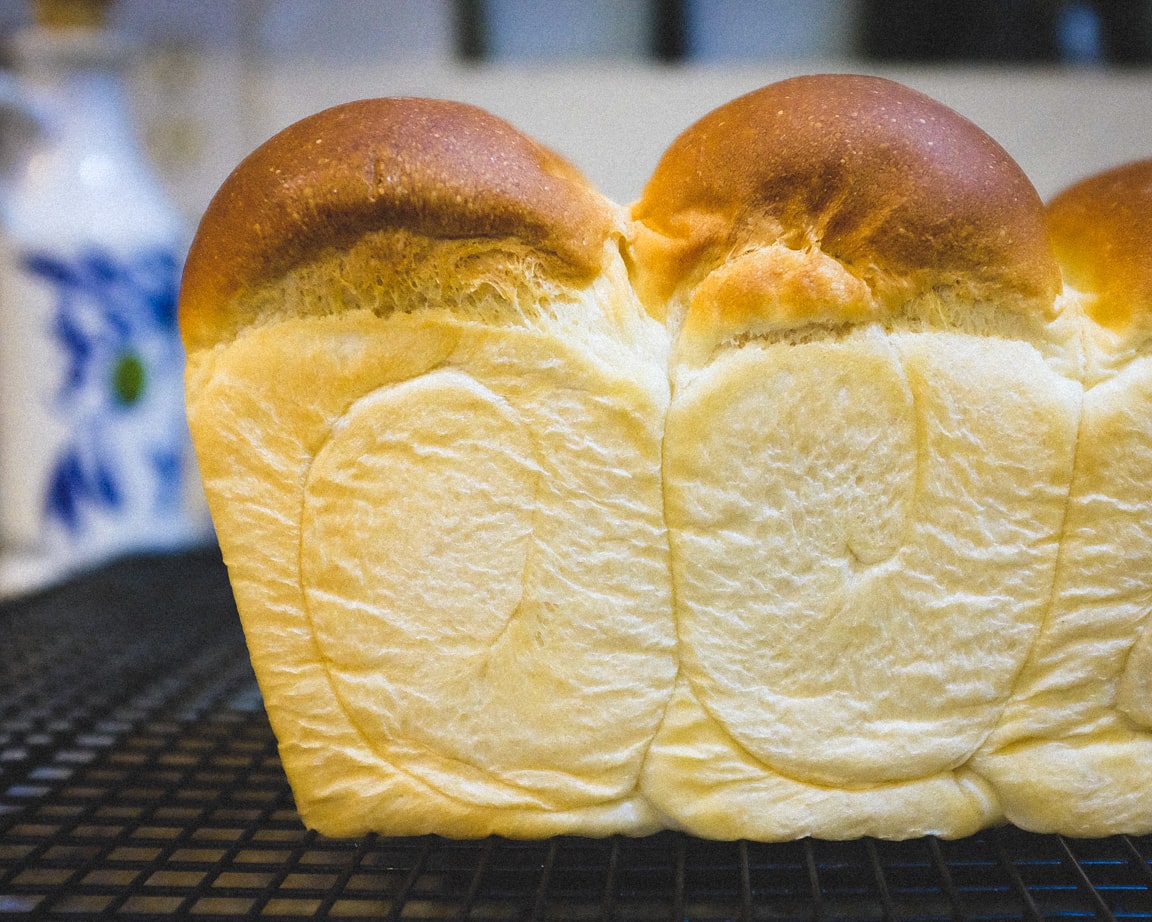
"Fresh Baked Yum" Cedar Park, 2016
Photo info: FUJIFILM X100T, 23mm, f/2.8, 1/125 sec, ISO4000
“Fresh Baked Yum” Cedar Park, 2016

こんばんは!Hi, how’s it going?

At my work, we have a weekly food and/or drink social hour, where the company brings in food and we all eat and hang out. Today there were desserts including giant cookies, brownies, fruit tarts, lemon bars, etc. 🍪 I had to try one of the peanut butter cookies, but I kind of regret it. You see, I don’t eat sweets often, and so my body is ultra-sensitive to sugar, and I’ve also grown accustomed to less-sweet Japanese desserts. 🍡 I don’t know if those are less sweet, or if American desserts are just ultra-sugary, but at any rate I wasn’t feeling so great after eating that cookie. It didn’t help that the cookie was enormous!

Back at home, Mariko was baking a beautiful loaf of bread, and you can see it in the photo above. Pretty, isn’t it? To me, the fresh bread is like a dessert to me! I can eat good bread and butter all day. ❤️🍞

While thinking about my daily photo 📸, I looked around the kitchen to see if there was anything interesting, or something I’d like to capture so that years from now, when we are living far away, we can look back and see part of our everyday lives.

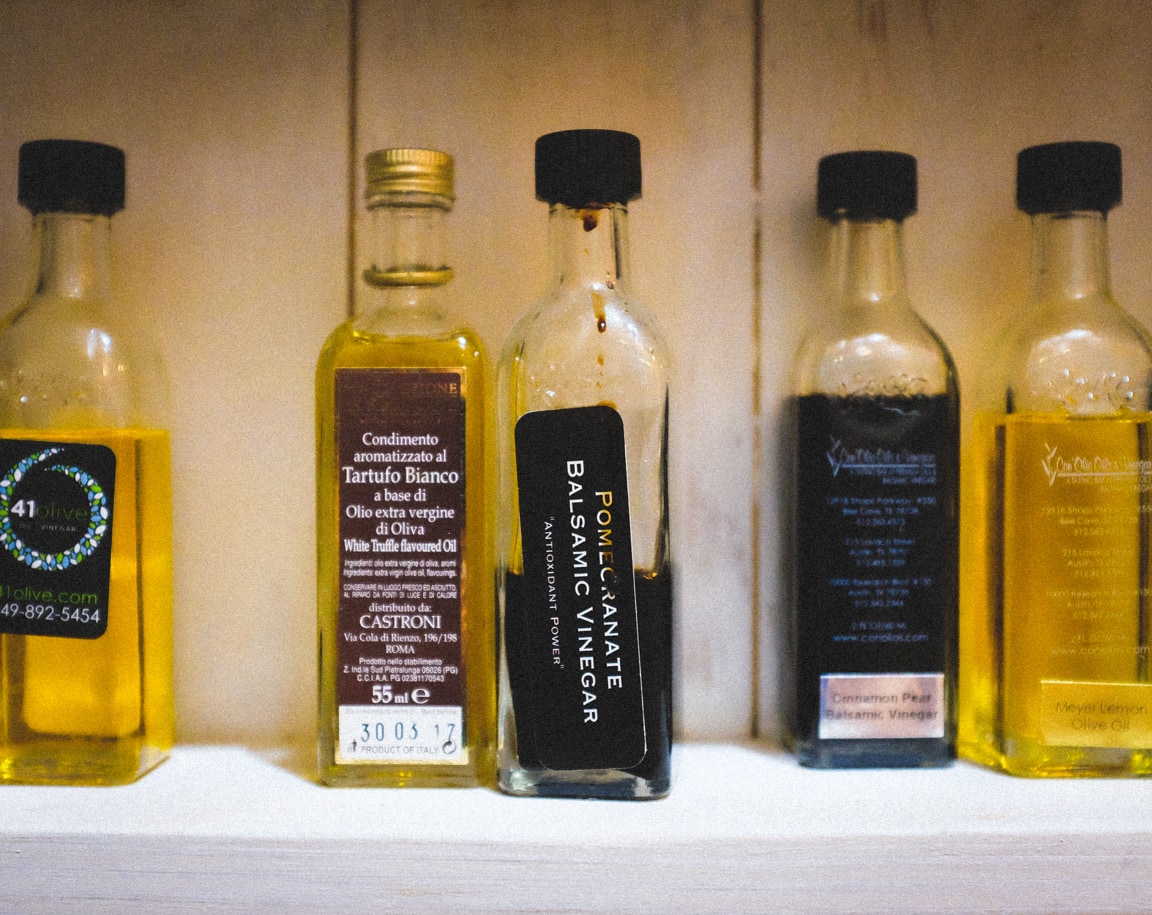
We have many “kitcheny” things in the house, so I took a photo of one of the shelves where we keep some oils and vinegars. In Lightroom I used the same preset that I applied to the bread photo. I really like the “look” of the photos from that preset. That’s one thing I love about Lightroom – the ability to adjust the settings and them save them to custom presets. I think it’s a nice way to develop a photographic style.

"Mad Scientist Supplies" Cedar Park, 2016
Photo info: FUJIFILM X100T, 23mm, f/2.8, 1/90 sec, ISO6400
“Mad Scientist Supplies” Cedar Park, 2016

I hope you had a nice Thursday!

おやすみなさい!

– B Barron Fujimoto

X100T Camera Wishlist

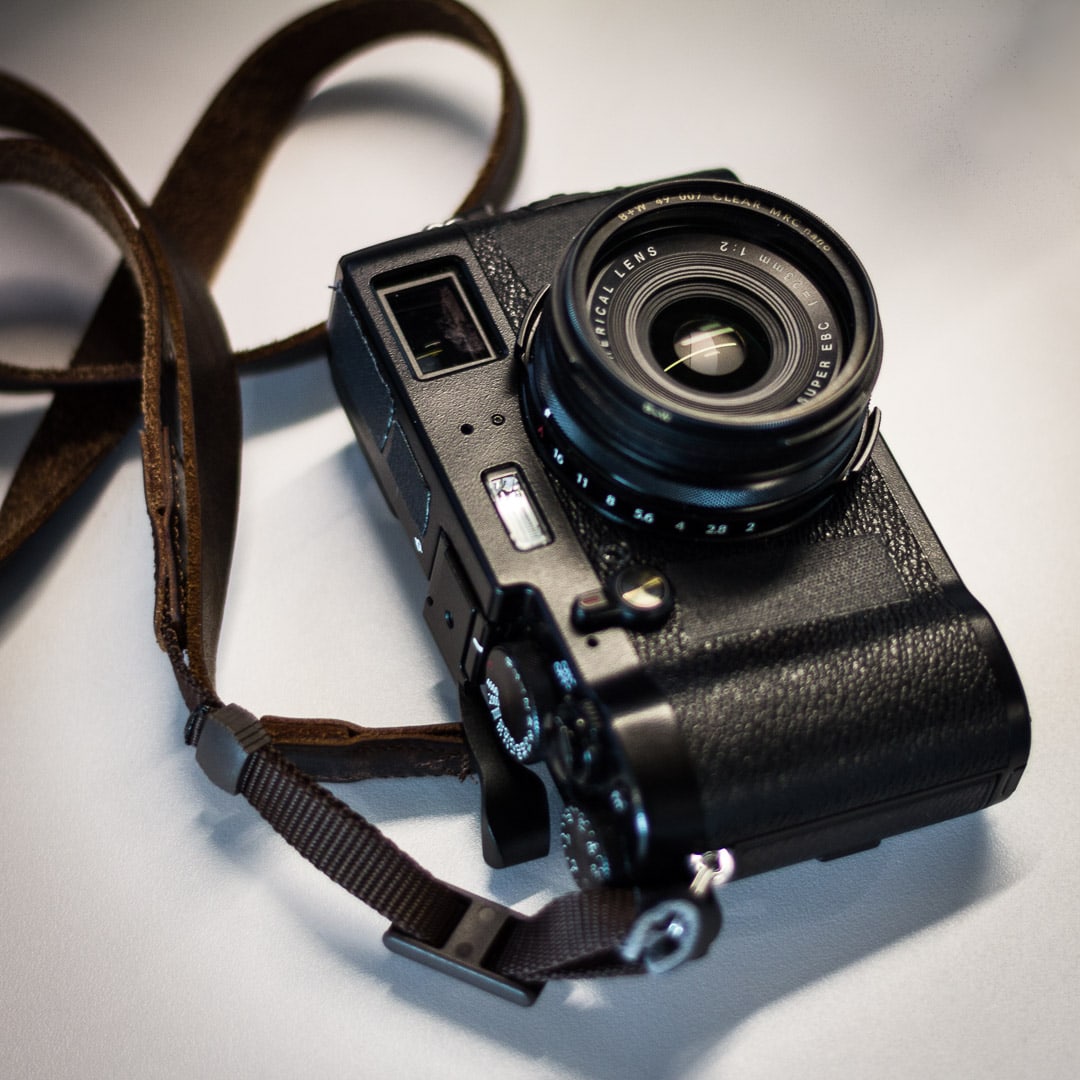
Fujifilm X100T
Photo info: Canon EOS 60D, 50mm, f/1.8, 1/80 sec, ISO400
Fujifilm X100T

My camera of choice, the Fujifilm X100T, has recently been discontinued, which means the new model is on the horizon. The things I love about my X100T are that it is small, simple, lightweight, and the file-sizes are reasonable. It’s perfect for my style of shooting. That being said, there are some things that I wish my camera had… hopefully the next iteration of the X100 series will address these shortcomings:

  • Weather sealing – It would be nice to be able to not worry about a little rain. 🌧 There have been a few times when I’ve had to hide the camera under my jacket.
  • Custom Settings
    • More than 7 –  Even if there were only 7 available in the Q menu, it would be handy to be able to save more than those and then designate which ones are available in the Q menu.
    • Names for Custom settings – Instead of the standard “C1”, “C2”, etc., I’d like to name the settings things like “Work Headshot”, “February Event”, “Snapshots”, etc.
    • Save image size in Custom settings – For the aforementioned “Snapshots” custom setting, I’d like to switch the image size to Small, 1:1, so I’d be able to capture super-lightweight files quickly.
  • GPS – I love to see the photos on the map 🗺 in Lightroom and Flickr. But another great reason for having GPS in-camera is that your date/time settings are always correct. 🕗

These improvements are relatively minor, and the X100T is still an excellent camera. 📷 Just a few more tweaks, and it would be perfect!

Printing

"September Printed" Cedar Park, 2016
Photo info: FUJIFILM X-T10, 35mm, f/2.8, 1/60 sec, ISO1000
“September Printed” Cedar Park, 2016

こんばんは!How’s it going?

Today I made nine prints using my Fujifilm Instax SP-1 printer, from the photos that I took during the month of September. I quickly scanned through the month’s 406 photos in Lightroom, cropping the photos to the proportion of Instax prints (approximately 62mm x 46mm), then saving them to Dropbox. Next I accessed them on my smartphone, connected to the Instax printer, and printed them using the Instax Share app,

I love how the instant film prints look. Although I also have a photo printer and enjoy making prints from that, the instant film has a special look and charm that can’t be replicated in other mediums. And I can’t wait for the new square Fujifilm Instax format to come out… it should be close to the original Polaroid look.

I think it’s a good thing to make prints, as it gives the images an extra dimension (literally) and seeing a picture that reflects light is a lot different than seeing a backlit image like on a cellphone or monitor. That physicality gives the image a real place in the world, and not just limited to a bunch of data stored on a hard drive or in the cloud.

Anyways, I hope you all make prints of your photos!

おやすみなさい!

– B Barron Fujimoto