Clouds and My Post-Processing

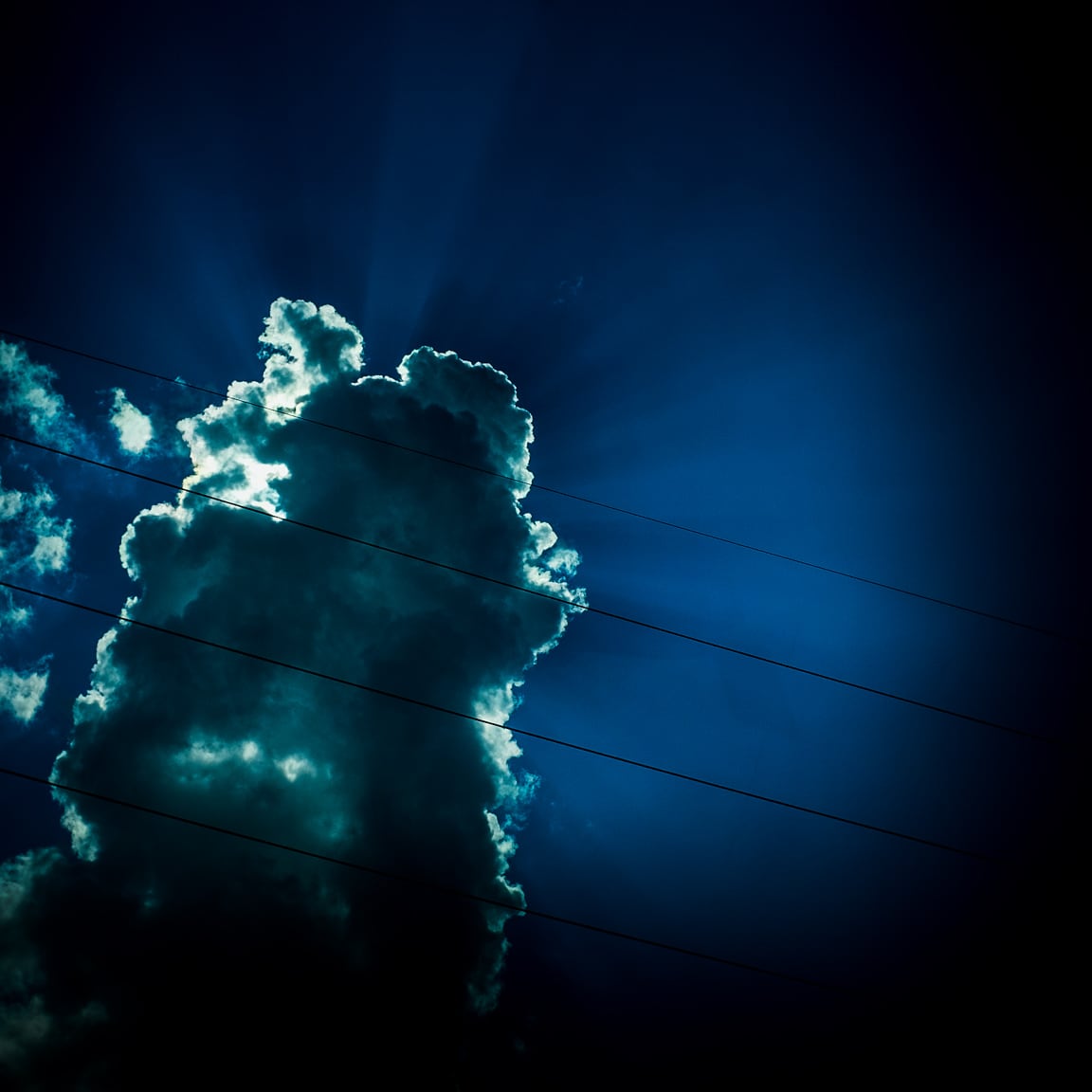
"Cloud" Austin, 2016
Photo info: FUJIFILM X100T, 23mm, f/10, 1/1100 sec, ISO200
“Cloud” Austin, 2016

こんばんは!

For the past week or so, we’ve been fortunate to have some amazing-looking clouds in the skies here above Austin. ☁️☁️☁️ And of course, I’ve been taking many pictures of them!

The photo above was taken from my car while I was on my way home from work. (Don’t worry, I was stopped at the light) The sky was very bright, with the sun behind the cloud, but the camera was able to capture most of the details. I keep the exposure compensation dial set to underexpose by 1/3 to 2/3 of a stop because I would rather keep my highlights intact and don’t worry about clipping the shadows. In fact, during post-processing, I will often let the left-side of the histogram go full black. I guess I like that high-contrast, richness on the darker side.

As you can see, the image is not very realistic, but I am not really going for capturing reality. I love that there is so much detail in the center of the clouds which you really cannot see with the naked eye. Why not bring it out in the photo? Of course the photo started off as a picture of a real cloud, but I’ve edited it into a version of the cloud as I would like to see it.

There is has been a lot of discussion in the photo blogosphere about Steve McCurry photoshopping his images, with some people feeling betrayed or tricked because of the edits. But I am not bothered by the photo manipulation. If you are creating art, then go for it! If you are documenting real-life, then don’t edit. That’s fine too. But be honest and don’t deceive people. If someone asks me if my photo has been edited, I’m more than happy to explain exactly what I edited. That’s part of the process.

Even as I take photos of everyday life, I will do some amount of editing. That happens before I even press the shutter button since I have already chosen my film simulation and highlight, shadow, and sharpness settings.

For my post-processing in Lightroom (version 5x), here are the steps I typically follow:

  1. Level and/or “upright” – I will use the level tool in the cropping area to make sure horizons are level, and for architectural photos, I’ll use the Upright tool in the Lens Correction section. I didn’t do this step for the cloud photo, however.
  2. Crop – My preferred aspect ratio these days is 4×5, but this photo was taken square in-camera.
  3. Remove dust, distracting smudges, or dirt – Spot removal tool. I didn’t need to for this photo.
  4. Adjust white balance – Using the eyedropper as a start. Typically only needed for indoor shots.
  5. Adjust tone-curve – I have saved a preset, a gentle S-curve, which adds contrast.
  6. Tweak the exposure – Exposure, highlights, shadows, whites, and blacks sliders.
  7. Adjust color – Vibrance, saturation, HSL. For this image, I brought the saturation down a bit.
  8. Add grain and/or a vignette – Just a vignette for this image, albeit a strong one. I used a combination of Vignette in the Effects section, and then a few graduated filters with lower exposure.
  9. Export – Resizing and saving for blog, Flickr, and Instagram.

Nine steps looks like a lot, but I can usually get through them in less than 3 minutes. I try to spend as little time in Lightroom as possible!

Well, this blog post kind of grew, didn’t it? 😝

I hope you had a nice Wednesday, and let’s have a great Thursday!

おやすみなさい! – B Barron Fujimoto

High in the sky

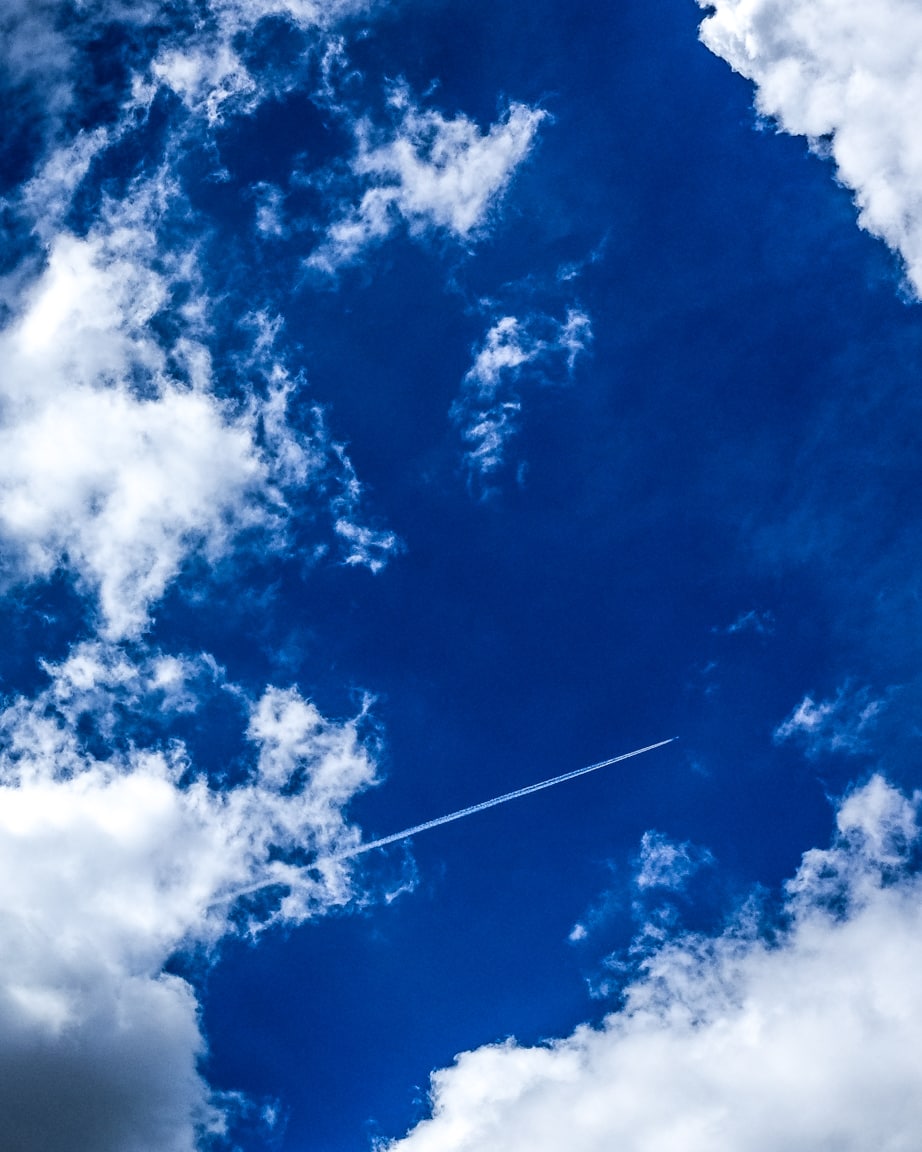
"Blue Skies" Cedar Park, 2016
Photo info: FUJIFILM X100T, 23mm, f/7.1, 1/2700 sec, ISO200
“Blue Skies” Cedar Park, 2016

Summer traveling will be starting for many people. Safe journeys everyone!

I took this photo at the elementary school athletic field. My son, Koa, and I went there to throw the baseball and enjoy the outdoors. The clouds had been so interesting for the past few days so I was planning on getting a couple nice photos of them, and when this plane flew by, I snapped one of it between the clouds. I adjusted the exposure levels and color a bit in Lightroom, and also bumped up the clarity.

Friday!

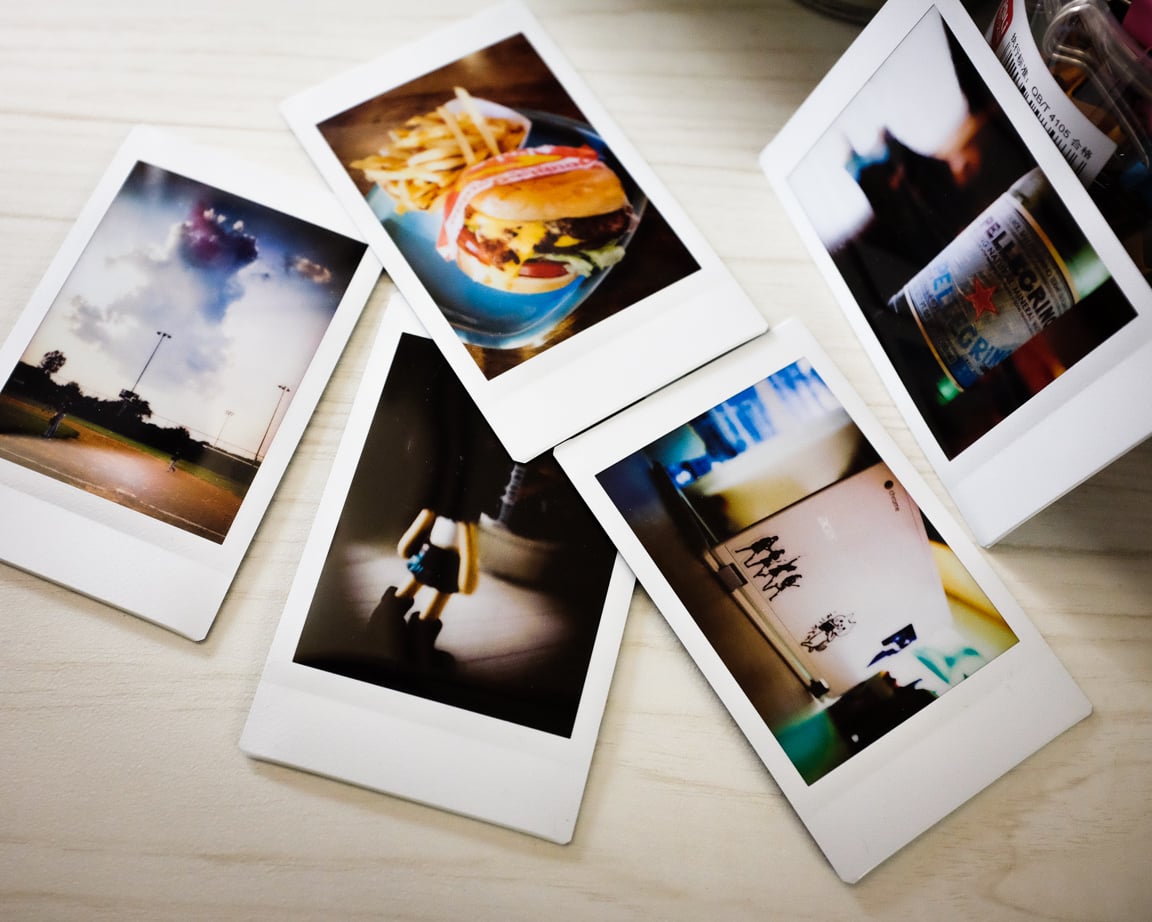
"Friday Prints" Cedar Park, 2016
Photo info: FUJIFILM X100T, 23mm, f/4, 1/80 sec, ISO3200
“Friday Prints” Cedar Park, 2016

こんばんは! How’s it going?

As I type this, on a Friday night, the rain is coming down hard outside. ☔⚡ It is so loud! I know people are worried about the flooding, and tonight my be a nightmare for those who live by the rivers… Our house is not in any danger, but I just hope tomorrow is not rainy because the X-Games events start in the morning.

Today’s photo is of the Instax prints that I made this week. Most are very recent, you might recognize them from the photos I post here and/or on Instagram. I love printing the photos out… it is very different from just viewing photos online – it’s way more fun to look closely at the images, and then the instant film color is so interesting too.

I know I mentioned that I would only take black & white photos this month, but yeah, that’s just not gonna happen. Maybe another time, I’ll try to stick with it for a week. But I do love color too much!

I hope you had a nice Friday. Stay dry wherever you are!

おやすみなさい!

– B Barron Fujimoto

Low energy

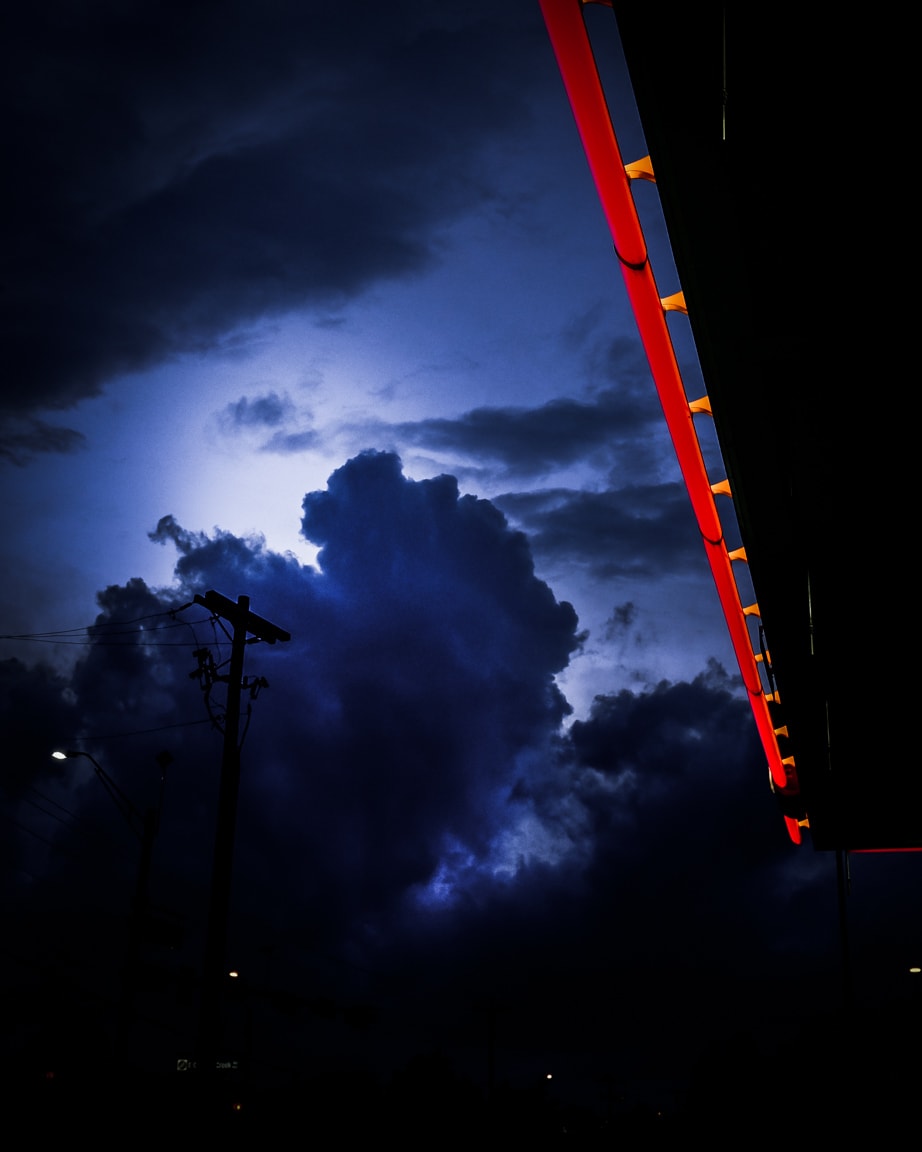
"Ominous Sky" Cedar Park, 2016
Photo info: FUJIFILM X100T, 23mm, f/6.4, 1/100 sec, ISO2000
“Ominous Sky” Cedar Park, 2016

こんばんは! Good evening, I’m running on empty at the moment… no energy! So I’ll just leave you with a couple photos of the skies this evening. Stormy days, but interesting clouds when it’s not raining.

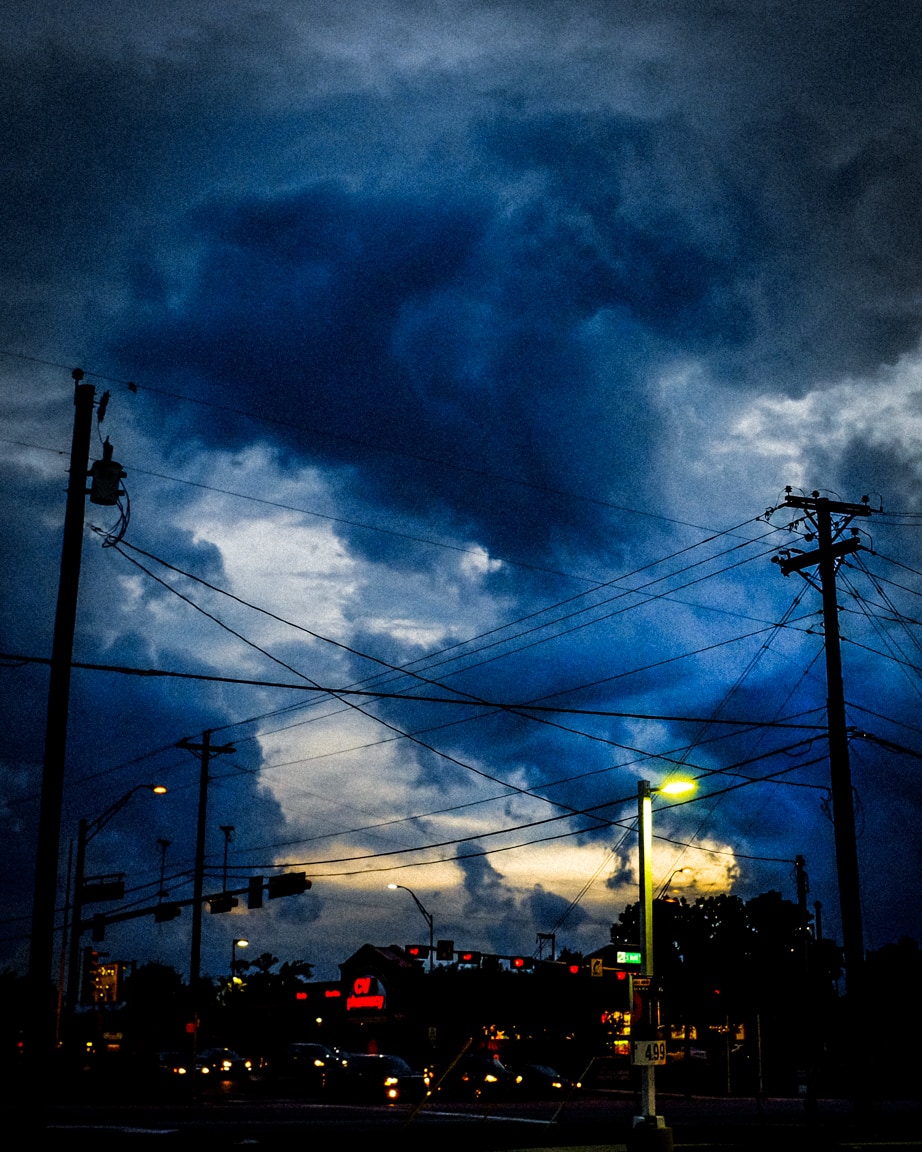
"Dramatic Dusk" Cedar Park, 2016
Photo info: FUJIFILM X100T, 23mm, f/6.4, 1/100 sec, ISO2500
“Dramatic Dusk” Cedar Park, 2016

The first photo is a smooth, clean, “digital look”; the second photo has a more analogue, grainy, “film look” to it. Both were started from Fujifilm X100T JPGs using the Velvia film simulation, and then edited a bit in Lightroom.

おやすみなさい! See you tomorrow!

– B Barron Fujimoto

End of May

"Instax Mariko" Cedar Park, 2016
Photo info: FUJIFILM X100T, 23mm, f/2.5, 1/60 sec, ISO1250
“Instax Mariko” Cedar Park, 2016

こんばんは! Hello, how’s it going on this last day of May?

If you are in Texas, are you staying out of the rain? ☔ It’s been too wet lately. I am ready for the summer sun!

The rain caused a huge traffic delay this evening as I left work. My new building is in an office park, and my usual route takes me through the park on a small road to the far exit and onto a main road. On a normal day, it only takes about five minutes to exit the office park. But today because of the rain, it took about 45 minutes! It was crazy… Oh well. Next time I will see if I can check the traffic conditions online before heading out.

Another thing about this year’s rain is that there seem to be a lot more mosquitoes in the air. And they often make it into the house. I guess when we let Lani in from the backyard, some bugs slip in even though we try to close the door as soon as possible. However, I don’t worry as much about itchy mosquito bites now that I use the hot spoon technique. I love it!

Still, the war on household mosquitoes goes on every day… fight!

"Fight" Cedar Park, 2016
Photo info: FUJIFILM X100T, 23mm, f/5.6, 1/80 sec, ISO3200
“Fight” Cedar Park, 2016

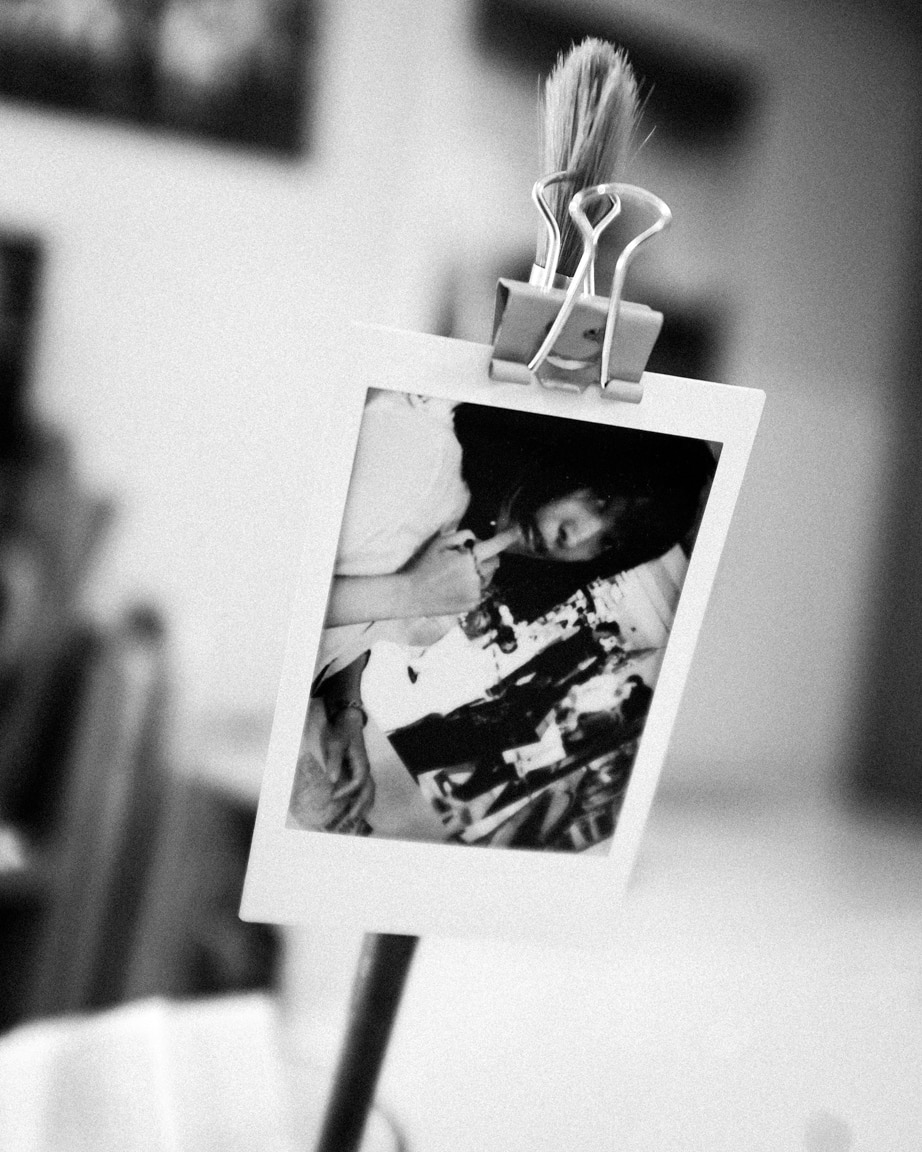
Tonight after finishing work, I printed five Instax prints. I just love that little printer and the instant film format… so fun! The photo at the top of this post in an older Instax print of Mariko. I have a smiley-face clip attached to it, and that hangs from a paintbrush.

I hope you had a nice Tuesday. See you tomorrow!

おやすみなさい!

– B Barron Fujimoto

A scene

"Alice & Cheshire Cat" Cedar Park, 2016
Photo info: FUJIFILM X100T, 23mm, f/2.2, 1/100 sec, ISO2500
“Alice & Cheshire Cat” Cedar Park, 2016

こんばんは! Hello, how’s it going?

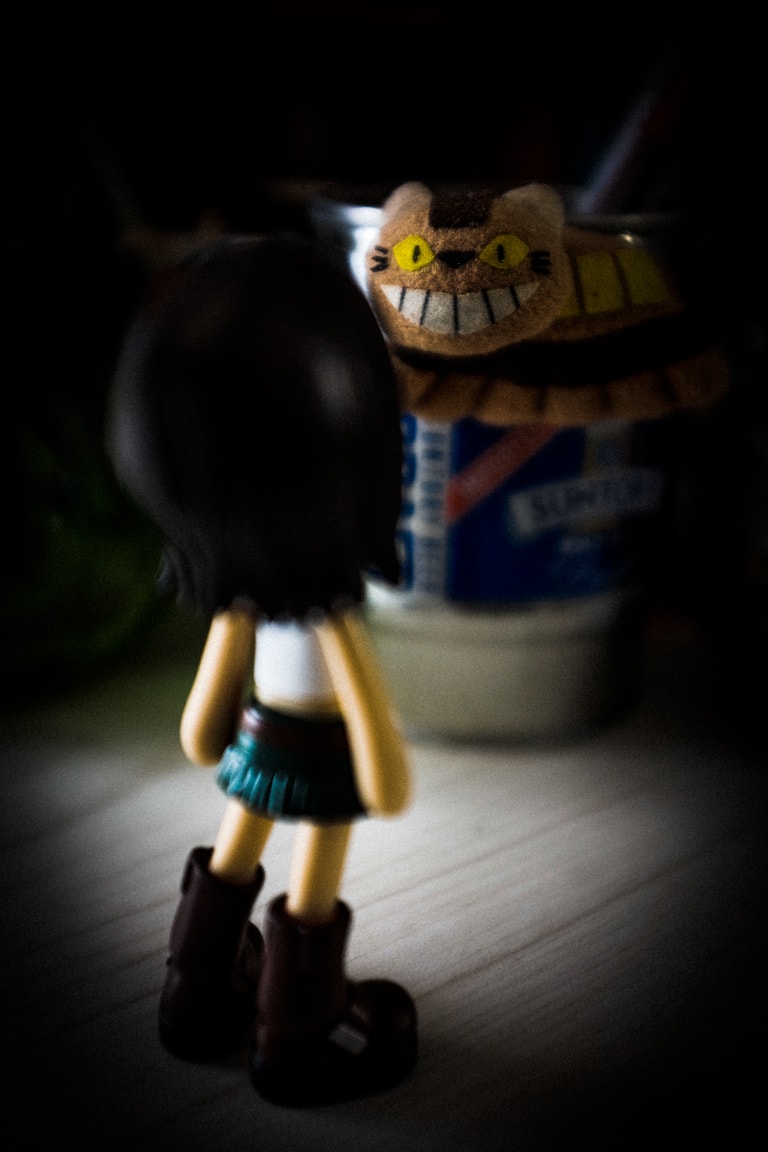
So, today’s photo is a little scene I created from stuff that is on my desk in the home office. It looks like a scene out of Alice and Wonderland, doesn’t it? But you probably recognize the cat as the catbus from “My Neighbor Totoro”. This particular catbus is a little fridge magnet, but I have it attached to an old Suntory beer can, which I have had for 25 year or so.

I took a few different pics of this scene, some in black and white, but I thought the color version looked better. I used the Fujifilm “Classic Chrome” film simulation, with no extra in-camera adjustments, but in Lightroom I applied the same presets as my previous photos, and I kept the original crop. I love the Classic Chrome colors… they look so cool! The Fujifilm film simulations are so beautiful… Velvia is awesome, Provia is good all-around, and of course the black and white simulations are so versatile. I think the simulations are my favorite feature of the Fujifilm cameras.

You know, it’s fun to set up little scenes like this photo although I rarely do it. I guess because I don’t have too many toys and also probably because I lack that type of creativity. Or maybe I am just lazy! At any rate, I hope you enjoy the photo. 😄

おやすみなさい!

– B Barron Fujimoto

Homework time

"The Hermit of Homework" Cedar Park, 2016
Photo info: FUJIFILM X100T, 23mm, f/2.8, 1/60 sec, ISO1250
“The Hermit of Homework” Cedar Park, 2016

こんばんは! Hello! How’s it going?

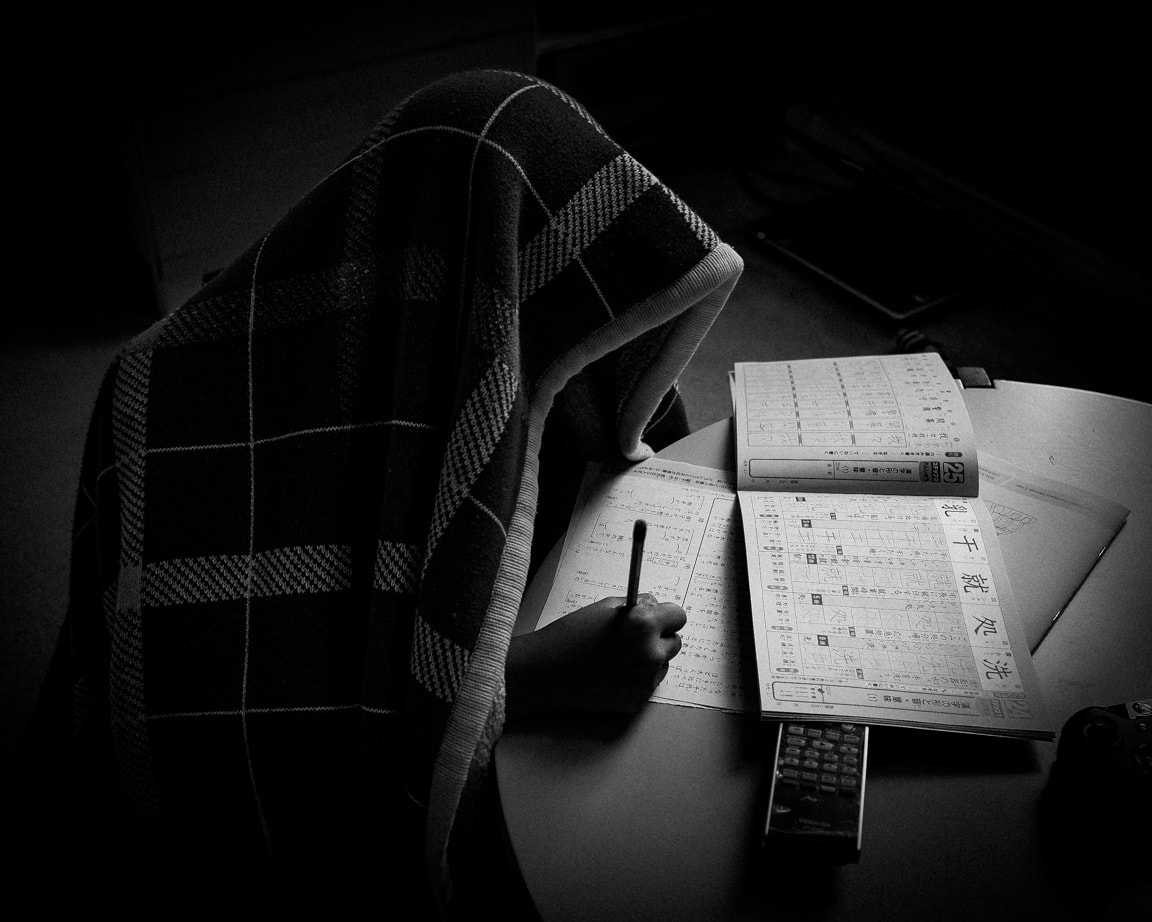
There’s not a whole lot going on today, so I’ll just talk a little about the photo above. It’s of my son Koa working on his Japanese homework, while wearing a blanket over his head. He actually reminds me of a Jedi, or maybe Yoda. I took this photo using Fujifilm’s black and white + yellow filter film simulation, +2 shadows, -1/3 exposure, and dropped the exposure even more in Lightroom, added a strong vignette, adjusted curves a bit, added some grain, and cropped 4×5. I liked the look of this one, so I saved the settings to a pre-set, which I applied to the photo below. I think it came out nicely!

"Kitty!" Cedar Park, 2016
Photo info: FUJIFILM X100T, 23mm, f/2.8, 1/550 sec, ISO800
“Kitty!” Cedar Park, 2016

I might have found a nice black and white look that I’ll see if I can replicate in the future.

I hope you had a nice day, and I’ll see you tomorrow!

おやすみなさい!

– B Barron Fujimoto