Photo info: SONY SLT-A77V, 35mm, f/2.8, 1/30 sec, ISO800 “USB Charging” Cedar Park, 2016
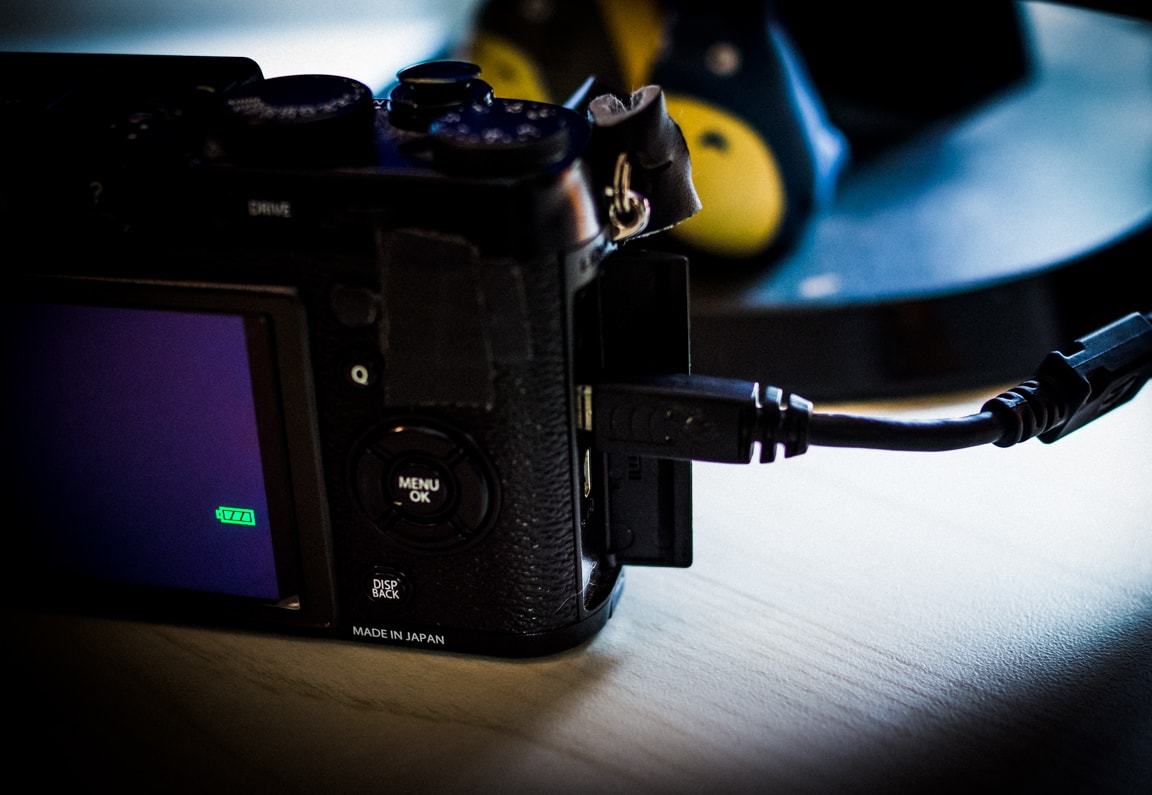
One of the top features of my Fujifilm X100T 📷 is the ability to charge the battery via USB. Just like a smartphone, I can plug in a simple micro-USB cable and the battery charges.
This simple feature is wonderful. It fits into my daily workflow seamlessly – so much so that I rarely even think about charging anymore!
In the evening, I’ll connect the camera to my computer using the USB cable so I can import the photos into Lightroom. I then do my editing, and after that, I flip the power button on the camera to Off. If the charging light stays lit, I will leave it plugged in to charge. 90% of the time, though, the battery will have topped off during the time I imported and post-processed my daily photo. Convenient, isn’t it?
FYI, the camera did come with an external battery charger, but I haven’t used it in months. It’s so nice to not have to keep a charger around, or pop out the battery to charge it. Anything to simplify processes is a good thing! 😄
Photo info: FUJIFILM X100T, 23mm, f/4, 1/80 sec, ISO3200 “Home Setup” Cedar Park, 2016
こんばんは!How’s it going?
Today was a “work-at-home”, or WAH, day for me. (I love that… WAHHH!! 😭) I bring my work laptop 💻 home and usually just use that do work on, but if I have to use any Adobe products, I’ll move stuff over via Dropbox and work on my home desktop computer 🖥 so I can take advantage of the big monitor.
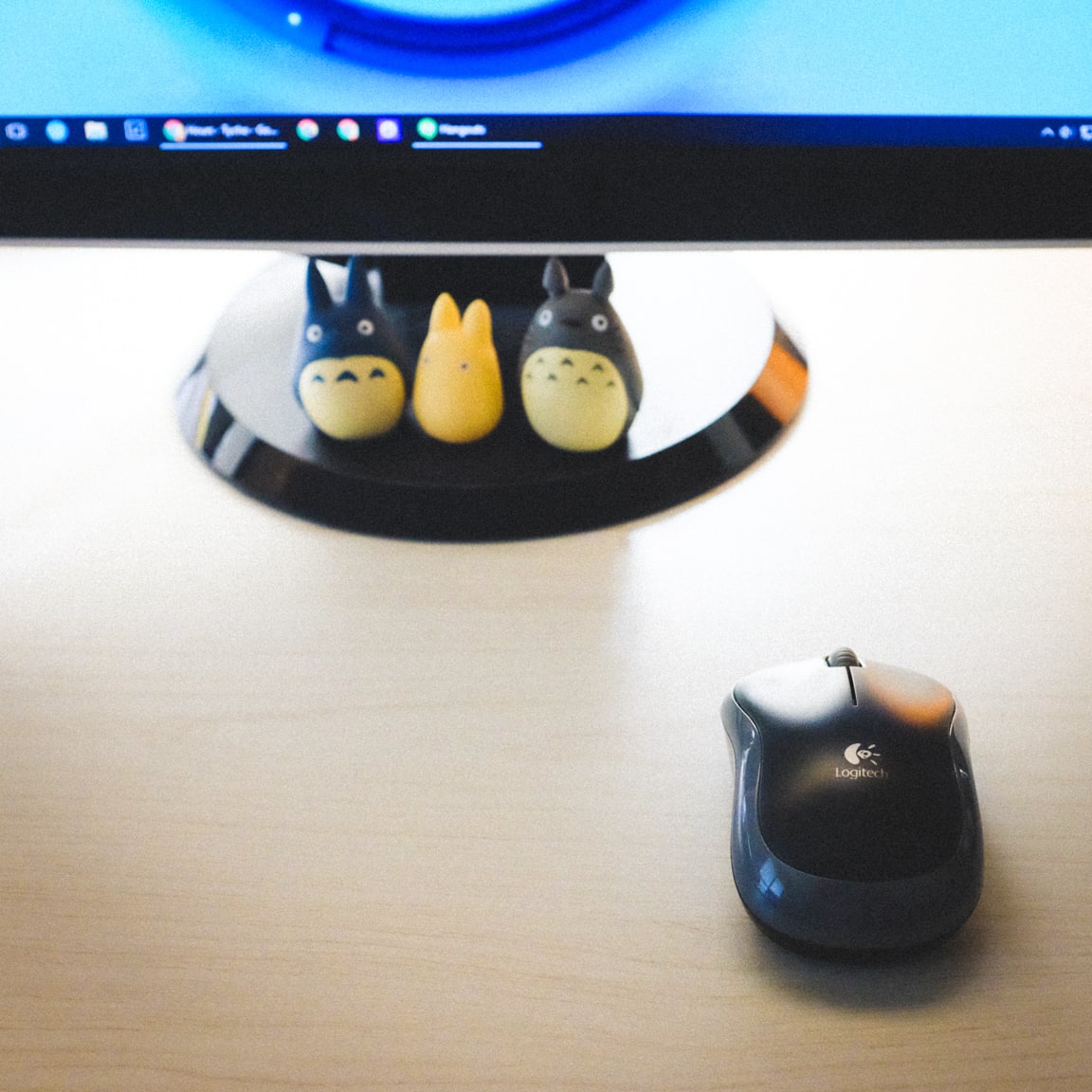
For a few months now, I’ve been using a wireless mouse 🖱 from Logitech and it is wonderful! I resisted switching from wired to wireless for a long time because I thought I would be changing batteries all the time and the wireless signal would be glitchy. But that is not the case at all.
I LOVE the fact that without the wire, I can pretty much position the mouse anywhere on the table with ease. This helps out a lot when the cats decide to sit in front of the monitor, where the mouse usually lives. Cat.. mouse.. funny huh? 😺 🐭
Anyways, the other benefit of the wireless mouse is that it reduces the clutter on my desk. I don’t have to look at that ugly black wire against the clean white desktop. It’s so tidy now!! 😀
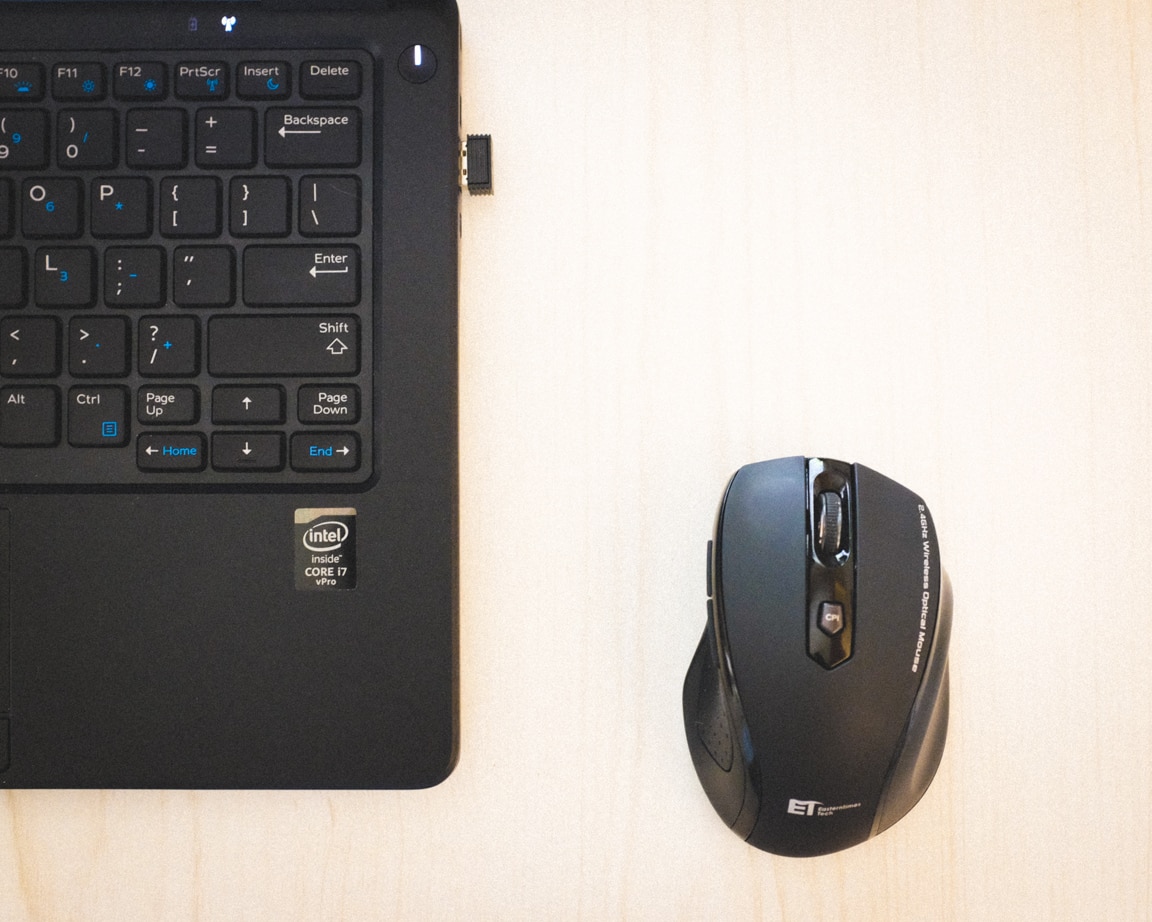
Just last week I decided to get a wireless mouse for my work computer as well, so I ordered a cheap mouse from Amazon. It was only $10, but the reviews were very good so I didn’t hesitate in purchasing it. I’m completely satisfied with this mouse and am wondering why I didn’t do it earlier. It’s just one of those questions that will never be answered I guess. 😂
Photo info: FUJIFILM X100T, 23mm, f/4, 1/20 sec, ISO3200 “Work Setup” Cedar Park, 2016
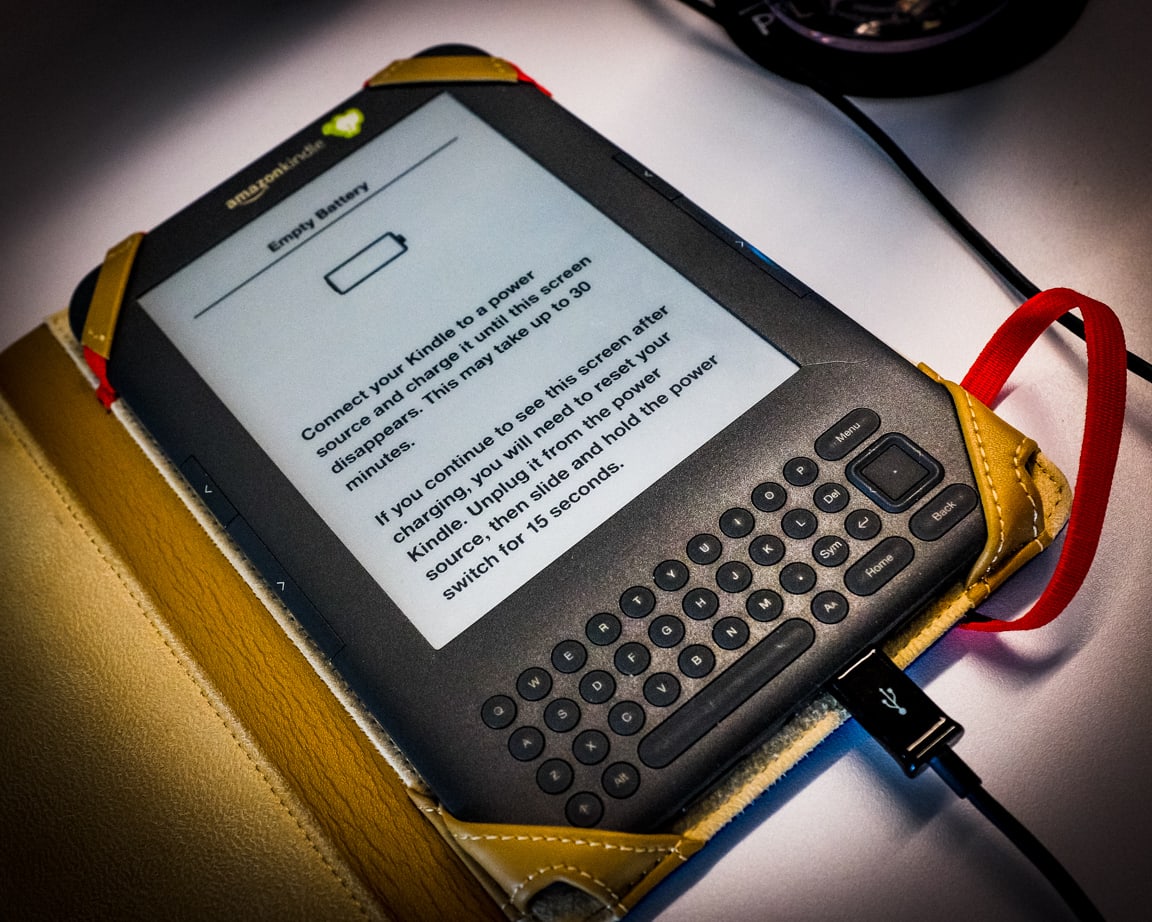
Today I opened up my Kindle and saw the message that you see in the photo above. It was surprising to me because it was the first time my Kindle’s battery has dropped low enough to see that warning. I love my Kindle so much because the battery lasts so long between charges and it doesn’t give me any battery anxiety. Electronics that don’t need to be charged so often, like my Kindle, my Chromebook, and my Sansa MP3 player, are the best! So the message in the photo was a shock to me. I hope it doesn’t mean the battery is close to the end… 😔 But, I wouldn’t mind getting a new Kindle Paperwhite. I would love a backlit e-reader.
I hope you had a good day! Try to stay cool out there.
Photo info: FUJIFILM X100T, 23mm, f/2.5, 1/50 sec, ISO6400 “Waterfall Position” Cedar Park, 2016
こんばんは!Hello, how’s it going?
Tonight I spent a couple hours working on this blog, specifically the tagging of posts. I read a couple articles about different ways to tag, or rather, different philosophies and how to use categories and tags, but most seem to apply more towards commercial blogs, and not the traditional personal web log.
I’m not sure how I am going to organize the categories, since it seems like everything can go into just a few main groupings. That’s if I use the categories like a main site navigation. Which I am leaning towards doing, then using tags to group blog posts.
Ever since I started blogging daily, it has changed my way of thinking about this blog. How do I categorize those daily posts? At the moment, they are in a “Slice of Life” category… but this whole blog has turned into a “Slice of Life” vehicle… Occasionally I will have a movie, or product review, but these seem to be grouped in with the daily posts. However, some are stand-alone. This seems weird… I don’t like putting blog posts in multiple categories, but I kind of need to if I put different subjects into a daily post (which I like to do).
So… maybe the solution is in tagging. I’m thinking that may be the way to go… converting some of the categories into tags, and eventually the categories can just be down to one (which means I don’t need to call them categories). I will just have the blog posts, and then pages.
I guess that’s kind of back to an earlier, purer way of personal blogging, right?
It’s fun to think about! (I’m weird like that)
So, the blog work continues.
Today’s photo is of Anko, who, like many kittens, finds odd positions to sleep in. The one above is called “Waterfall Position” since it looks like she is headed down the falls! I used my normal Fujifilm black and white + yellow filter film simulation, then adjusted the tone curve, added grain, and slight vignette in Lightroom.
I hope you have a nice evening!
おやすみなさい! – B
** UPDATE **
I’ve removed the categories from the menus and sidebars, and made the tags more prominent!
Like this:
LikeLoading...
My camera & photos
I use a Fujifilm X-series camera for most of the photos on this site and my Instagram. Why not pick one up for yourself?